Remove Audio from a Video
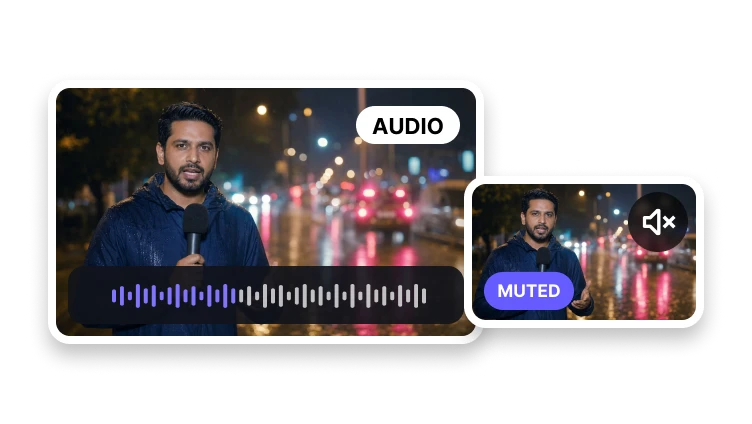
Keep the picture and prepare a silent version without an audio track.
Upload a video to mute
MP4, MOV, WebM, or M4V · up to 500 MB
Keep the picture and prepare a silent version without an audio track.
MP4, MOV, WebM, or M4V · up to 500 MB
Silent video
Confirm the source and create a clean muted copy.
Preview the source you want to mute.
Choose the video format and quality behavior.
Create and download the silent video.
Technical anatomy
The central expectation is that the picture and timing remain intact.
If VisionStory re-encodes video while removing audio, the page must not claim the picture is unchanged or lossless.
Confirm the live controls, accepted inputs, and output behavior before turning this remove audio from video explanation into a product promise.
Verify audio-stream removal and retained video from actual source and output properties.
Problem diagnosis
A full editor is the appropriate path when the sound should be replaced, mixed, faded, or synchronized with a new track.
Owns silent-video output and audio-stream removal. It must not target soundtrack extraction, audio replacement, volume adjustment, or video compression.
Preserve the source whenever audio-stream removal and retained video remains unverified.
Verification method
Play the entire output as a secondary check, but do not use listening alone as proof that the stream was removed.
Audio-stream count; video stream behavior; before/after media reports; subtitle/data-track handling; playback check; product version.
Document failures and unsupported cases affecting audio-stream removal and retained video.
Track removal
The visual track remains the center of the result.
Prepare an output with no audible soundtrack.
Keep the selected picture intact.
Use a common output format for publishing.
The goal is to remove the audio track while preserving the video image.