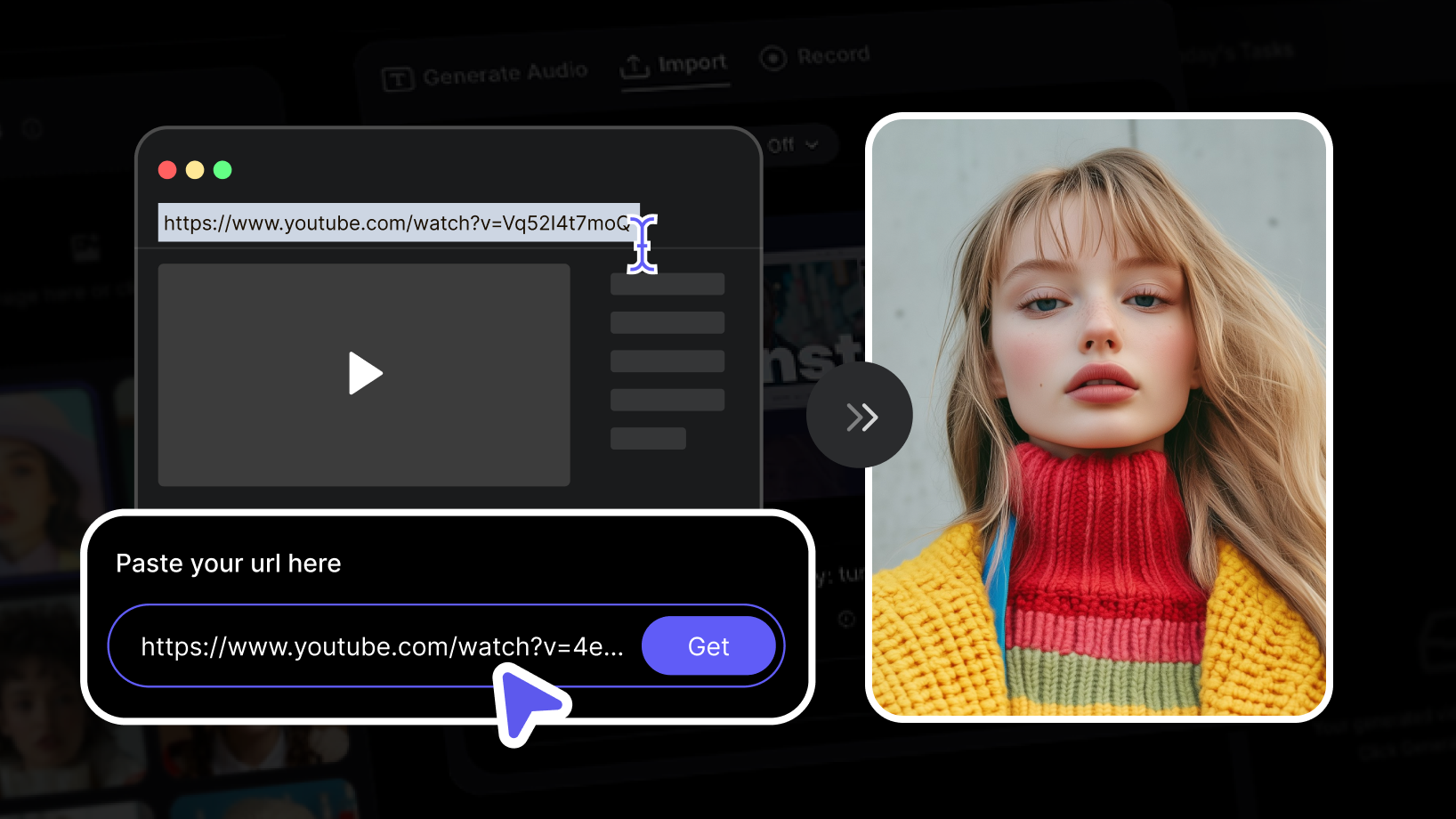
Found a YouTube or TikTok clip with audio you want to reuse? With VisionStory you can turn that link into a brand-new AI talking video—no downloading, no file converting, and no editing software required. VisionStory’s URL Import feature pulls the audio straight out of a video link, then pairs it with a lifelike AI avatar that lip-syncs every word. This step-by-step guide shows you exactly how to go from a YouTube link to a finished AI video in minutes.
What URL Import Actually Does
Before you start, it helps to know what happens under the hood. When you paste a video link, VisionStory does not copy the original footage—it extracts the audio from that YouTube or TikTok URL. You then attach that audio to an AI avatar of your choice, and VisionStory generates a talking video where the avatar speaks the imported audio with natural lip-sync, facial expressions, and head movement. In short: a link goes in, an AI video comes out.
Step-by-Step: Turn a Video Link Into an AI Video
Step 1: Copy the video link
Open the YouTube or TikTok video you want to use and copy its URL. On YouTube, use the Share button or grab the address straight from your browser’s address bar. On TikTok, tap Share and choose Copy link. Any public YouTube or TikTok link will work.
Step 2: Paste the link into VisionStory’s URL Import
In VisionStory, find the URL Import option and paste your copied link into the input field. There is nothing to download or convert—VisionStory reads the link directly and gets to work.
Step 3: Let VisionStory extract the audio
Once you submit the link, VisionStory automatically analyzes it and pulls the audio for you. Within moments the extracted audio is ready to use as the voice track for your AI video—no manual file handling on your end.
Step 4: Clean up and customize the audio (optional)
Before you generate, you can refine the imported audio with a few built-in processing options:
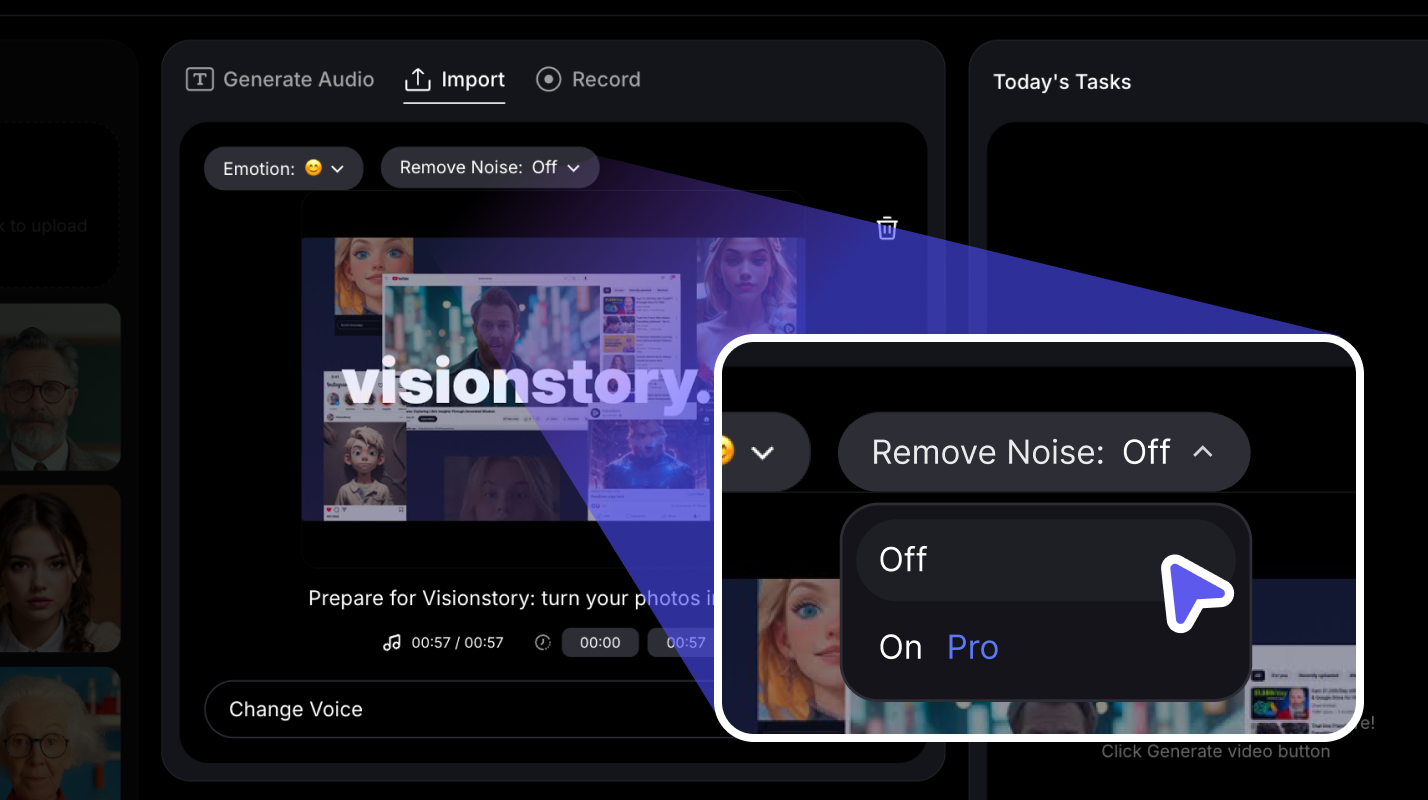
- Noise removal: Toggle this on to isolate clear speech and cut background distractions—ideal when the original clip is noisy.
- Trimming: Set a start and end point to keep only the segment you need. This is handy for grabbing a single soundbite and for staying within your plan’s video-length limit (for example, cropping a clip down to 180 seconds on the Pro plan).
- Voice changer: Swap the original speaker’s voice for one of VisionStory’s 1,000+ AI voices to match your brand or the mood of your video.
Step 5: Choose or upload your AI avatar
Now pick the face that will deliver the audio. Select an existing AI avatar from your library, choose one of VisionStory’s ready-made presenters, or upload your own portrait photo. VisionStory prepares the image for lip-sync and expressive movement automatically, so it is ready to speak your imported audio.
Step 6: Generate your AI talking video
With your audio and avatar set, generate the video. VisionStory syncs the imported audio to your avatar and renders a polished talking video. Preview the result, then download it to share on social media, drop into a presentation, or publish anywhere else you post content.
Tips for the Best Results
- Start with clear source audio. The cleaner the speech in the original clip, the better your final lip-sync will look—turn on noise removal if the audio is busy.
- Trim before you generate. Cropping to the exact segment you want saves credits and keeps you inside your plan’s length limit.
- Match voice to avatar. If you use the voice changer, pick a voice that fits the personality of the avatar you selected.
- Use public links. URL Import currently supports YouTube and TikTok video links, with more platforms planned for the future.
Start Turning Links Into AI Videos
Turning a YouTube or TikTok link into an AI video takes just a few clicks: copy the link, paste it into URL Import, let VisionStory extract the audio, fine-tune it, choose your avatar, and generate. It is the fastest way to repurpose a trending clip or a favorite quote into a fresh, on-brand talking video. Try VisionStory free and turn your first video link into an AI video today.
