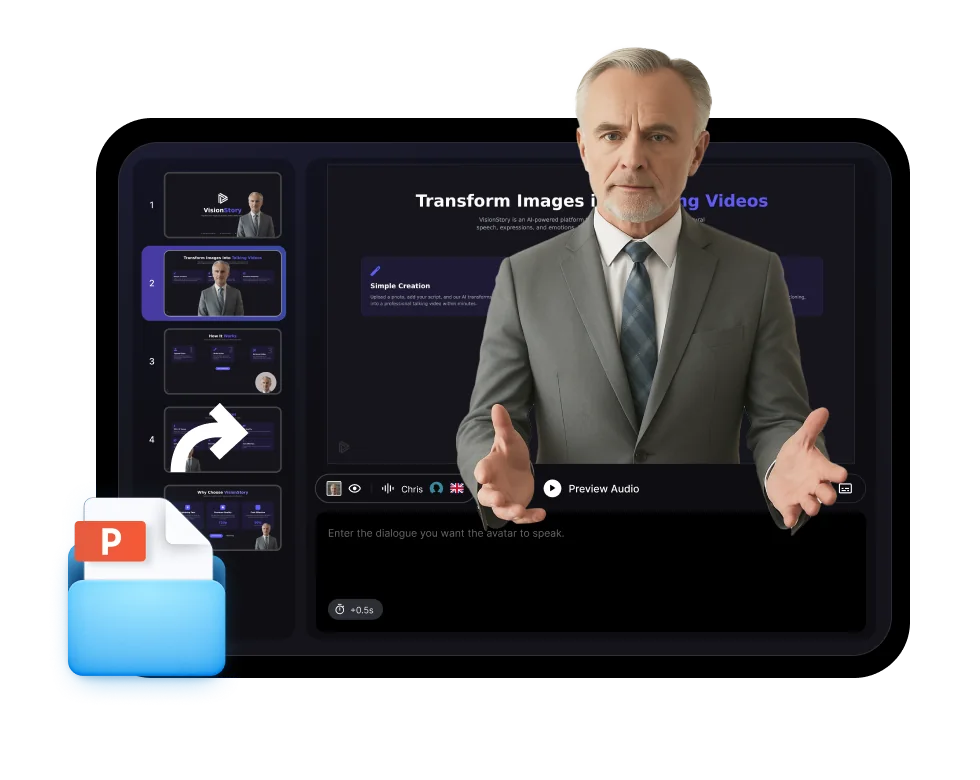
Turn any photo or a ready-made avatar into a lifelike talking video. Add a script, pick from 1,000+ voices, and generate with natural lip-sync — perfect for marketing, training, and social.
1,000+ voices across 100+ languages
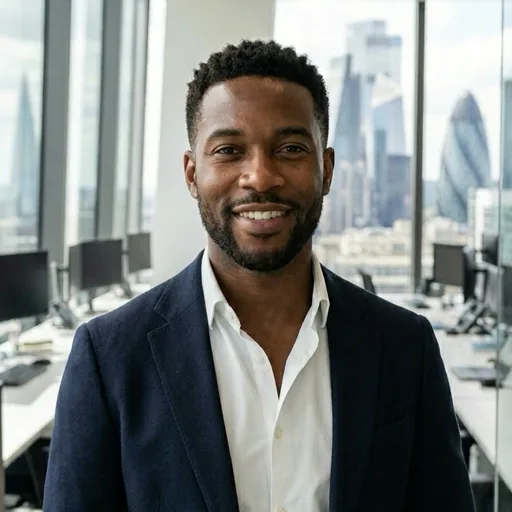
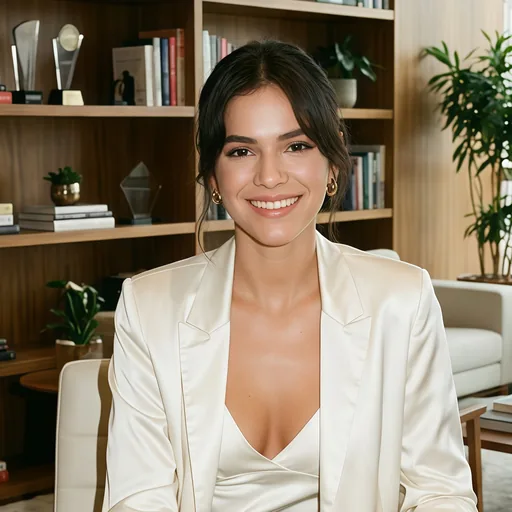
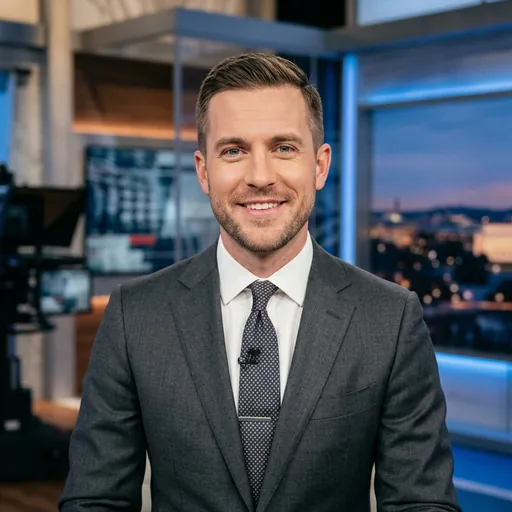
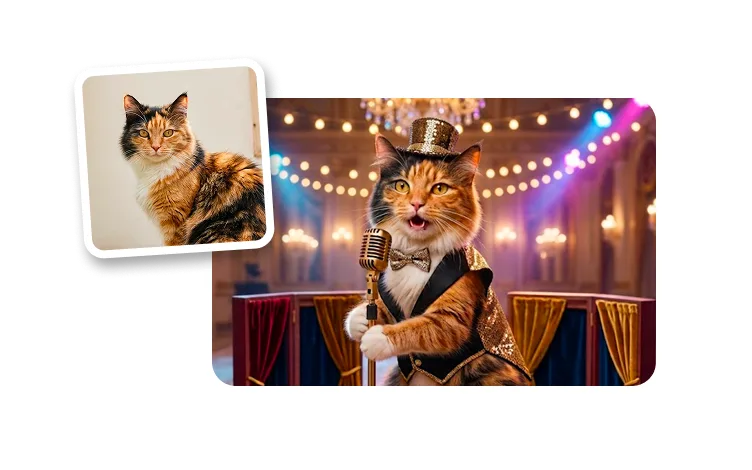
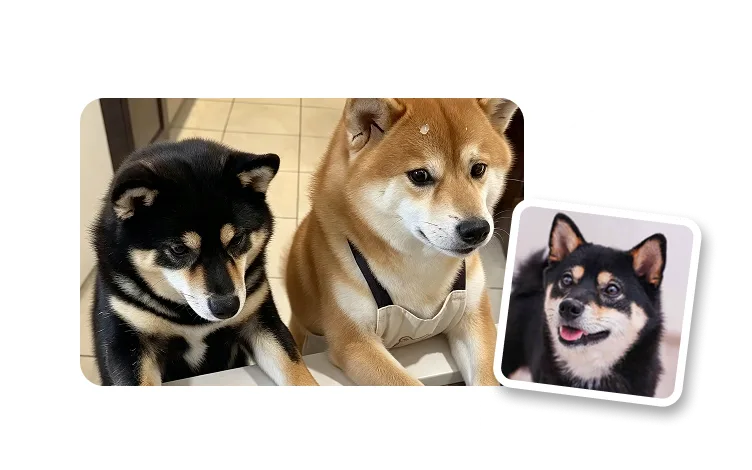
Use a stock avatar or turn your own photo into one
Turn a photo or a ready-made avatar plus a short script into a lifelike talking video with natural voice and precise lip-sync.
Step 1
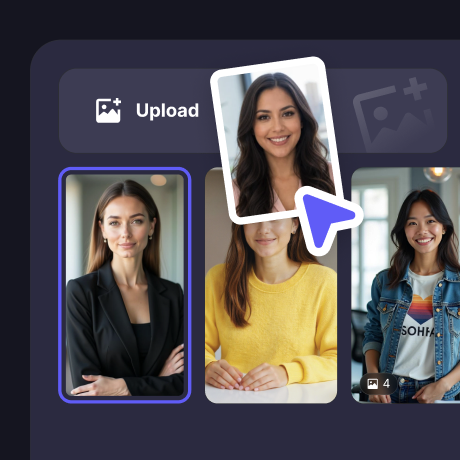
Pick an avatar or upload a photo
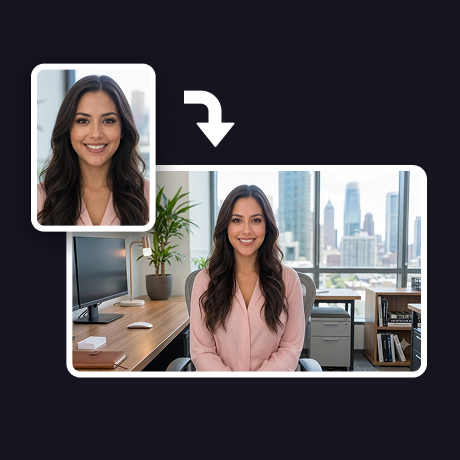
Choose from lifelike stock avatars, or turn your own photo into a talking avatar in one click — no studio, camera, or filming.
Step 2
Add your script and voice
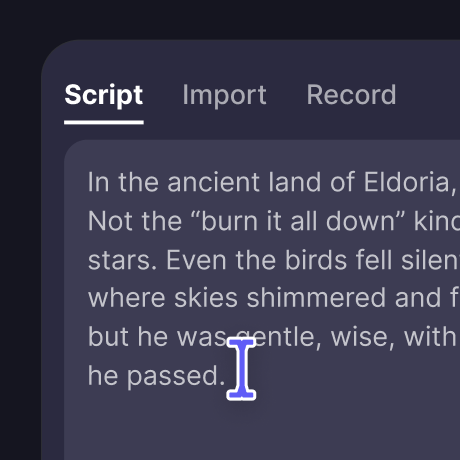
Type or paste your script, then pick from 1,000+ voices across 100+ languages. Your avatar speaks it with natural expression and lip-sync.
Step 3
Generate and share your video
Render a share-ready talking avatar video for marketing, training, social posts, explainers, or product education — in minutes.
Why VisionStory
Studio-Quality Talking Avatars, No Camera Needed
Production controls for voice, model quality, resolution, and editing workflows — so every AI avatar video fits your channel, brand, and audience.
1,000+ voices in 100+ languages
Give your avatar the right voice and accent for any audience, localize a single script into dozens of languages, or clone your own voice for a consistent brand sound.
Lifelike motion with V-Character
V-Character 3.0 drives natural facial expressions, head movement, and precise lip-sync, so your avatar looks recorded — not generated.
Generate in 720P or 1080P
Start fast with 720P, or choose 1080P Advanced when your avatar video needs sharper detail for ads, presentations, or polished publishing.
Export with a green screen
Turn on green screen output to drop your talking avatar into product demos, training scenes, ads, or any post-production workflow.
Frequently asked questions
What is an AI talking avatar?
An AI talking avatar is a realistic digital presenter that speaks your script on screen — no camera, studio, or filming needed. VisionStory animates a photo or a ready-made avatar with natural facial expressions, head motion, and precise lip-sync, then voices your script in the language and tone you choose.
Can I turn my own photo into a talking avatar?
Yes. Upload a clear, front-facing photo and VisionStory turns it into a talking avatar that speaks your script with natural lip-sync. You can also start from one of the built-in stock avatars if you'd rather not upload a photo.
Is the AI avatar generator free to try?
Yes. You can start free with included credits — enough to generate and preview short avatar videos before choosing a plan. No credit card is required to try it; you only upgrade when you need more length, higher resolution, or more generations.
How many voices and languages are supported?
VisionStory supports 1,000+ voices across 100+ languages, so your avatar can speak in the language, accent, and tone that fit your audience. You can also clone a voice when a video needs a consistent personal or brand sound.
Are AI talking avatars safe to use commercially?
Yes. Videos you generate from your own script and approved avatars or photos can be used for marketing, ads, training, and social content. Always use a photo you have the rights to, and avoid impersonating real people without consent.
What can I use AI avatar videos for?
Talking avatars are built for marketing and UGC ads, product demos, explainers, training and onboarding, social posts, and multilingual content. Export in 720P or 1080P, or use green screen output to place the avatar into your own edits.