所以標題要用「問題喺隊列入面點樣被問起」嗰種寫法;有錯誤訊息就原文照抄。之後唔好只係放喺某個影片頻道,而係放返喺問題真正被問嘅地方:文章入面、你哋團隊會發嘅 macro 入面;如果產品入面個控制項旁邊有位放到,亦可以擺喺隔離。由 VisionStory 輸出嘅檔案會用你指定嘅方式命名;至於佢哋會落喺邊個 macro、嵌喺邊篇文章,同埋搜尋會唔會推到出嚟,就由負責營運 help center 嘅支援團隊決定。
拯救一段只為一位客戶錄過一次嘅片段
呢個問題最好嘅解釋其實已經存在:一位工程師喺 18 個月前為咗一個好沮喪嘅客戶錄咗段片,用螢幕錄影器預設嘅解像度錄,視窗標題仲顯示住客戶公司名。佢而家就躺喺某條工單討論串入面。團隊入面做得夠耐嘅人都知道佢存在,會私下拎嚟貼連結;但佢從來冇入過 help center,因為當初就唔係為咗畀人睇第二次而錄嘅。
嗰段片要變成文章內容,中間仲差兩樣嘢。第一,佢畫面鬆、壓縮重、全幅睇都難睇清;AI Video Enhancer 可以喺唔改動時間軸或音訊嘅情況下修復,所以就算之前已經配咗旁白,依然可以對得返。第二就完全唔係技術問題:帳戶名稱、工單 ID,同埋任何可以識別到嗰位客戶嘅資料都必須移除;或者就要用測試帳戶重新錄返嗰個步驟。增強可以令舊錄影清楚可讀,但唔會令佢變得適合公開發佈——最後點做,由你決定。
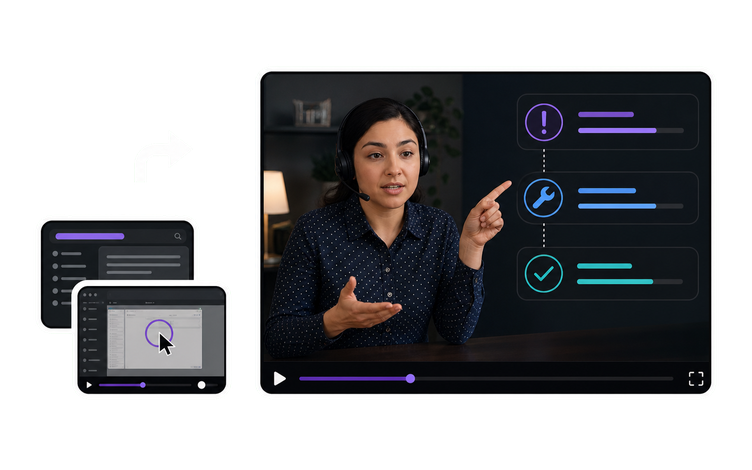
將目前文章、你團隊一併發送嘅巨集內容,以及你嘅螢幕錄製交俾 AI Video Agent。返嚟嘅會係一個可編輯、多鏡頭嘅剪輯草稿:跟足文章順序、旁白用返你原本嘅措辭寫好、字幕已排入,並配埋主持人同音色。你可以當佢係一個未睇過今週 build 嘅人寫畀你嘅提案去睇。負責呢個主題嘅工程師會用現正出貨嘅產品對照檢查,確保 3 樣嘢一致:講出口同字幕入面嘅選單名稱、畫面引用嘅錯誤文字,以及步驟假設嘅版本。上一個版本改動咗嘅位置,要喺草稿再向前推之前重新錄製或剪走。
較舊嘅螢幕錄製、由工單對話抽出嚟嘅片段,或者喺細窗口錄到嘅畫面,通常都會偏朦同壓縮得好勁;私下回覆可能仲可以,但放到幫助中心全寬顯示就唔掂。將佢哋過一轉 AI Video Enhancer,佢可以喺唔改動時間軸或音訊嘅情況下修復模糊、雜訊同壓縮損耗,令已經同動作同步嘅旁白依然對得準。之後再檢查承載重點資訊嘅畫面幀,例如選單標籤、錯誤文字同細字介面;如果仲有任何位置唔夠清楚,就用測試帳戶重錄該步驟。
VisionStory AI Delivers Strong ROI with Fast, High-Quality Video Creation
I like VisionStory AI because it delivers strong ROI through intelligent automation. It helps me create high-quality video content much faster and at a lower cost than traditional production. The AI understands prompts well, produces natural results, and makes it easy to test creative ideas quickly.
AGAKI G.Small-Business · International Trade and Development
High-Quality Talking Videos at a Competitive Price
VisionStory is able to create high-quality talking videos at a very competitive cost. The video generation cost can be less than $1 per minute, while the final result is comparable to leading AI video models.
TLTony L.Small-Business · Animation
Easy-to-Use Tool, Ideal for Educational Content
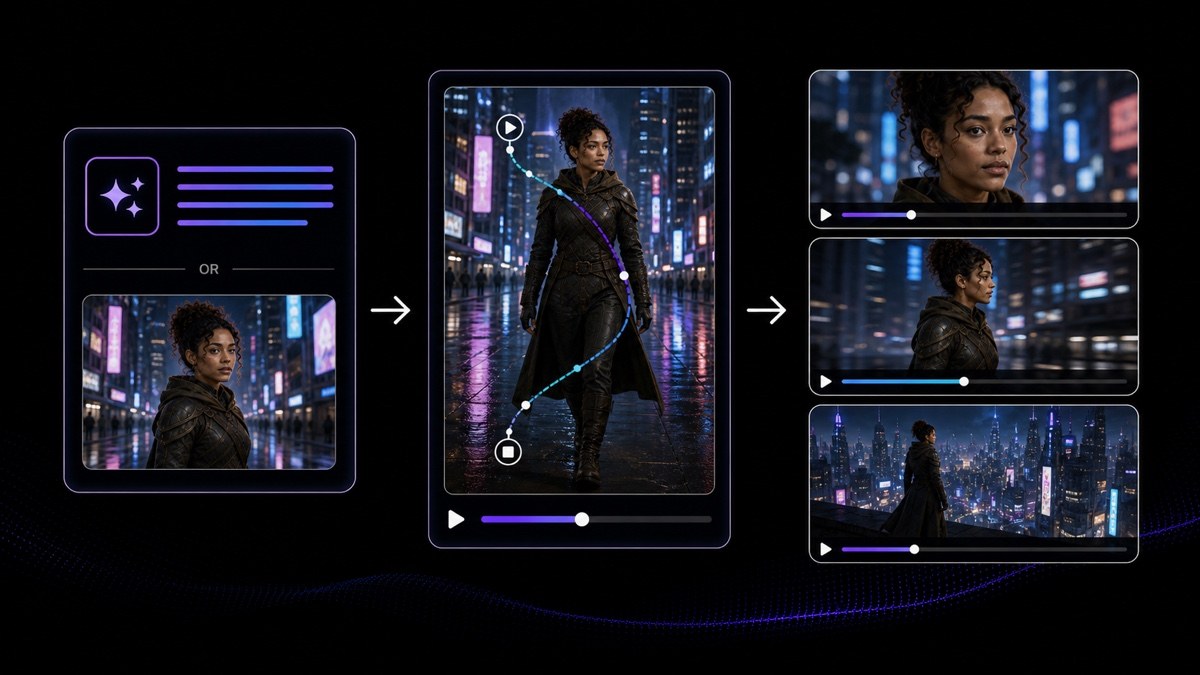
I like that VisionStory AI is very easy to apply and extremely easy to use. You don't really need to know much about AI or these types of systems to get started. I also appreciate that it helps me a lot by simply saying what I want to generate, I make a brief speech or what the character is going to say and let VisionStory AI do everything. Moreover, the initial setup was very simple, as I did it through my Google account and it was extremely easy. Apart from a few details, it is an excellent application.
AMAaron Misael G.Small-Business · Animation
Podcast Feature That Auto-Splits Two Speakers—A Huge Time Saver
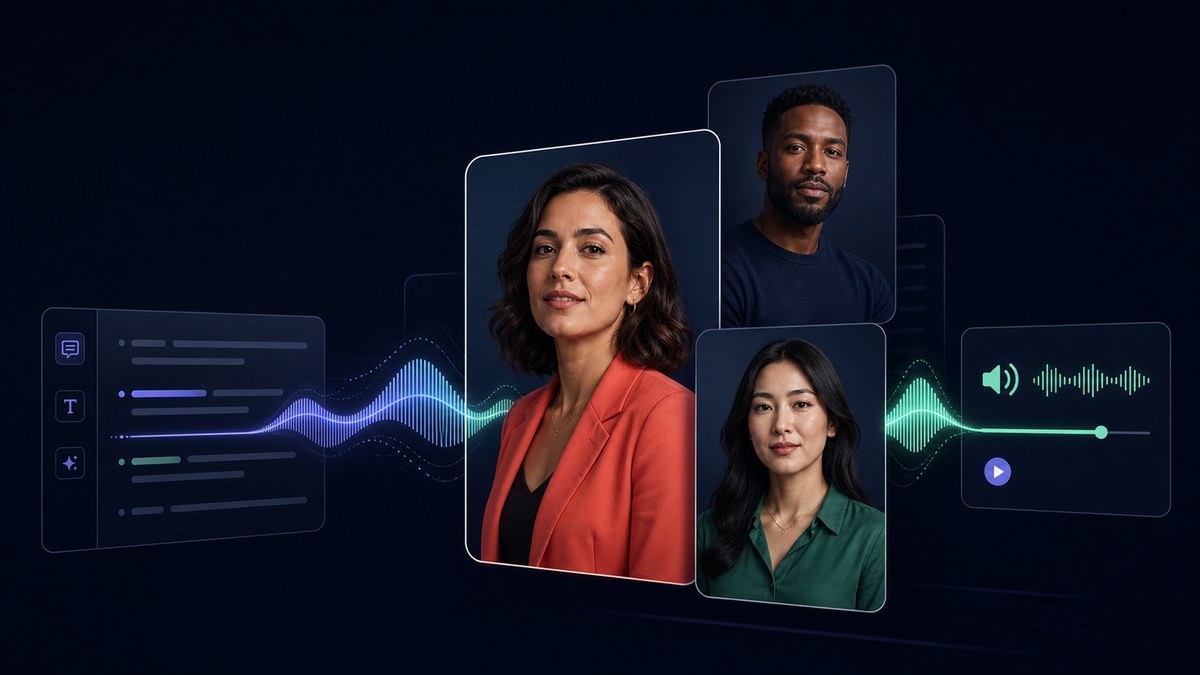
I love the podcast feature the best, although making other videos work great too. I can't believe that you can upload one audio file with 2 different people talking back and forth, and the program can automatically put the correct sections of the audio to the right character. That is such a time saver!
JHJill H.Small-Business · Entertainment
Fast, Efficient PPT-to-Video Creation for Training and Team Updates
What I like best about VisionStory AI is its PPT-to-video feature. As a technical team leader, I often need to create internal training materials, project updates, and presentation videos for my team. VisionStory AI lets me turn slides into video content much faster, without having to spend extra time recording, editing, or coordinating production resources. Overall, it makes knowledge sharing and internal communication far more efficient.
YDYanlong D.Mid-Market · Computer Software
VisionStory Turns PPTs into Ready-to-Use Presentation Videos in Minutes
In my daily work, I often need to present slides in video format, and VisionStory handles that perfectly. I just upload my PPT, add my own photo and voice, and it quickly creates a presentation video that’s ready to use. It saves me a lot of time and really improves my workflow.



用戶熱愛 VisionStory
了解內容創作者和市場推廣人員為何信賴 VisionStory 處理 AI 影片需求。由強大功能到輕鬆體驗,我們的社群都對 VisionStory 的成果讚不絕口。