そのクリップを記事に載せるまでには、2つの壁があります。1つ目は、映像がぼやけて圧縮されていて、全幅で見ると読みにくいこと。これはAI Video Enhancerが、タイミングや音声に触れずに補正できるので、すでに付けたナレーションもそのまま合います。2つ目は技術ではありません。アカウント名、チケットIDなど、その顧客を特定できる情報を消す必要がある。あるいはテストアカウントでその手順を録り直す必要があります。エンハンスは古いキャプチャを「読める」状態にはしますが、「公開して安全」にはしてくれません。その判断はあなた次第です。
AI Video Agentに、現在の記事、チームがそれに添えて送っているマクロ文、そして画面キャプチャを渡します。返ってくるのは、記事の順番どおりに構成された編集可能なマルチショットの初稿で、あなたの言い回しをもとに書かれたナレーション、配置済みの字幕、さらにプレゼンターと音声まで付いた状態です。今週のビルドをまだ見ていない人からの提案だと思って読みましょう。担当エンジニアがそれを出荷中のプロダクトと突き合わせ、次の3点が一致しているか確認します。音声と字幕で読み上げられているメニュー名、画面上に引用されているエラーテキスト、そして手順が前提としているバージョンです。前回リリースで変わった箇所は、下書きを先に進める前に撮り直すか、カットします。
古い画面録画、チケットスレッドから切り出したクリップ、小さなウィンドウで撮ったものは、ぼやけていたり圧縮が強かったりしがちです。個別返信なら問題なくても、ヘルプセンターで全幅表示すると致命的になります。AI Video Enhancerに通せば、タイミングや音声を変えずに、ぼけ・ノイズ・圧縮劣化を補正できるので、すでに動きに同期しているナレーションもズレません。次に、メニューラベル、エラーテキスト、小さなUI文字など“情報が乗っているフレーム”を確認し、少しでも判別が曖昧ならテストアカウントでその手順を撮り直しましょう。
サポート責任者が元動画を承認したら、AI Video Translatorが、画面上の手順とタイミングを元の録画にひも付けたまま、88言語に吹き替え・リップシンク対応の版を作成します。吹き替えは必ず承認済み版からだけ行ってください。誤った手順が全言語に一斉に広がると、誤った記事1本よりもはるかに回収が困難だからです。その後、その言語でサポートするエンジニアが実際のプロダクトを開き、プロダクト名、エラーメッセージ、そしてプロダクト内で英語のまま残っているUI文字列を確認してから、顧客が読むものにその版を紐づけます。
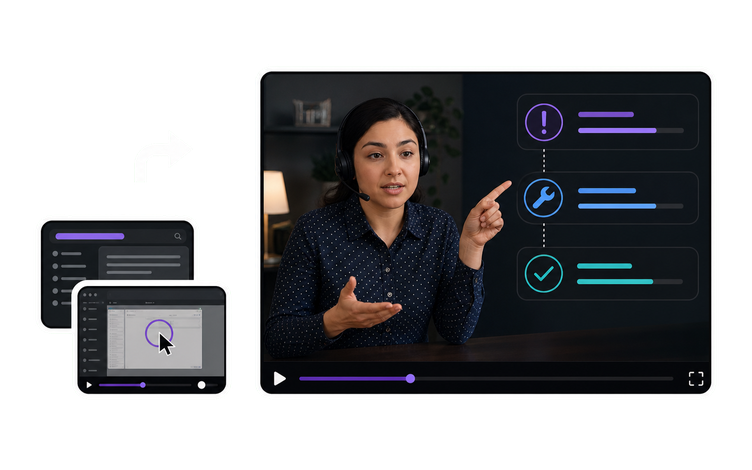
チームがすでに公開している記事と、テストアカウントで撮影した実際のプロダクト録画から始めます。AI Video Agentが手順を並べてナレーションの下書きを作成し、AI Voice Generatorがライブラリ全体で統一する音声で読み上げます。さらに、グリーンスクリーンのプレゼンターをキャプチャの横に合成することで、説明している操作部分が隠れません。最後に、そのトピックの担当エンジニアが、顧客に届く前に現在出荷中のビルドと突き合わせて下書きを確認します。
はい。サポート責任者が元動画を承認した後、AI Video Translatorが、画面上の手順とタイミングを元の録画にひも付けたまま、88言語に吹き替え・リップシンク対応の版を作成します。安全に運用するためのルールは2つ。吹き替えは必ず承認済み版からだけ行うこと。誤った手順が同じ日に全言語へ広がると、誤った記事1本よりも回収がはるかに困難だからです。そして、公開前にその言語でサポートする担当者が実際のプロダクトを開き、プロダクト名、エラー文字列、英語のまま残っているUIテキストがないか確認することです。
VisionStory AI Delivers Strong ROI with Fast, High-Quality Video Creation
I like VisionStory AI because it delivers strong ROI through intelligent automation. It helps me create high-quality video content much faster and at a lower cost than traditional production. The AI understands prompts well, produces natural results, and makes it easy to test creative ideas quickly.
AGAKI G.Small-Business · International Trade and Development
High-Quality Talking Videos at a Competitive Price
VisionStory is able to create high-quality talking videos at a very competitive cost. The video generation cost can be less than $1 per minute, while the final result is comparable to leading AI video models.
TLTony L.Small-Business · Animation
Easy-to-Use Tool, Ideal for Educational Content
I like that VisionStory AI is very easy to apply and extremely easy to use. You don't really need to know much about AI or these types of systems to get started. I also appreciate that it helps me a lot by simply saying what I want to generate, I make a brief speech or what the character is going to say and let VisionStory AI do everything. Moreover, the initial setup was very simple, as I did it through my Google account and it was extremely easy. Apart from a few details, it is an excellent application.
AMAaron Misael G.Small-Business · Animation
Podcast Feature That Auto-Splits Two Speakers—A Huge Time Saver
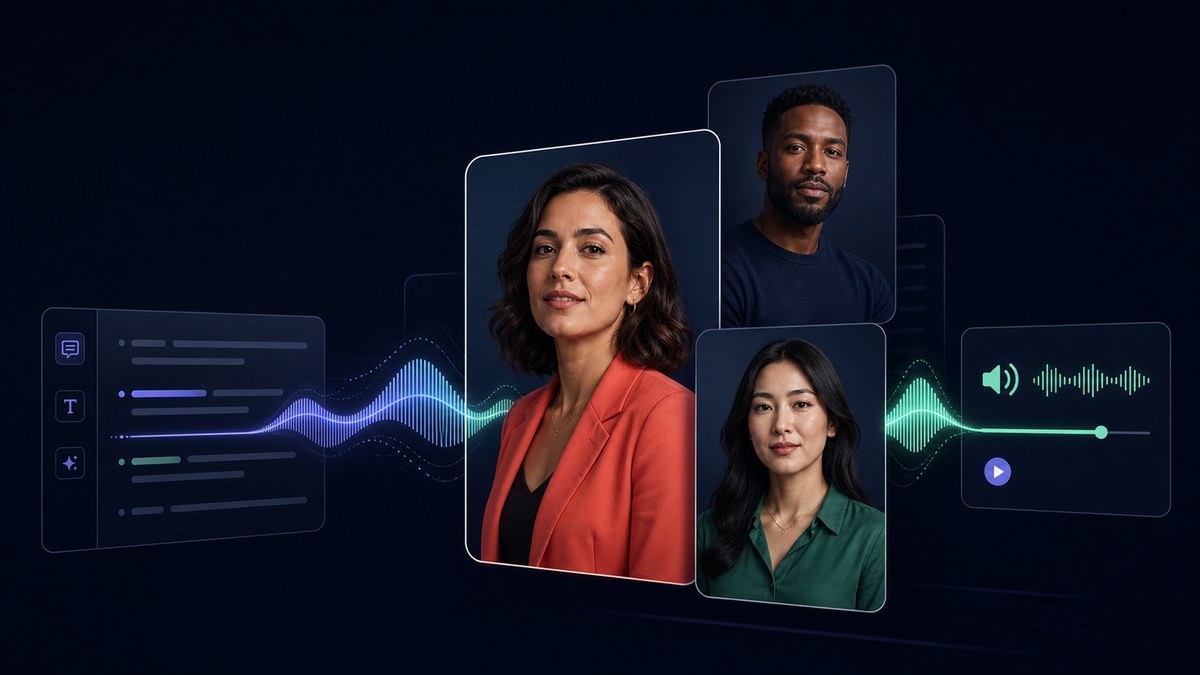
I love the podcast feature the best, although making other videos work great too. I can't believe that you can upload one audio file with 2 different people talking back and forth, and the program can automatically put the correct sections of the audio to the right character. That is such a time saver!
JHJill H.Small-Business · Entertainment
Fast, Efficient PPT-to-Video Creation for Training and Team Updates
What I like best about VisionStory AI is its PPT-to-video feature. As a technical team leader, I often need to create internal training materials, project updates, and presentation videos for my team. VisionStory AI lets me turn slides into video content much faster, without having to spend extra time recording, editing, or coordinating production resources. Overall, it makes knowledge sharing and internal communication far more efficient.
YDYanlong D.Mid-Market · Computer Software
VisionStory Turns PPTs into Ready-to-Use Presentation Videos in Minutes
In my daily work, I often need to present slides in video format, and VisionStory handles that perfectly. I just upload my PPT, add my own photo and voice, and it quickly creates a presentation video that’s ready to use. It saves me a lot of time and really improves my workflow.



ユーザーはVisionStoryを愛しています
コンテンツクリエイターやマーケターがなぜVisionStoryをAI動画のニーズに信頼しているのかを発見してください。強力な機能から手間いらずのユーザー体験まで、私たちのコミュニティはVisionStoryで達成した結果について絶賛し続けています。