AI動画の顔入れ替え
参照写真を使って、オンラインで動画の顔を入れ替え。顔のみ または 全身 を選んで、結果をプレビューしてダウンロードできます。
- 元動画の動きや表情に合わせて追従
- 元のシーンと音声をそのまま保持
- クリップ全体で顔を一貫してトラッキング
無料で試せます。透かしなし。
参照画像を追加
差し替え先の動画をアップロード
無料で試す · 透かしなし
参照写真を使って、オンラインで動画の顔を入れ替え。顔のみ または 全身 を選んで、結果をプレビューしてダウンロードできます。
無料で試せます。透かしなし。
無料で試す · 透かしなし
参照する顔を選んで結果をプレビューできます。各クリップは最後まで再生された後、次の顔のデモに切り替わります。
短いリアクションから長めのパフォーマンスまで、最大180秒の動画フェイススワップを作成できます。
完成した動画を最大1080pで、透かしなしで書き出せます。無料で作成した結果も透かしなしです。
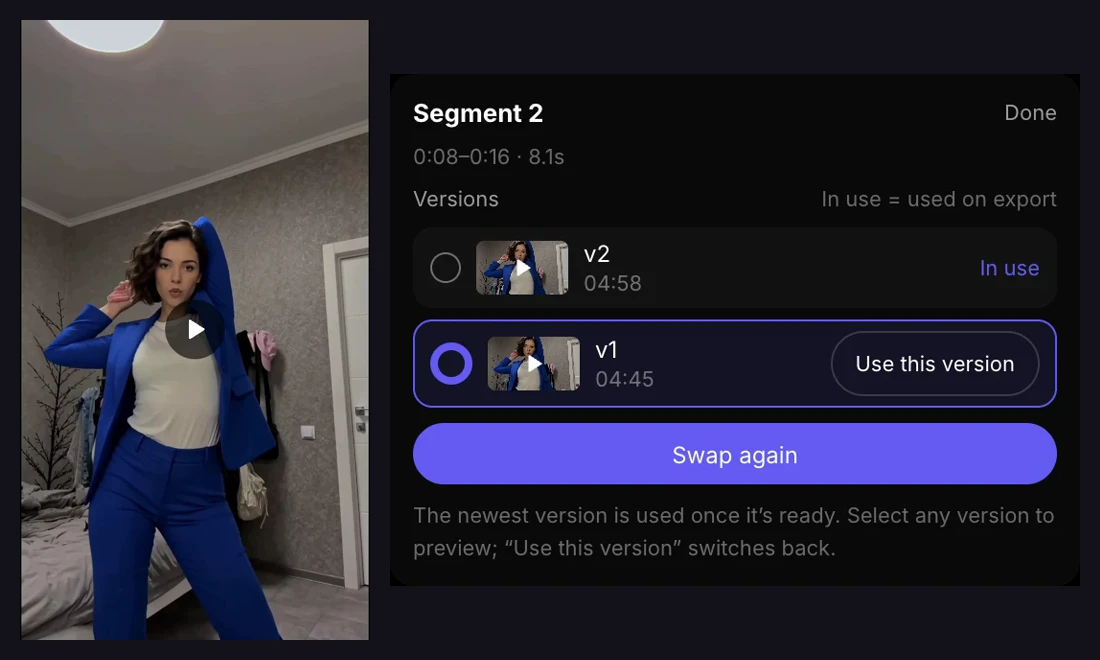
選んだセグメントだけを再生成し、バージョンを比較して、好みの結果を残したうえで動画全体を書き出せます。
参照人物の要素を動画にどこまで反映するか選べます。
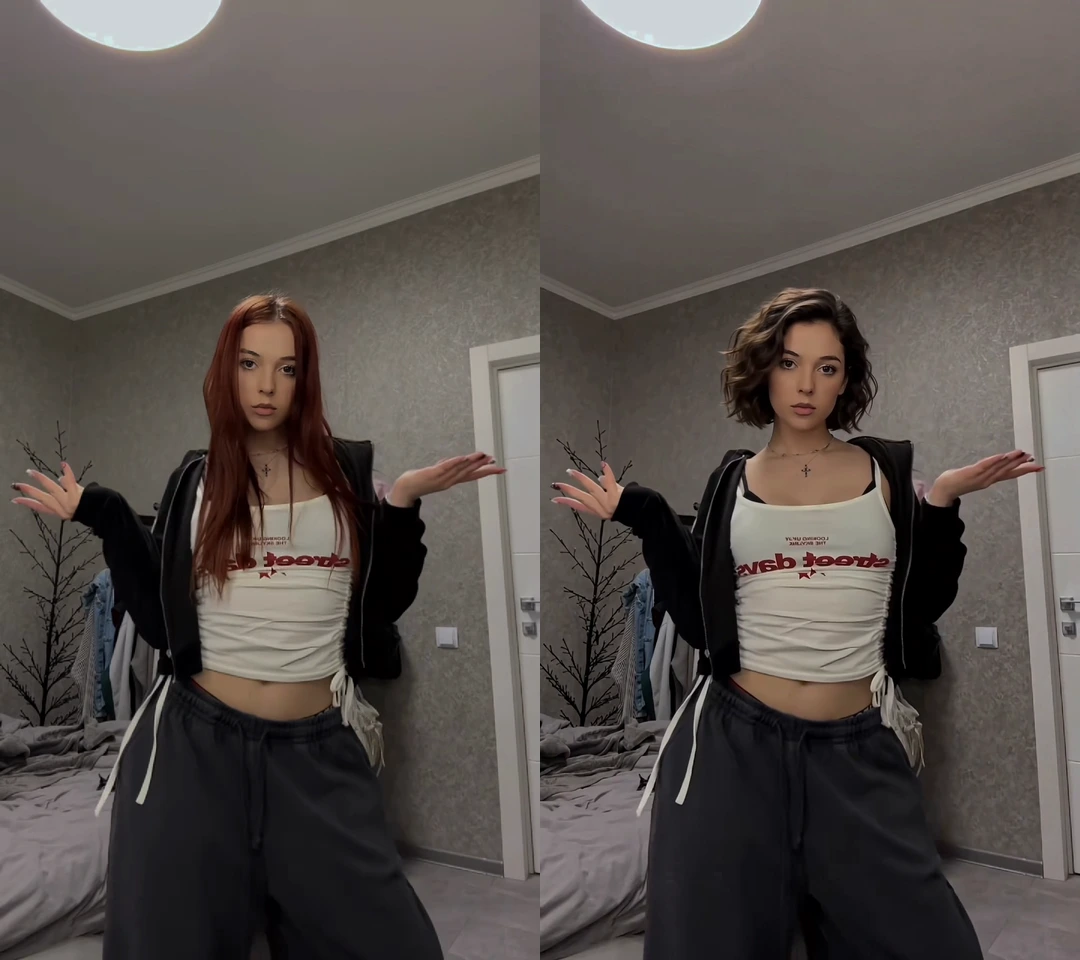
元動画の体・服装・動きはそのままに、顔だけを差し替えます。顔がはっきり写り、遮りのない参照画像を使用してください。
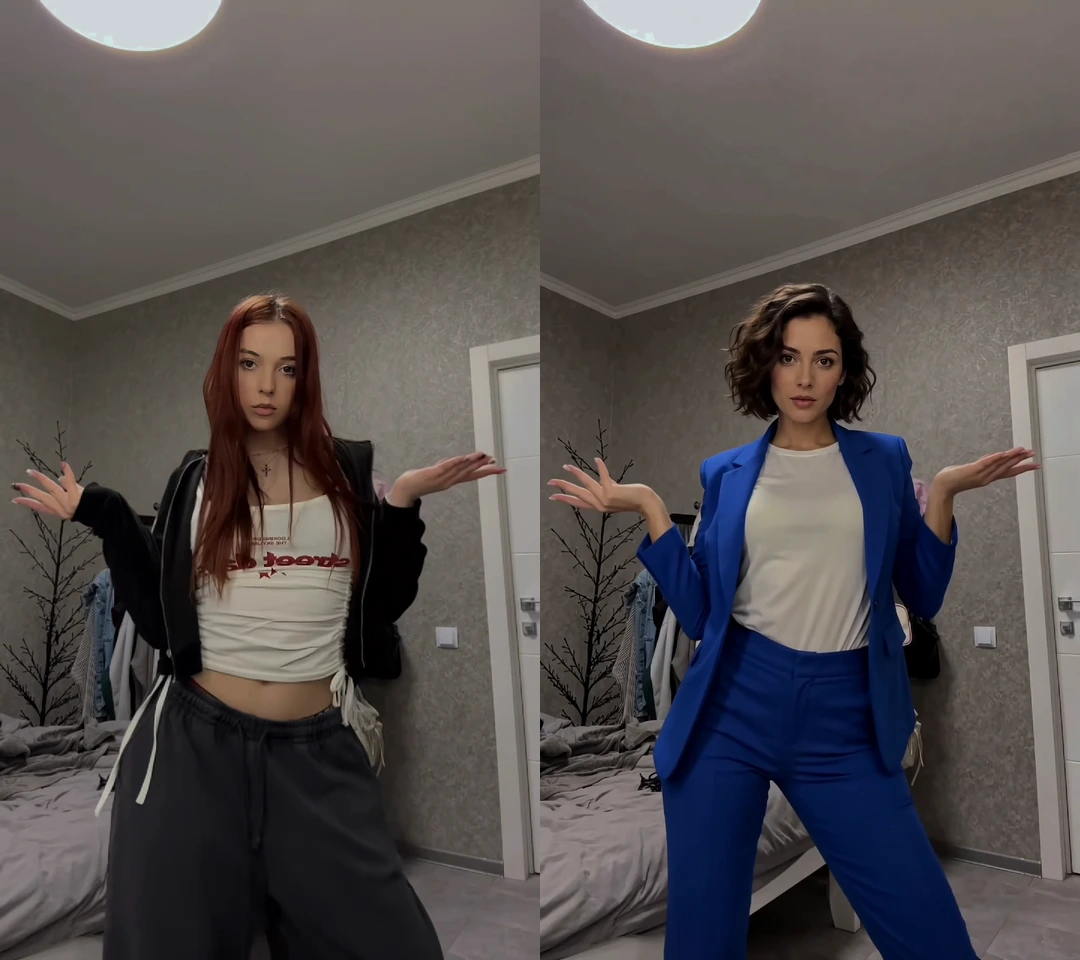
元動画の動きに沿いながら、参照人物の顔・髪型・服装まで反映します。参照画像には人物の全身と服装が写っているものを使ってください。
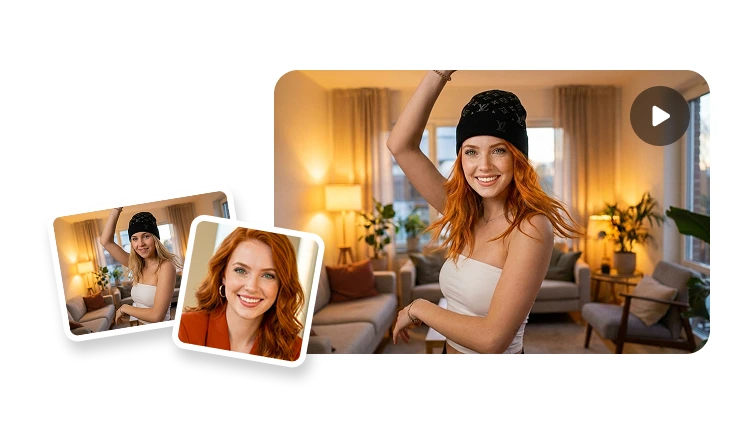
どちらのモードも元動画のシーンを使用し、音声は元のまま保持されます。これらは同じ元動画と参照画像からの実際の出力例ですが、生成される細部は変わる場合があります。
被写体がはっきり映っている動画を追加します。アセットから動画を選ぶことも、人気のテンプレートから始めることもできます。
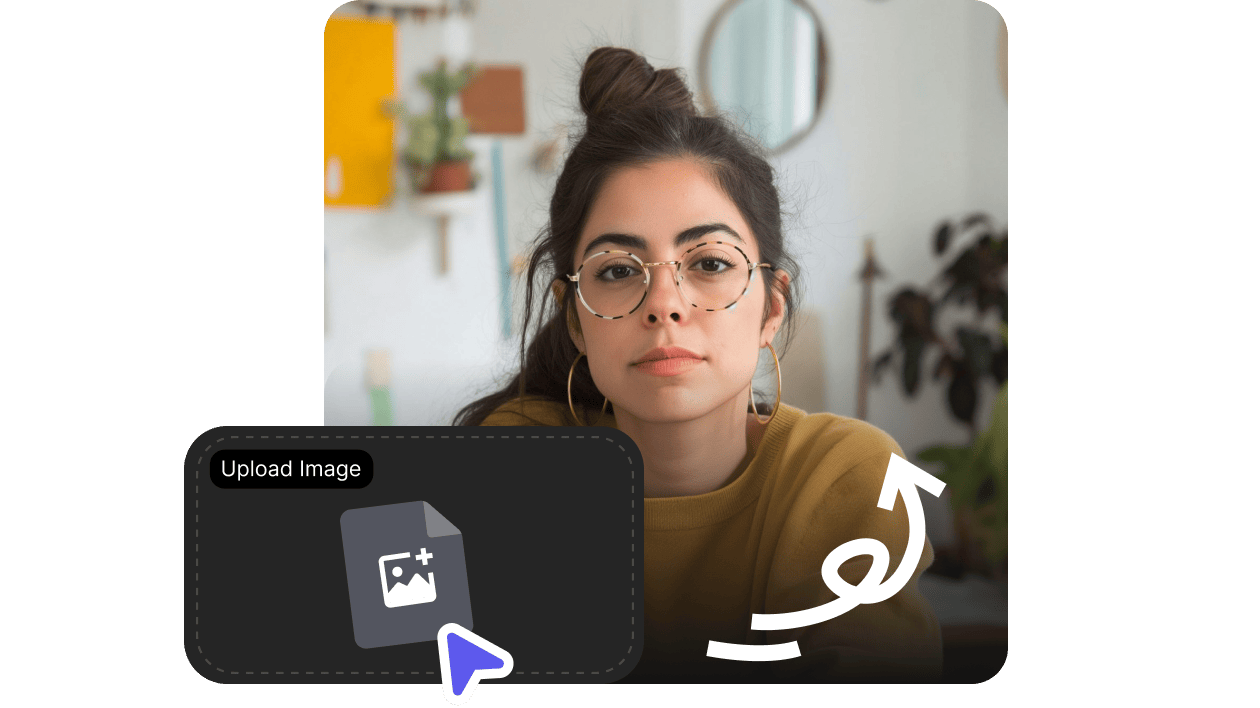
顔のみ には顔がはっきりした画像を、全身 には人物と服装が分かる画像を使用します。必ず使用許可のある画像のみを使用してください。
顔のみ または 全身 を選び、出力解像度を指定して、動画の顔入れ替えを開始します。
結果を確認し、必要に応じてワークスペースで選択したセグメントを調整して、完成動画を書き出します。
AIによる動画の顔入れ替えは、参照画像を使って動画全体の顔を置き換え、被写体の動きや表情に合わせて追従します。VisionStoryでは、参照人物の髪型や服装も反映できる 全身 モードも利用可能です。どちらのモードでも元動画のシーンと元の音声は保持され、声の置き換えや参照写真の背景の使用は行いません。
I like VisionStory AI because it delivers strong ROI through intelligent automation. It helps me create high-quality video content much faster and at a lower cost than traditional production. The AI understands prompts well, produces natural results, and makes it easy to test creative ideas quickly.
VisionStory is able to create high-quality talking videos at a very competitive cost. The video generation cost can be less than $1 per minute, while the final result is comparable to leading AI video models.
I like that VisionStory AI is very easy to apply and extremely easy to use. You don't really need to know much about AI or these types of systems to get started. I also appreciate that it helps me a lot by simply saying what I want to generate, I make a brief speech or what the character is going to say and let VisionStory AI do everything. Moreover, the initial setup was very simple, as I did it through my Google account and it was extremely easy. Apart from a few details, it is an excellent application.
I love the podcast feature the best, although making other videos work great too. I can't believe that you can upload one audio file with 2 different people talking back and forth, and the program can automatically put the correct sections of the audio to the right character. That is such a time saver!
What I like best about VisionStory AI is its PPT-to-video feature. As a technical team leader, I often need to create internal training materials, project updates, and presentation videos for my team. VisionStory AI lets me turn slides into video content much faster, without having to spend extra time recording, editing, or coordinating production resources. Overall, it makes knowledge sharing and internal communication far more efficient.
In my daily work, I often need to present slides in video format, and VisionStory handles that perfectly. I just upload my PPT, add my own photo and voice, and it quickly creates a presentation video that’s ready to use. It saves me a lot of time and really improves my workflow.

ユーザーはVisionStoryを愛しています
コンテンツクリエイターやマーケターがなぜVisionStoryをAI動画のニーズに信頼しているのかを発見してください。強力な機能から手間いらずのユーザー体験まで、私たちのコミュニティはVisionStoryで達成した結果について絶賛し続けています。