トーキングフォト生成ツール
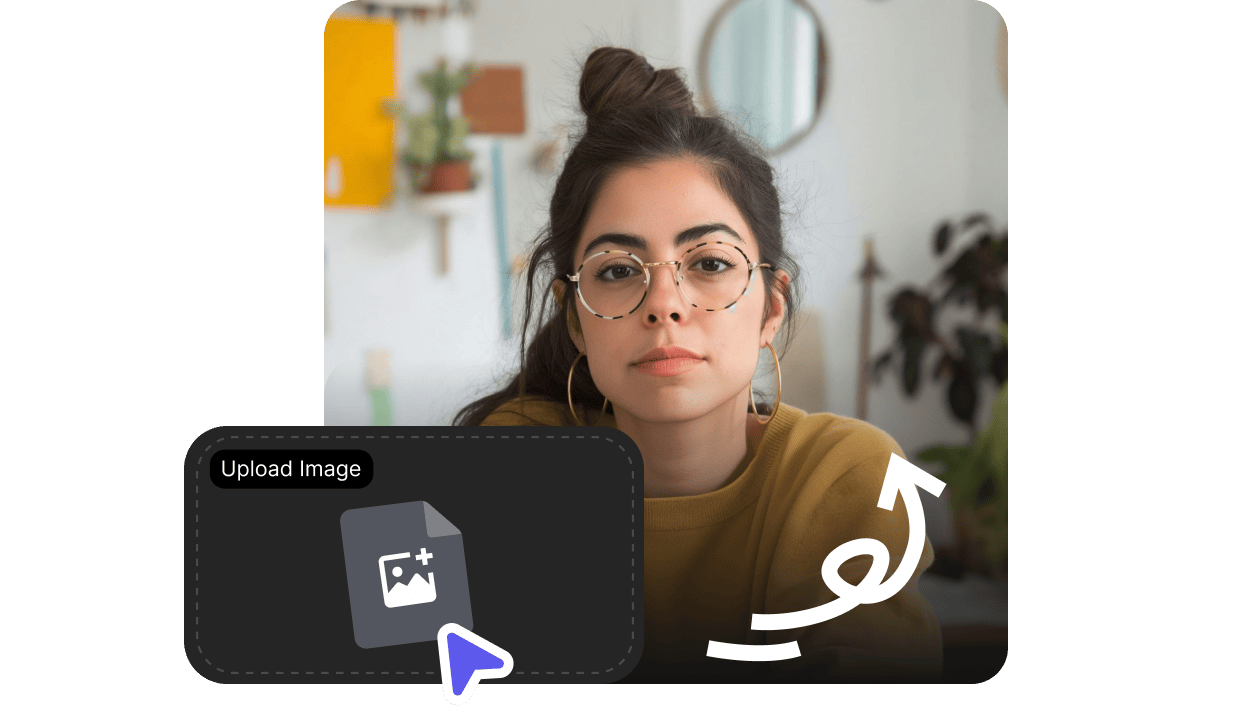
顔がはっきり写った写真をアップロードしてセリフを入力するだけ。自然な音声とリップシンクで、しゃべる動画に変換できます。あいさつ、SNSのフック、説明動画、キャラクタークリップに最適です。
- どんな写真も数秒でトーキング動画に
- 88言語で1,000+の音声
- 自然なリップシンク。撮影も編集スキルも不要
顔がはっきり写った写真をアップロードしてセリフを入力するだけ。自然な音声とリップシンクで、しゃべる動画に変換できます。あいさつ、SNSのフック、説明動画、キャラクタークリップに最適です。
静止画1枚が、表情・音声・口の動きが揃った短い“しゃべる”クリップに変わる様子をご覧ください。
顔がはっきり写っていて、使用権利がある画像であれば、さまざまな素材でTalking Photoを使えます。
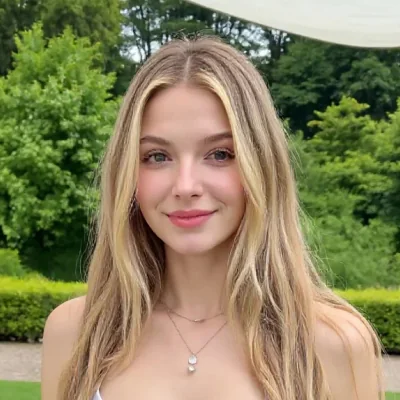
創業者メッセージ、プロフィール動画、SNSの自己紹介に。
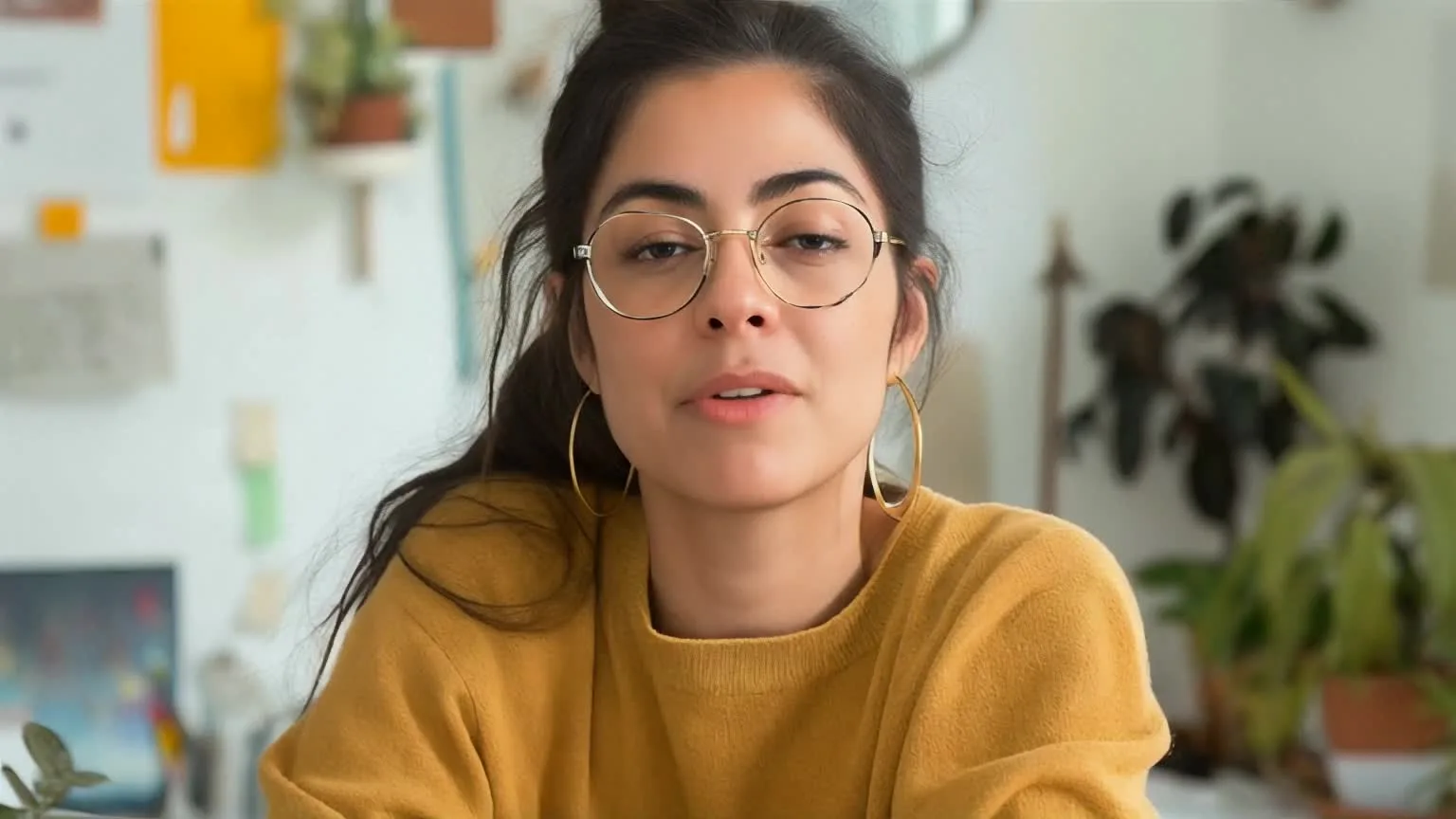
架空キャラクターやAI生成キャラクターを短いシーンで動かせます。

撮影の予定を組まずに、キャンペーン動画を“人の温度感”のある仕上がりに。
3ステップの流れ
最短ルートはシンプル。顔を選んで、セリフを書いて、あとは共有や編集にすぐ使えるクリップを生成するだけ。
明るい場所で撮影され、1人の顔がはっきり写っていて、大きな遮りがない画像を使いましょう。
台本を書いて音声を選び、想定される長さをプレビューします。
あいさつ、解説、短尺SNS投稿向けのリップシンク付きクリップを作成します。
VisionStoryが選ばれる理由
リアルなリップシンク、豊富な音声ライブラリ、HD動画出力。スタジオ不要で、1枚の画像をそのままシェアできるトーキング動画に。

自撮り、ポートレート、商品画像、AI生成の顔まで対応。VisionStoryが顔を検出し、口の動きをあなたのスクリプトに同期します。
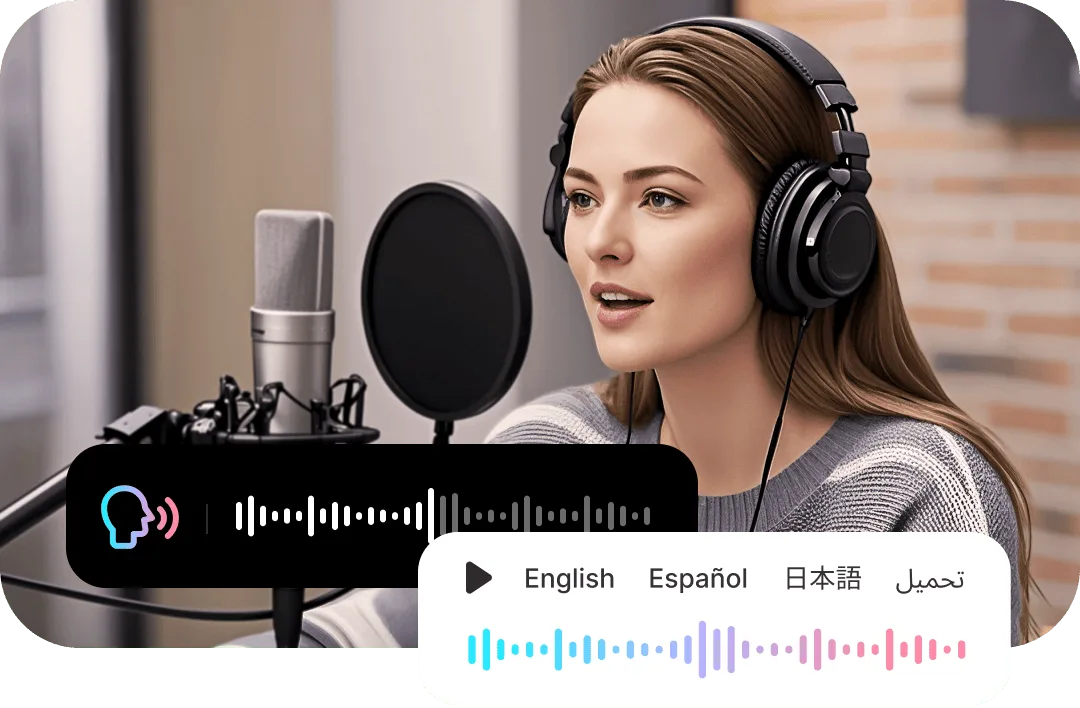
写真にぴったりの音声とアクセントを付けたり、数十の言語にローカライズしたり、あなたの音声をクローンして“自分らしさ”を加えることもできます。
720Pまたは1080Pで自然な口の動きと表情を実現。SNSでそのままシェアしたり、編集素材として差し込んだりできます。
静止画に“ちょうどいい顔”があるのに、動画でメッセージを伝えたいときはトーキングフォトが最適です。

あいさつ動画
プロフィール写真に、短い歓迎の言葉、イベント招待、ありがとうメッセージを話させられます。
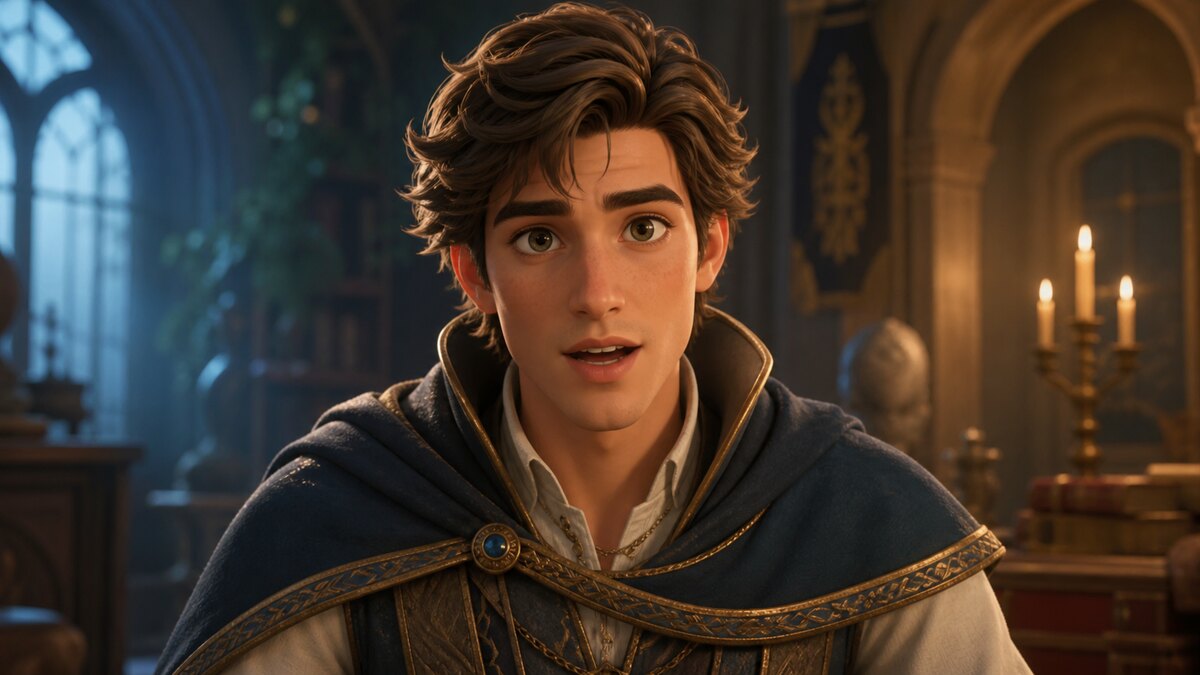
キャラクターナレーション
イラストやAIポートレートを、ショートストーリーの“しゃべるキャラクター”に変換します。

SNSフック
Reels、Shorts、TikTok、商品ティザー向けに、サッと使えるトーキングクリップを作成できます。
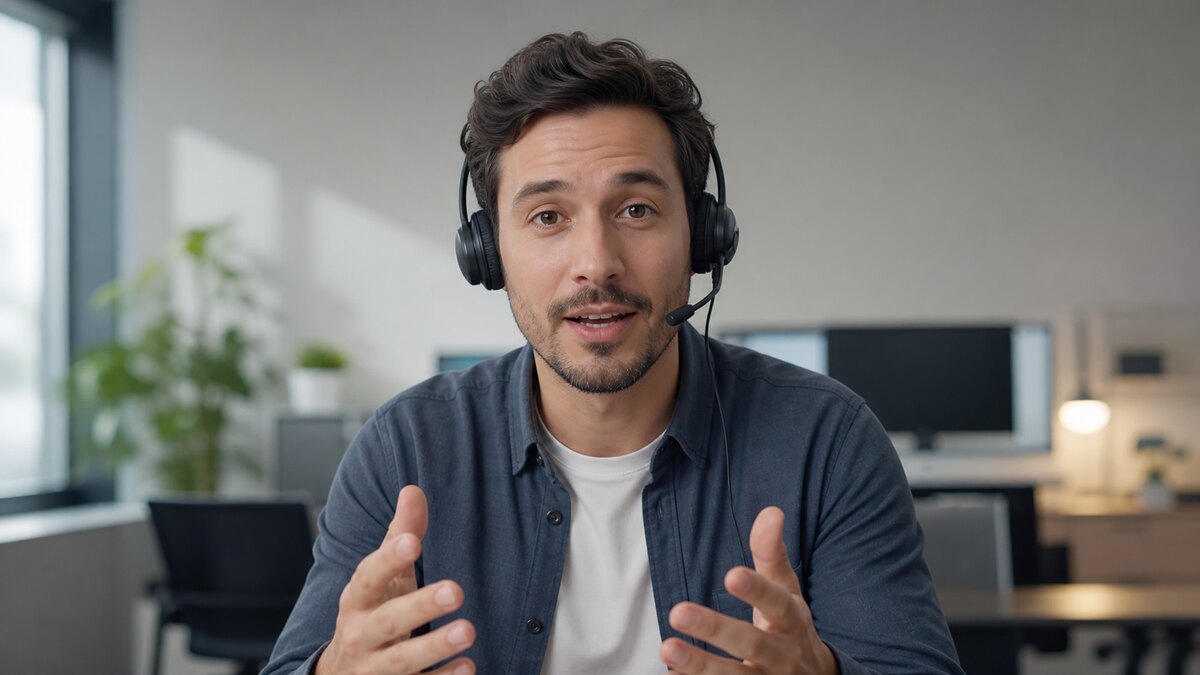
サポート用ショートクリップ
よくある商品質問やオンボーディング手順を、親しみやすい顔で分かりやすく説明できます。
AIトーキングフォトとは、静止画を「音声に同期した動画」に変換するものです。VisionStoryは写真の顔をアニメーション化し、スクリプトを読み上げるAI音声に口の動きを同期。たった1枚の写真が、リアルに話す動画になります。
I like VisionStory AI because it delivers strong ROI through intelligent automation. It helps me create high-quality video content much faster and at a lower cost than traditional production. The AI understands prompts well, produces natural results, and makes it easy to test creative ideas quickly.
VisionStory is able to create high-quality talking videos at a very competitive cost. The video generation cost can be less than $1 per minute, while the final result is comparable to leading AI video models.
I like that VisionStory AI is very easy to apply and extremely easy to use. You don't really need to know much about AI or these types of systems to get started. I also appreciate that it helps me a lot by simply saying what I want to generate, I make a brief speech or what the character is going to say and let VisionStory AI do everything. Moreover, the initial setup was very simple, as I did it through my Google account and it was extremely easy. Apart from a few details, it is an excellent application.
I love the podcast feature the best, although making other videos work great too. I can't believe that you can upload one audio file with 2 different people talking back and forth, and the program can automatically put the correct sections of the audio to the right character. That is such a time saver!
What I like best about VisionStory AI is its PPT-to-video feature. As a technical team leader, I often need to create internal training materials, project updates, and presentation videos for my team. VisionStory AI lets me turn slides into video content much faster, without having to spend extra time recording, editing, or coordinating production resources. Overall, it makes knowledge sharing and internal communication far more efficient.
In my daily work, I often need to present slides in video format, and VisionStory handles that perfectly. I just upload my PPT, add my own photo and voice, and it quickly creates a presentation video that’s ready to use. It saves me a lot of time and really improves my workflow.

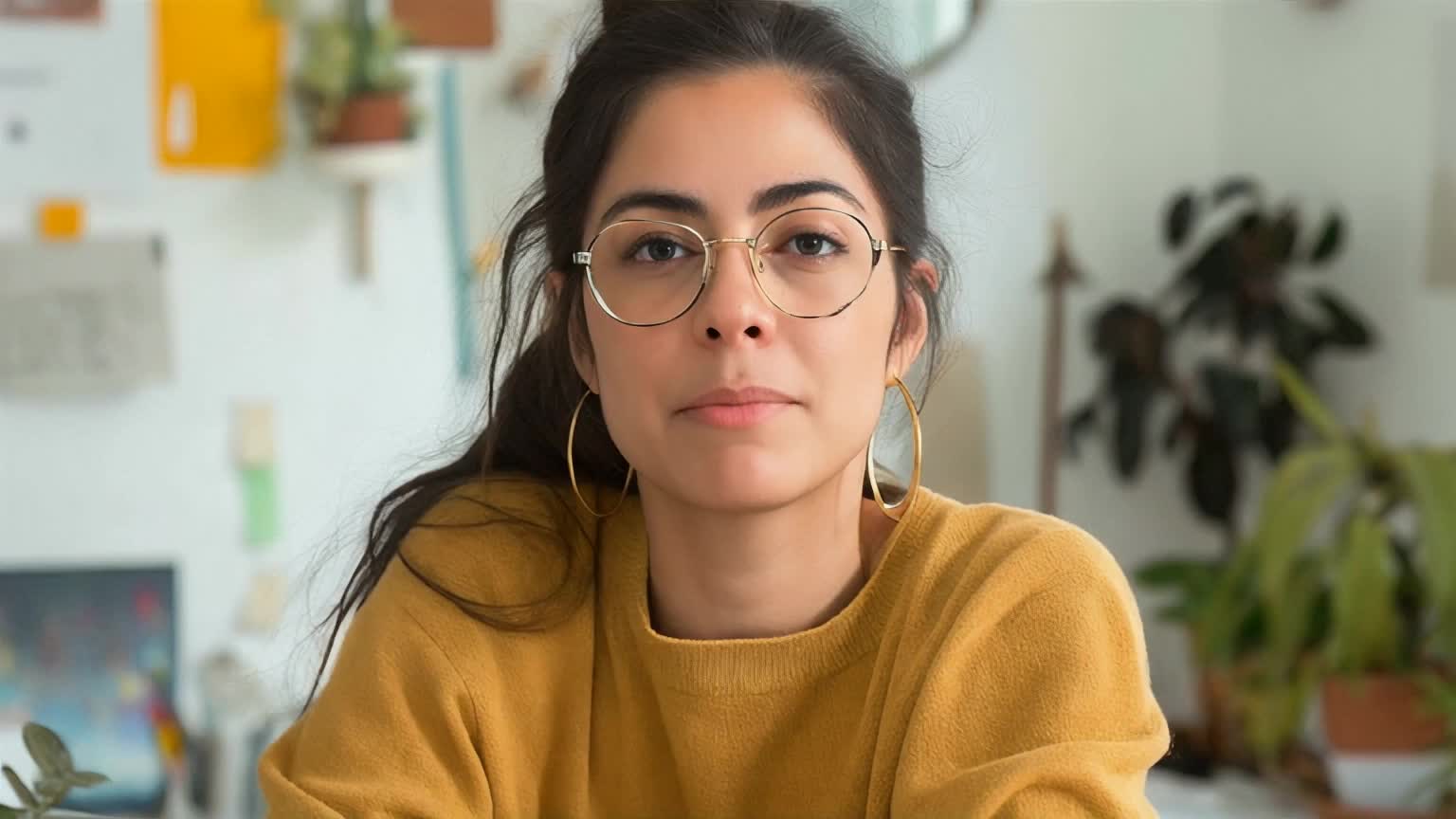
ユーザーはVisionStoryを愛しています
コンテンツクリエイターやマーケターがなぜVisionStoryをAI動画のニーズに信頼しているのかを発見してください。強力な機能から手間いらずのユーザー体験まで、私たちのコミュニティはVisionStoryで達成した結果について絶賛し続けています。