Image to AI Video Generator
Turn photos into stunning AI videos in seconds. Add a script, natural voice, and lifelike motion — perfect for social posts, ads, and storytelling.
- Choose from 1,000+ voices
- Add motion prompts for cinematic movement
Turn photos into stunning AI videos in seconds. Add a script, natural voice, and lifelike motion — perfect for social posts, ads, and storytelling.
Motion design flow
Before generating, decide what should move, how the camera should feel, and whether the clip needs narration or only visual motion.
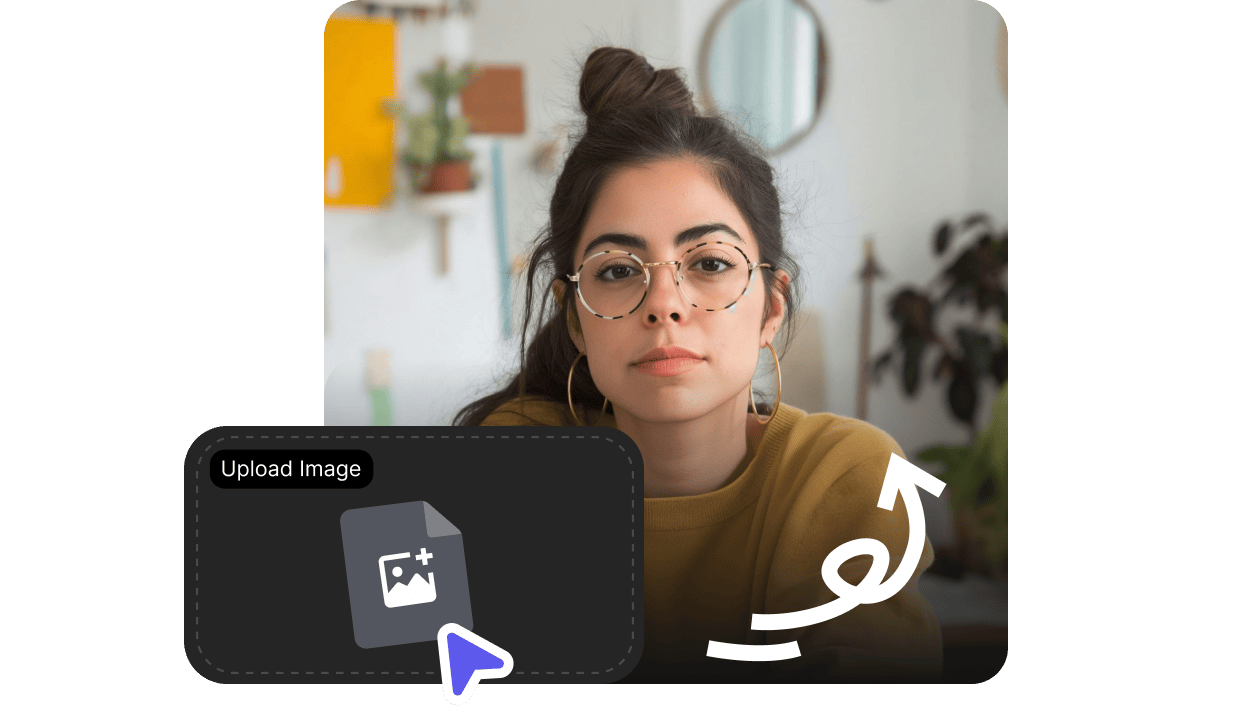
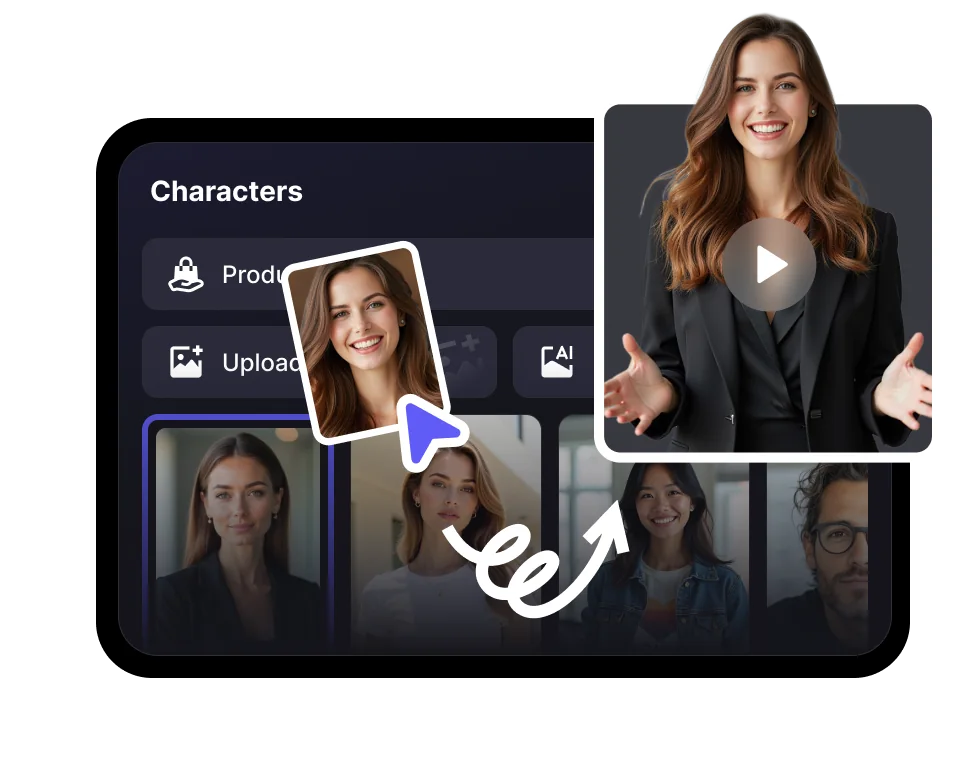
Upload a portrait, product visual, character image, or campaign frame.
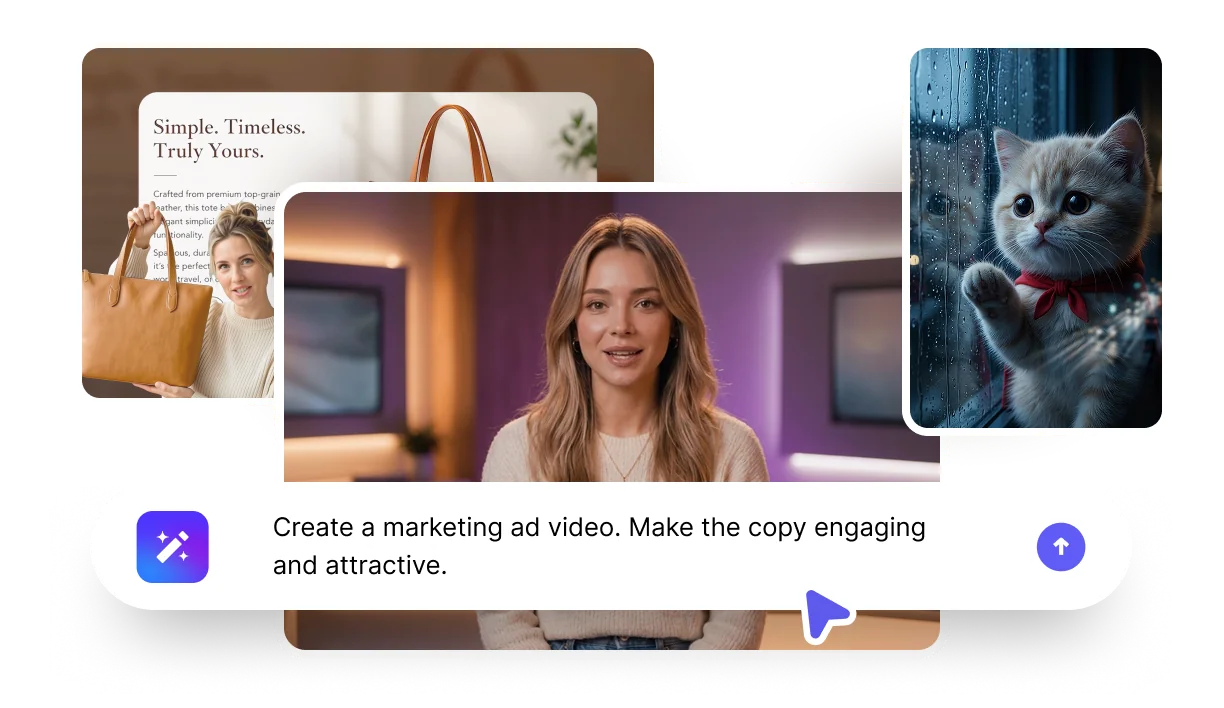
Describe movement, camera feel, emotion, and script if the subject should speak.
Use spoken narration for talking content or motion-only output for visual scenes.
Render a short clip for social, ads, explainers, or storyboards.
Turn still creative assets into short clips that can be tested, shared, or extended in the main editor.
Match the animation style to the source image: a talking portrait, product visual, story scene, or ad concept each needs different motion.
Talking portrait
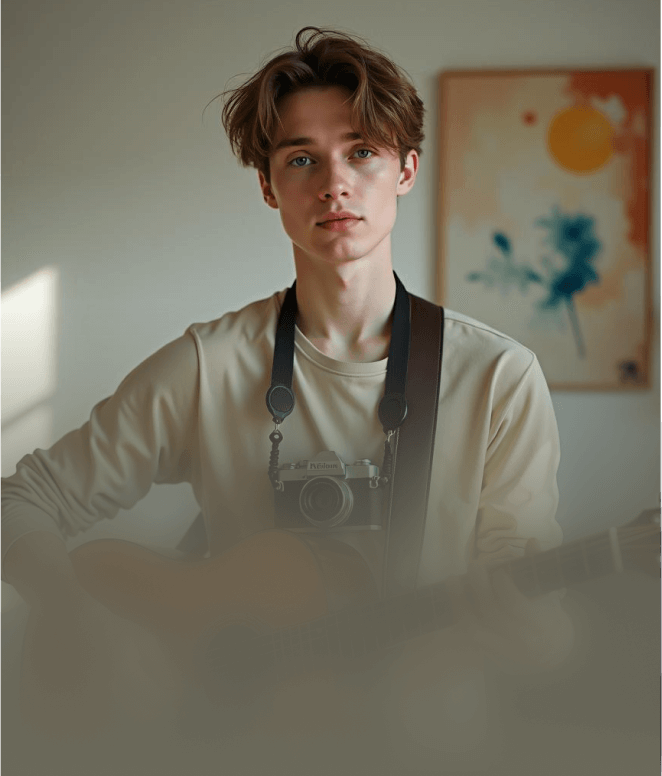
Animate a face with script, voice, expression, and lip-sync.

Product motion
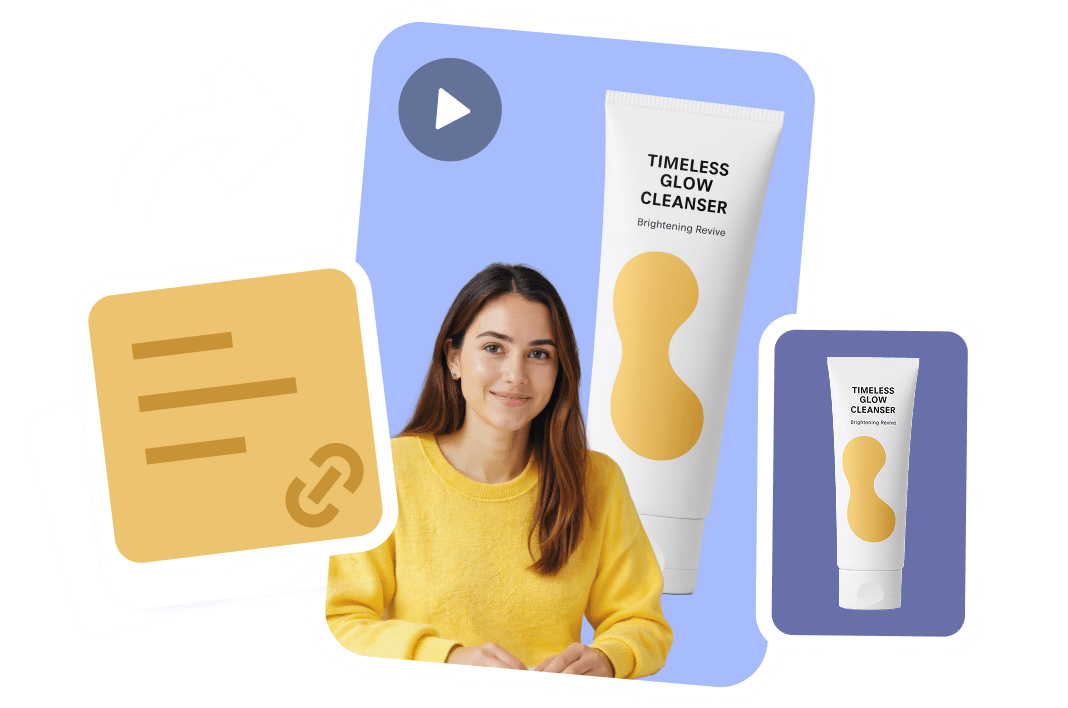
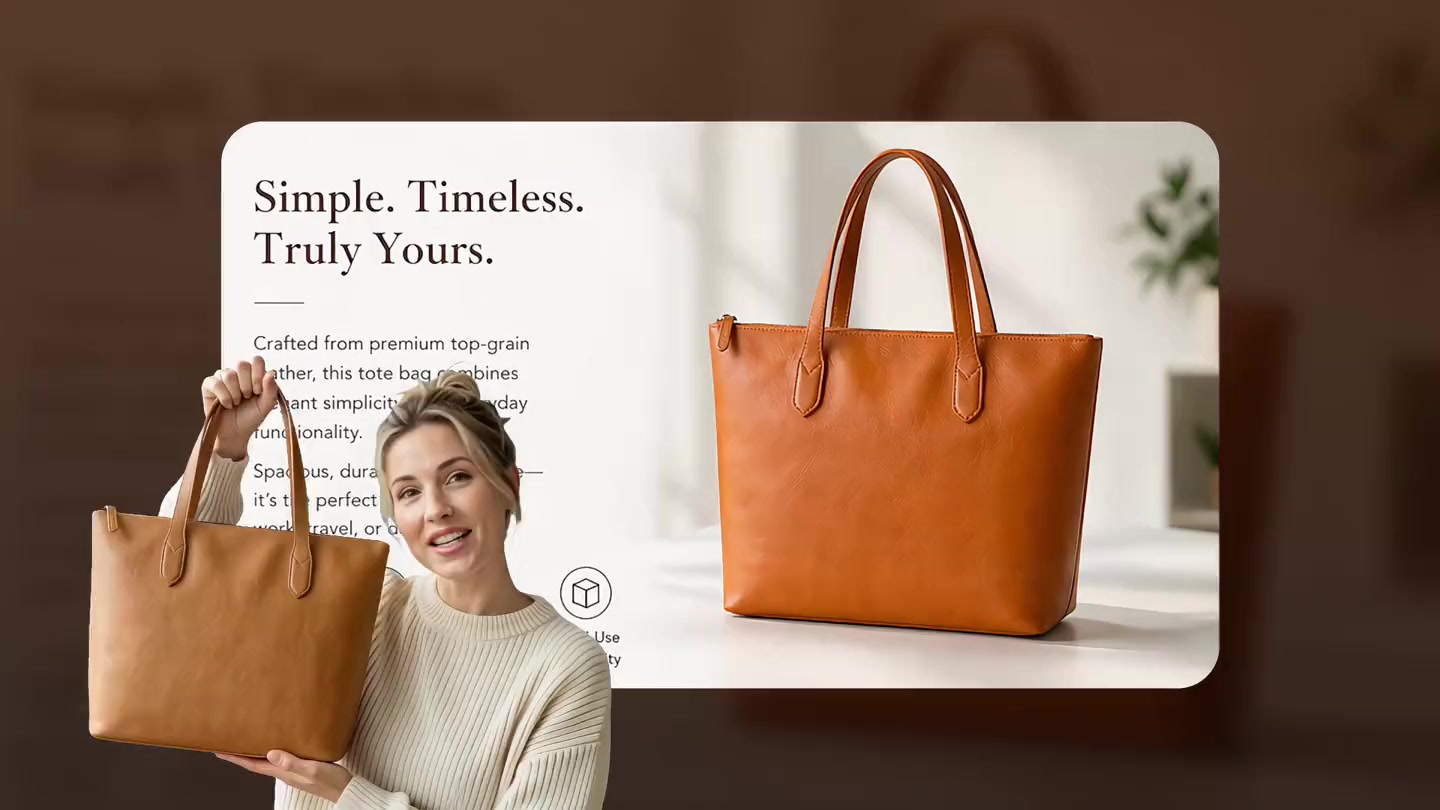
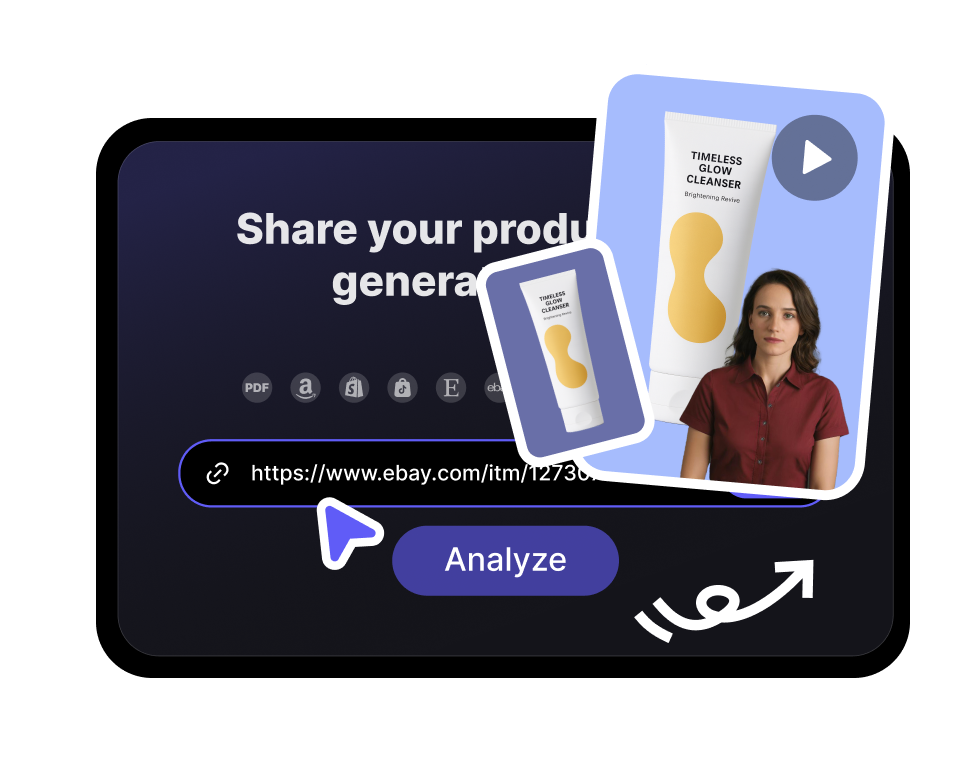
Add camera movement and pacing to campaign or product images.

Story scene
Give an illustrated or AI-generated scene subtle motion for social storytelling.

Ad concept
Turn a single ad image into a testable short video direction.
Upload a photo or pick an avatar, type or paste your script, choose a voice and language, then hit Generate. VisionStory animates the image into a talking video with natural motion, lip-sync, and voiceover — usually in a couple of minutes, no editing skills needed.