Customer education rarely fails on quality. It fails on coverage: the two courses that were made properly are genuinely good, and everything else is a help article with numbered screenshots. The gap is not effort. It is that video used to require a crew, a booked day and a budget line that renews once a year, while the product ships something new worth explaining every quarter. Once a module costs an afternoon instead of a production cycle, that arithmetic stops holding.
Turn the features nobody opened into something watchable
The quarterly review puts the usage export on screen and the pattern is the same one as last quarter. The workspace has hundreds of seats and most of them have never opened the module the account was expanded for. Nobody churned, nobody complained, and nothing in the ticket queue suggests a problem. The feature simply sits there, paid for and unused, and the renewal conversation nine months from now will be harder for it.
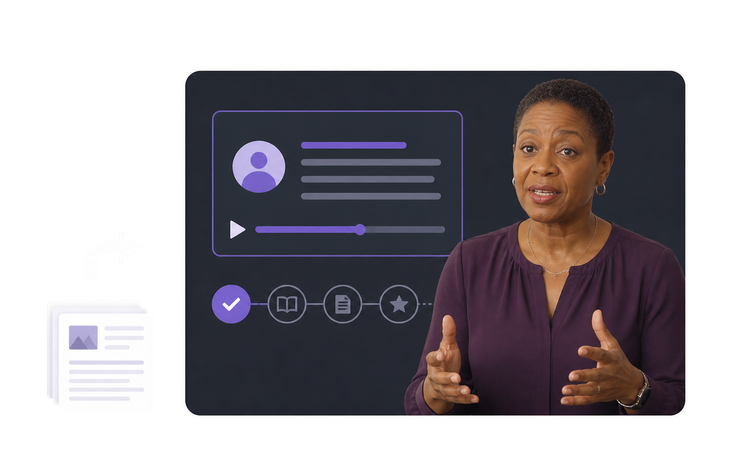
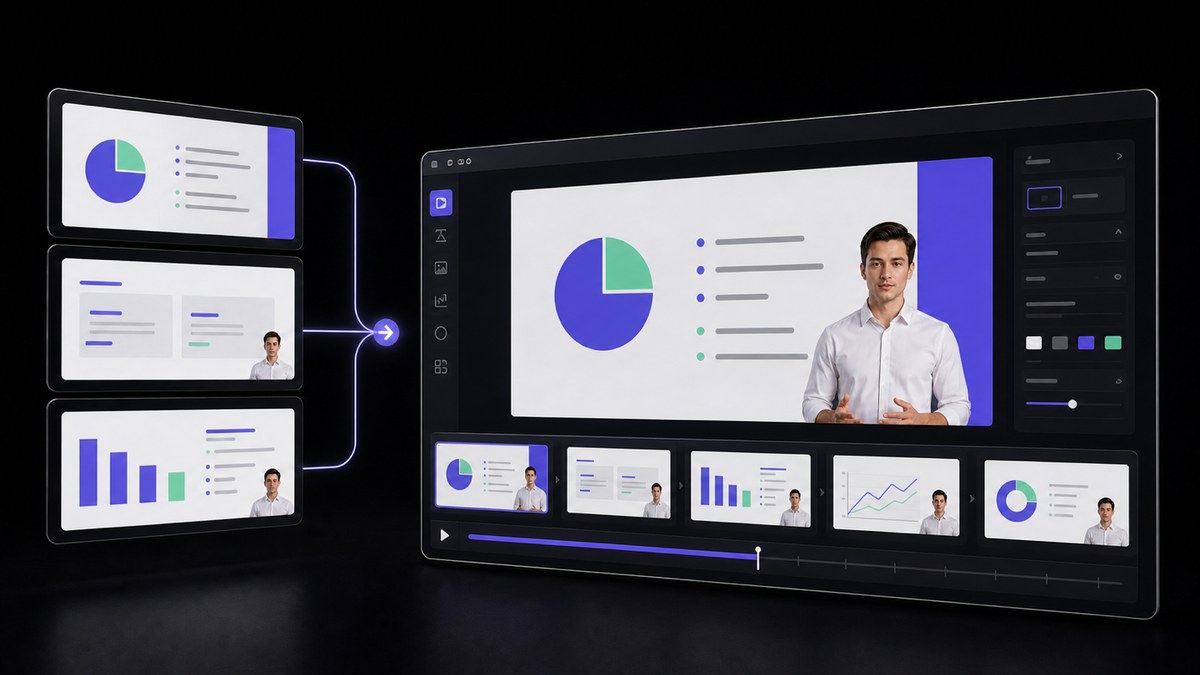
The answer is rarely a better help article, because the customer never got far enough to go looking for one. A three minute module that shows what the feature does before asking anyone to configure it changes the question from how do I use this into whether it is worth my Tuesday. VisionStory builds that module out of the release note and the deck you already have, and your team places it wherever customers already are, in the academy, the help center or an in-app tip. What it does not do is decide which features deserve one; that judgment comes from your own usage data.
Give the rest of the library the treatment the flagship course got
Two courses in the catalog look like real courses. They were made the year there was a budget line for it: a producer, a scripted read, a person on camera. Everything added since is a written article with numbered screenshots, filed under the same navigation, so a customer clicking through the catalog moves from a produced module to a wall of text and quietly concludes the second half was not important enough to finish.
Evening out the library matters more than raising the ceiling on any one module. The same presenter, the same intro, the same caption style and the same length discipline applied across every topic makes the catalog read as one program, and it costs the same per module whether the topic is the flagship workflow or an export setting. A written article converts into a narrated module without being rewritten, which is usually what stops the backlog from ever being cleared. Someone on your side still decides which articles are worth the upgrade and which should stay as text people skim.
Keep one explanation of a feature in circulation, not three
Support could not wait for the module, so a support lead wrote their own version of the explanation and saved it as a macro to paste into tickets. Somebody answered the same question in the community forum a week later, in slightly different words, with an extra caveat about accounts on the older plan. The feature now has three descriptions in circulation, and none of them was wrong on the day it was written.
Customers believe whichever answer reached them last, and that is almost always the ticket reply, so the macro quietly becomes the real documentation while the catalog keeps describing behavior that has been qualified twice since. The fix is not to police what support writes. It is to give them something to point at: a short module built from the same release note they were paraphrasing, cheap enough that the library can hold one for every feature people actually ask about, so the ticket reply and the forum post link to it instead of restating it in their own words. VisionStory turns that written source into the module, but it cannot see what your help desk or your community has already published, so reconciling the wording across all three places is still work someone on your side has to do.
Teach which option to choose, not where to click
A silent screen recording with captions teaches the click path perfectly well. The customer watches the cursor cross the settings panel, copies the sequence, and lands on the same screen. What it cannot teach is the decision one step earlier: which of the three options fits an account their size, whether the default still holds once the data volume grows, and what turning it on does to everyone else in the workspace.
That earlier decision is usually where adoption stalls. The ticket that arrives afterwards is rarely about how to enable the feature; it is about whether they should, for which team, and what happens to the configuration they already have. Reasoning like that has to be spoken by someone who knows the product, which means it has to be written down first, and building the module from the release note and the enablement deck forces those conditions into the script instead of leaving them in someone's head. VisionStory reads that script back with a consistent presenter, a voice and captions. Which recommendation is right for which kind of account stays a call for your product and support teams, and no module should be approved without one of them checking it.
Run an academy without a crew, a studio or a budget cycle
The customer academy is one person and a fraction of another, sitting inside a customer success or product marketing team. There is no camera, no editor and no studio, and the video budget was a line item three years ago that got spent on the two courses still running. Meanwhile the product ships something worth explaining every quarter. The constraint is not ambition. It is that every option on the table assumes a production capability the team does not have and is not going to be given.
This workflow is built for that team size. The presenter, the voice and the captions come from written material rather than a shoot, so nothing has to be scheduled around anyone's calendar and a module can be rebuilt when a screen changes instead of being left wrong. An approved master can then be reissued in any of 88 languages for the regions your program already serves, from the same file your reviewers signed off. What stays manual is the judgment: what to cover, what to say, and whether the module is accurate enough to publish.




Users Love VisionStory
Discover why content creators and marketers trust VisionStory for their AI video needs. From powerful features to an effortless user experience, our community can’t stop raving about the results they achieve with VisionStory.