AI Dance Generator

Make your photo dance. Add a person or character, choose a movement reference or upload your own dance clip, and bring the performance to life.

Reference video

From the library
10s
Reference 1Choose the movement for your dance video
Reference library6

MP4, MOV or WebM · 4–15 seconds · up to 100 MB

Your dancer

Who’s dancing?

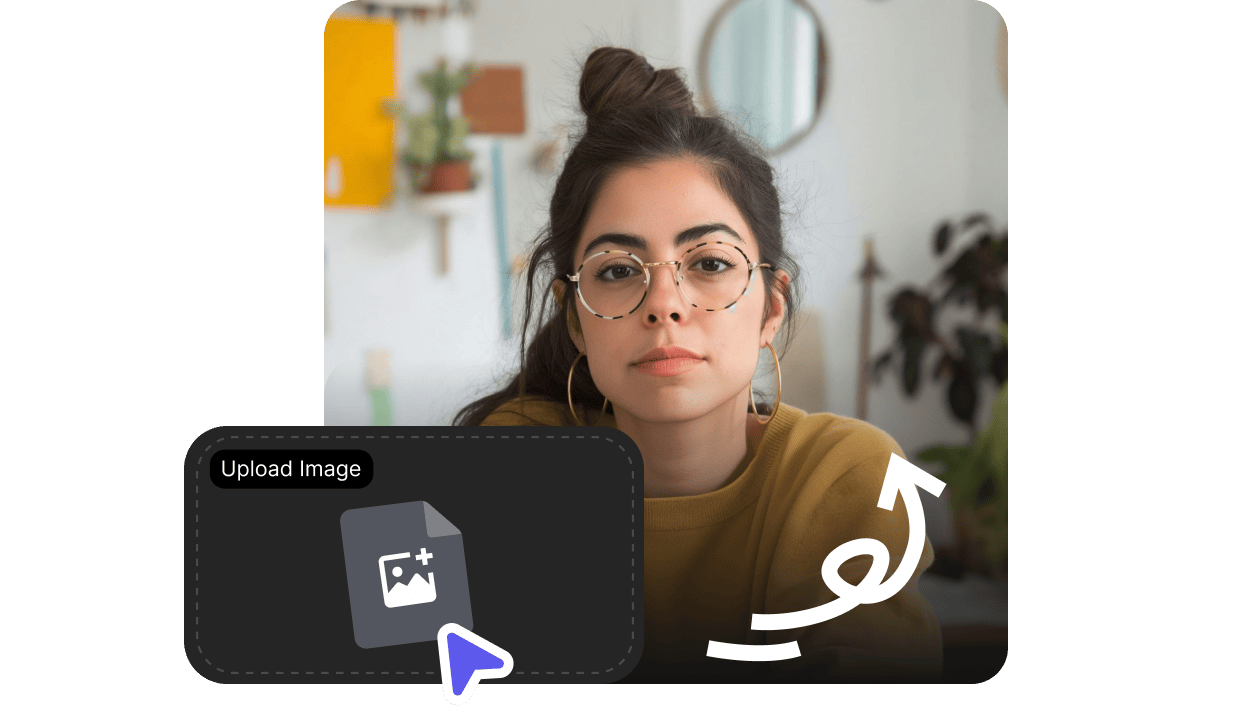
A clear photo of the person or character you want to animate.

or drop a photo here

JPG, PNG or WebP · up to 30 MB

Add your dancer to continue

Review credits and generate your dance video in VisionStory. Opens in a new tab.

Your character. The moves you choose.

An AI dance video starts with an image and a movement reference. These synchronized examples show how the two generation modes use that pair.

Motion Transfer

Give your photo the reference moves

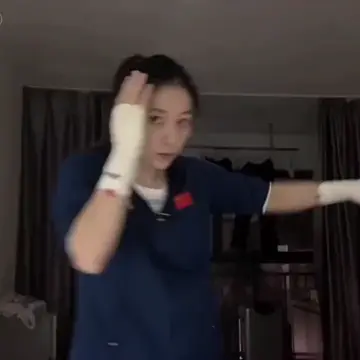
Use Motion Transfer to animate your character with the movement from a dance clip.

Motion reference
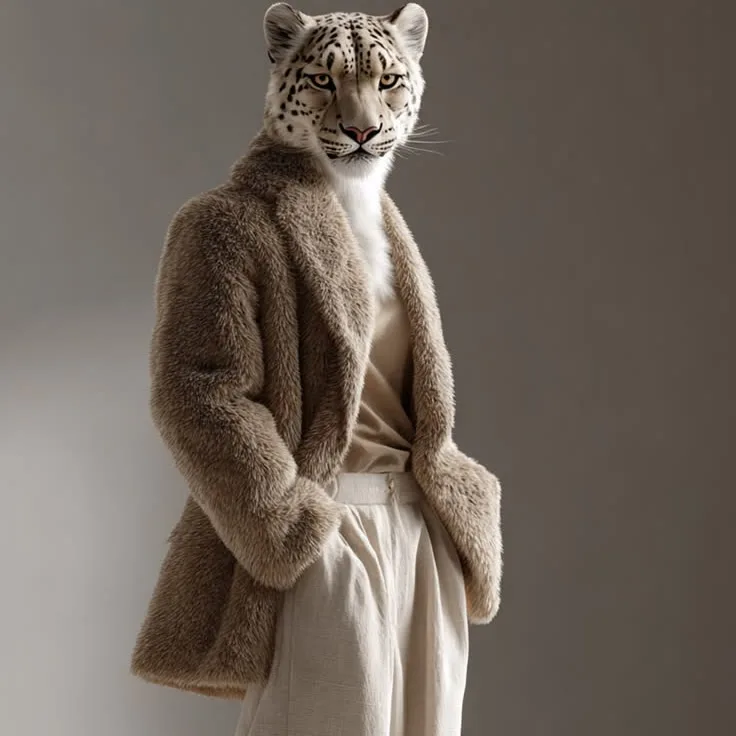
Subject image
Subject image
Official result
Objects Swap

Put your character into the performance

Use Objects Swap when you want to replace the performer in a reference video.

Motion reference
Subject image
Subject image
Official result

These official motion examples demonstrate the two modes. For a dance video, choose a reference with the choreography you want. Results vary with the inputs.

Tips for a better AI dance video

Help the model see the dancer, follow the choreography and match the framing.

Show the dancer clearly

Choose a sharp image of one person or character. Keep the face visible and leave room around the body for the movement.

Keep the choreography visible

Use a steady 4–15 second dance clip with one main performer. Avoid rapid cuts, crowds and anything that hides the arms or legs.

Match the shot to the dance

Use a full-body image for footwork or a full-body routine. Similar camera angles help the image and reference work together.

How to make a photo dance

Prepare your dancer and choreography here, then generate your AI dance video in VisionStory.

01

Pick the dance moves

Upload a 4–15 second dance clip or preview the reference library. Choose a continuous shot where the movement is easy to see.

02

Add your dancer

Upload a JPG, PNG or WebP image. Use Motion Transfer to animate the photo, or Objects Swap to change the performer in the reference scene.

03

Generate your dance video

Continue with your image, clip and selected mode in VisionStory. Sign in, review the credit cost and subscription requirements, then generate, preview and download.

Frequently asked questions

  • An AI dance generator combines a character image with movement from a reference video. The image guides the dancer’s appearance, and the clip guides the performance. VisionStory lets you prepare both inputs here, then generate the video in its Motion Video workspace. You can use a personal photo or a character image.