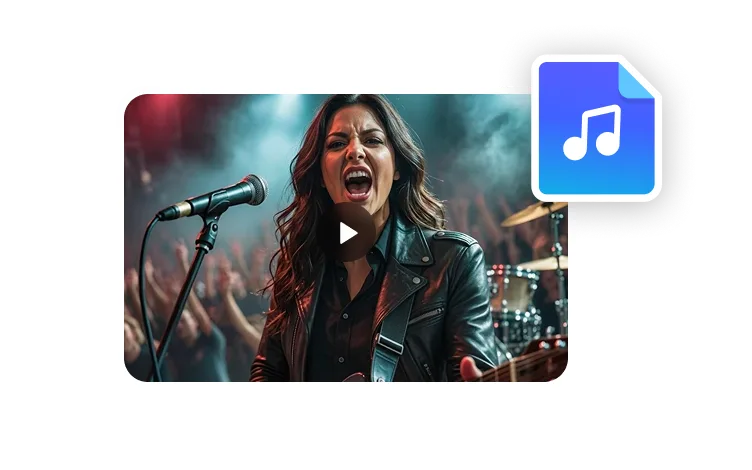
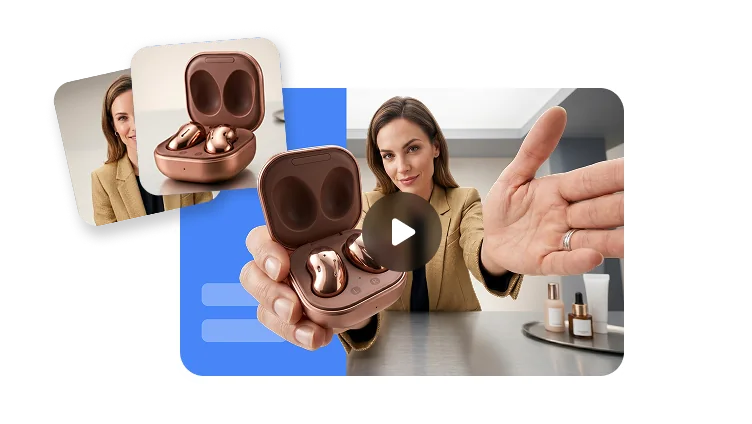
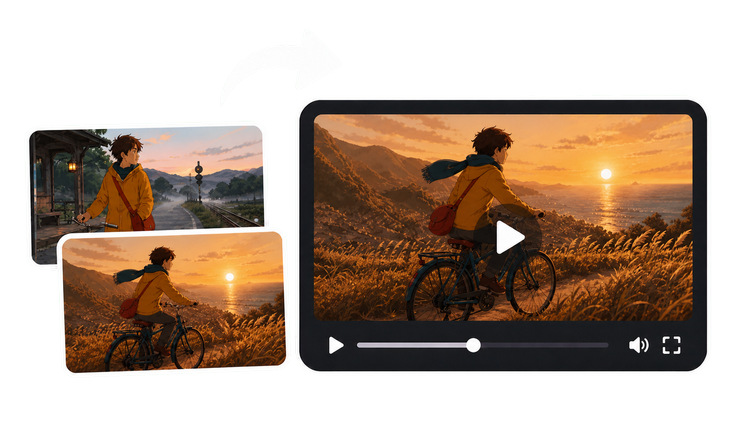
AI Image Generator
Turn prompts or visual references into polished images for campaigns, thumbnails, characters, avatar ideas, and video storyboards.
Try it nowTurn prompts or visual references into polished images for campaigns, thumbnails, characters, avatar ideas, and video storyboards.
Try it nowStart with a visual direction
Use AI image generation to lock a subject, style, campaign mood, or thumbnail concept before you move into avatar videos, ads, or social content.
Test several looks before choosing the image that should anchor the project.
Create portrait, presenter, or character references for later video production.
Generate visuals sized for thumbnails, product scenes, campaigns, and storyboards.

Mock up ad visuals and campaign environments before producing video.

Create portrait directions for avatars, talking photos, and creator profiles.

Try multiple thumbnail ideas before publishing the final video.
Explore the look of a campaign, avatar, product scene, or story before you commit to video production.
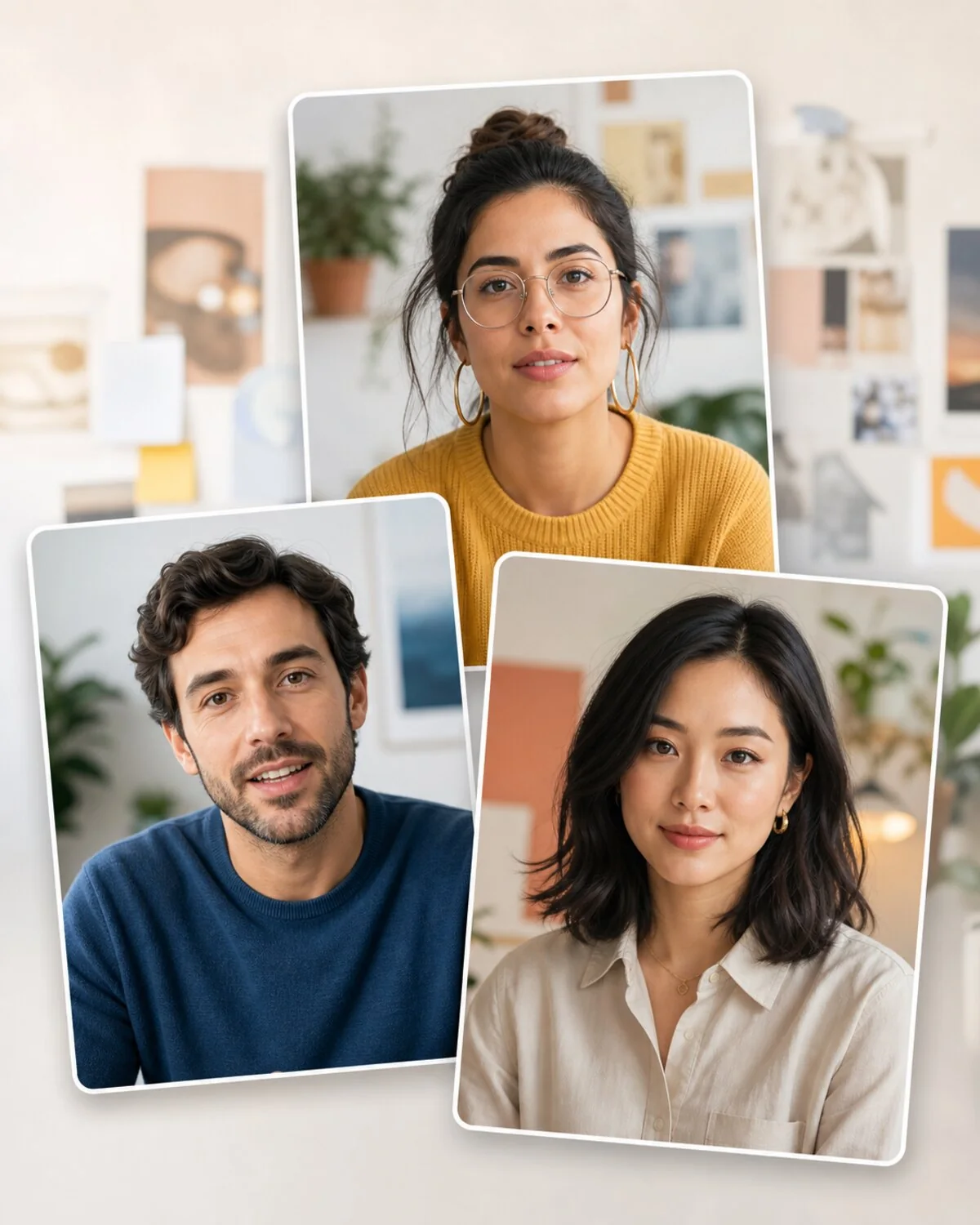
Explore presenter looks, profile images, and campaign faces.

Mock up campaign visuals before running video ads.
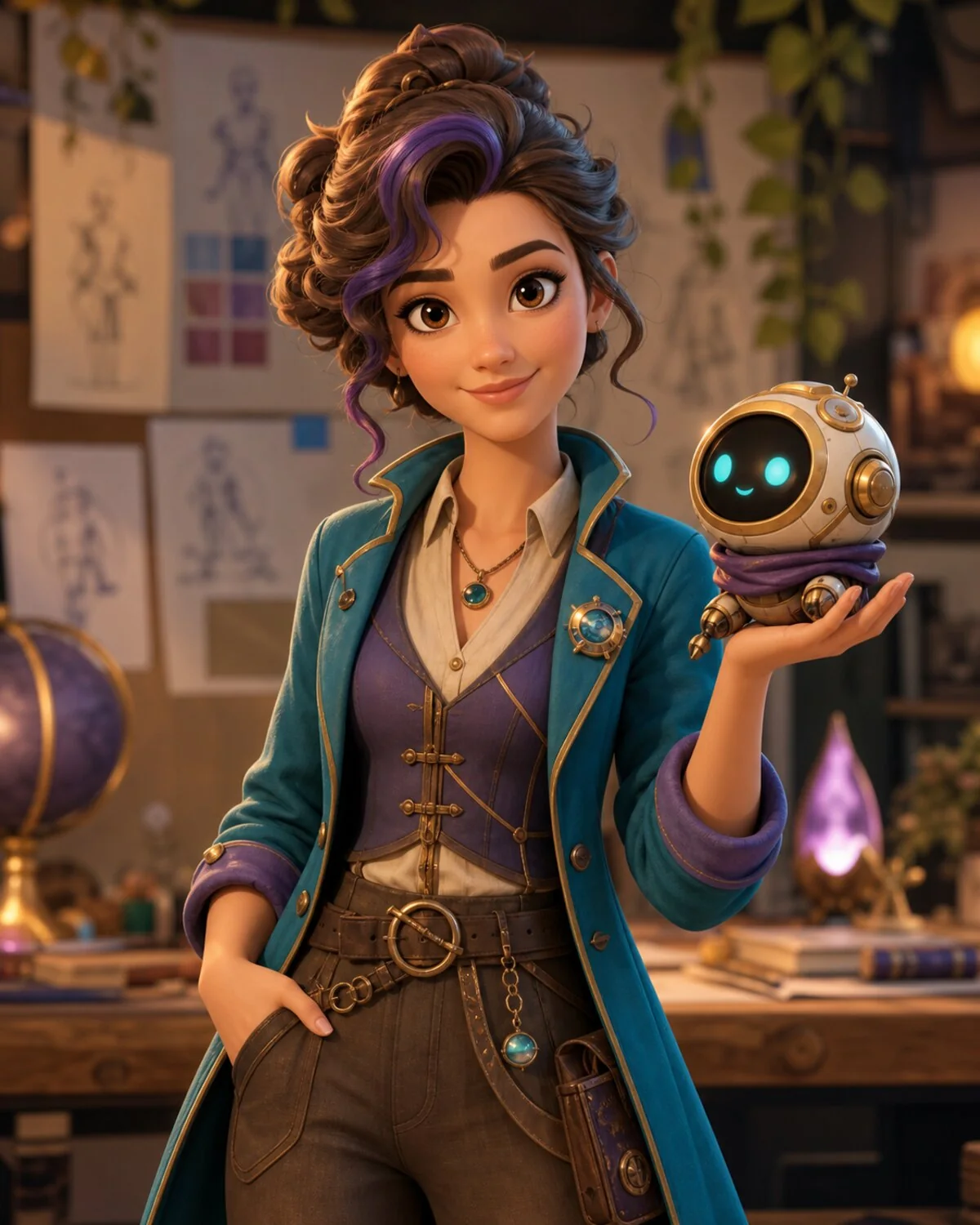
Create story, education, and entertainment character references.
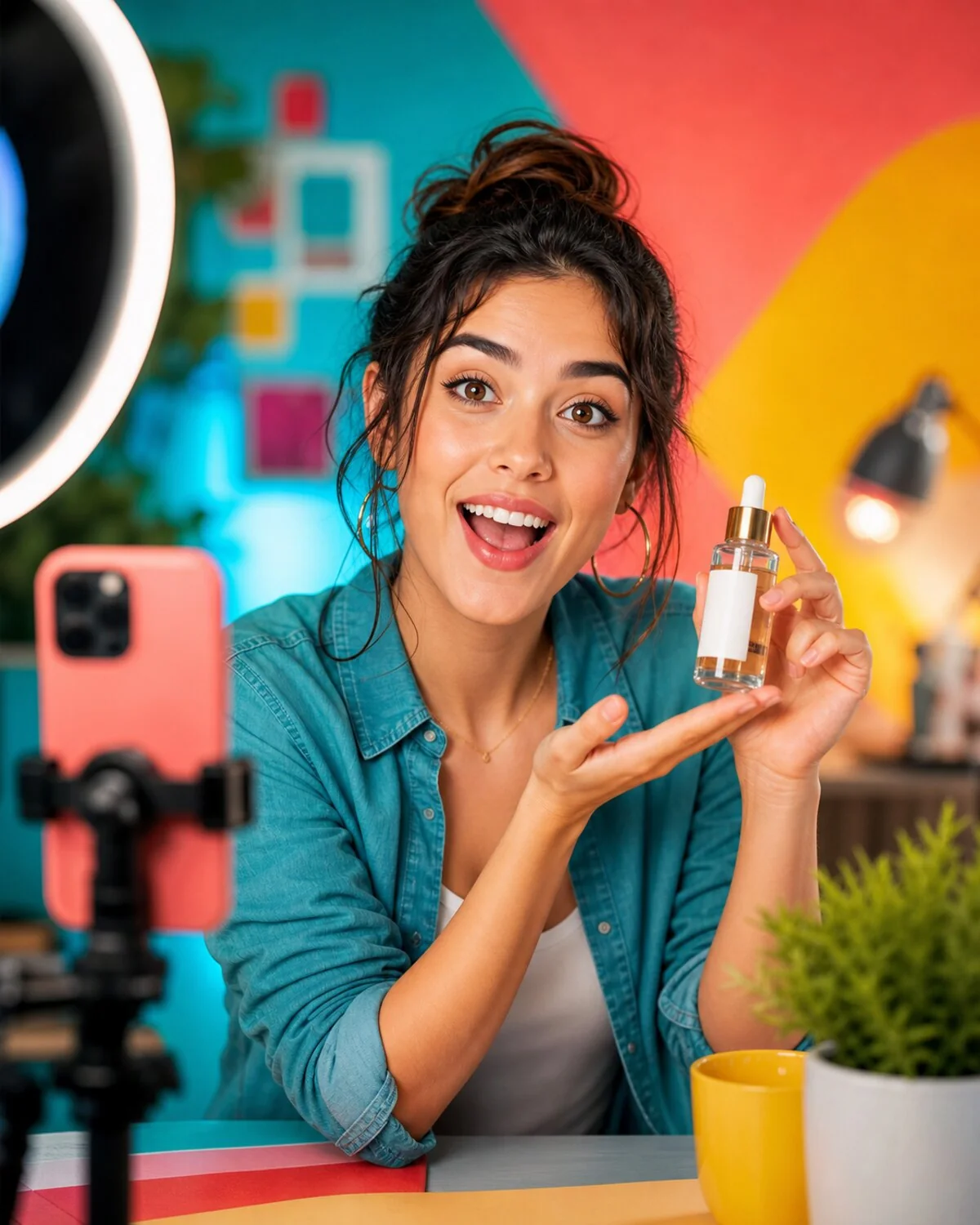
Test scroll-stopping thumbnails and feed visuals.
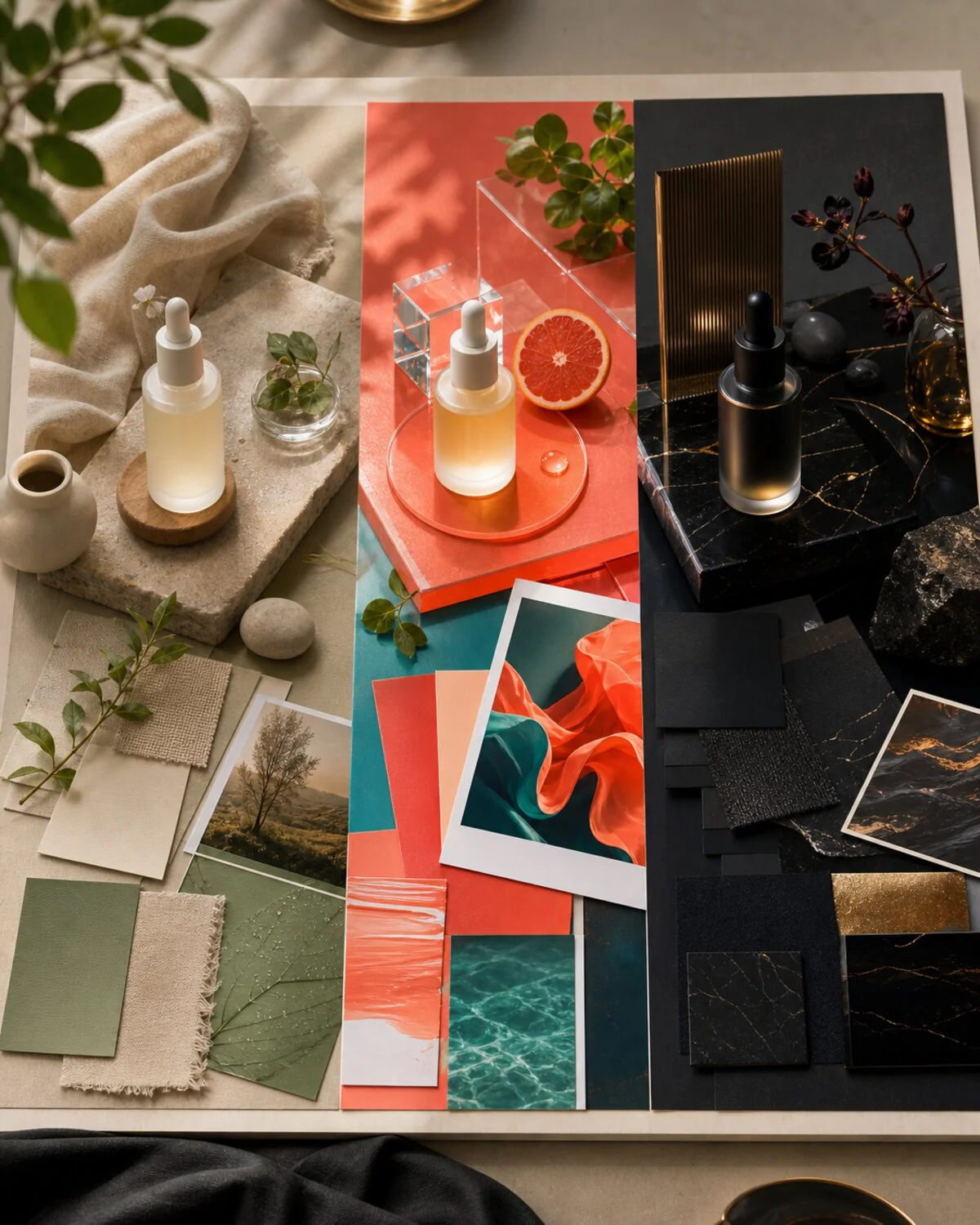
Try multiple moods before choosing the final direction.
Choose the prompt approach that matches the creative job: fresh concept, guided edit, campaign direction, or avatar planning.
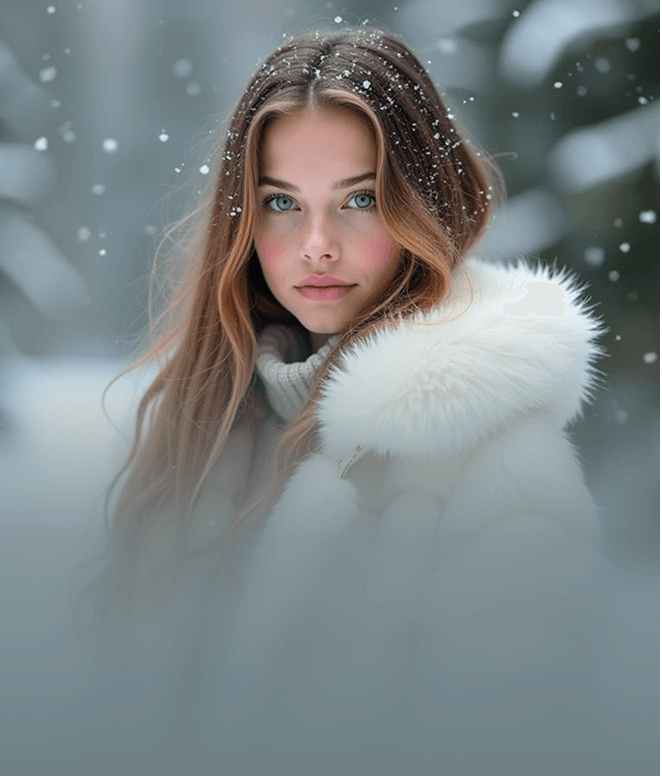
Prompt from scratch
Describe the subject, scene, camera angle, and visual mood to generate a fresh concept.
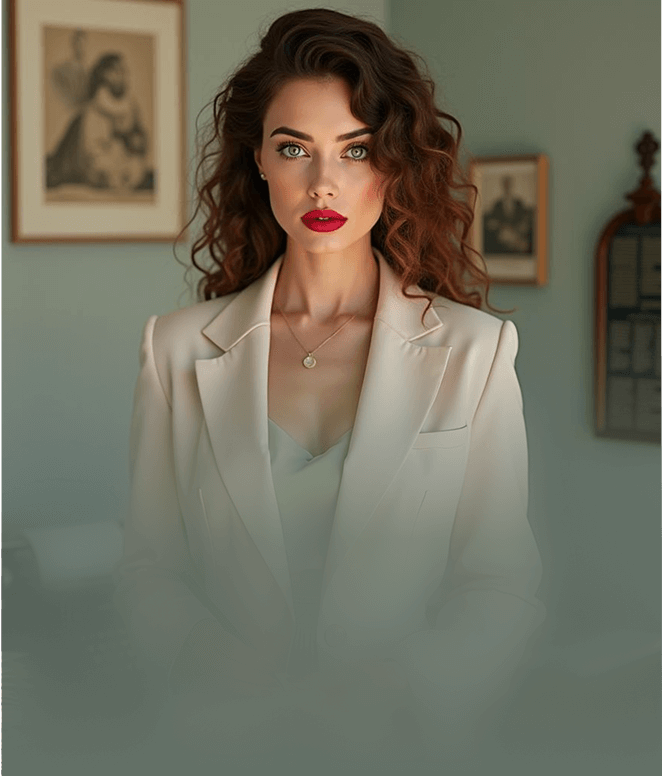
Reference-driven edits
Use a source image as a visual anchor, then change styling, wardrobe, or background.
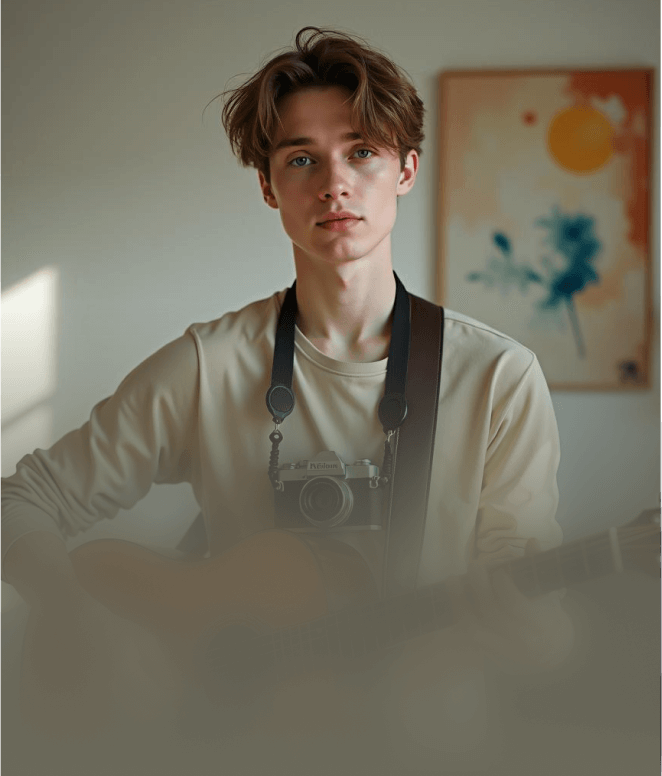
Campaign exploration
Generate several variations before committing to a hero image or video direction.
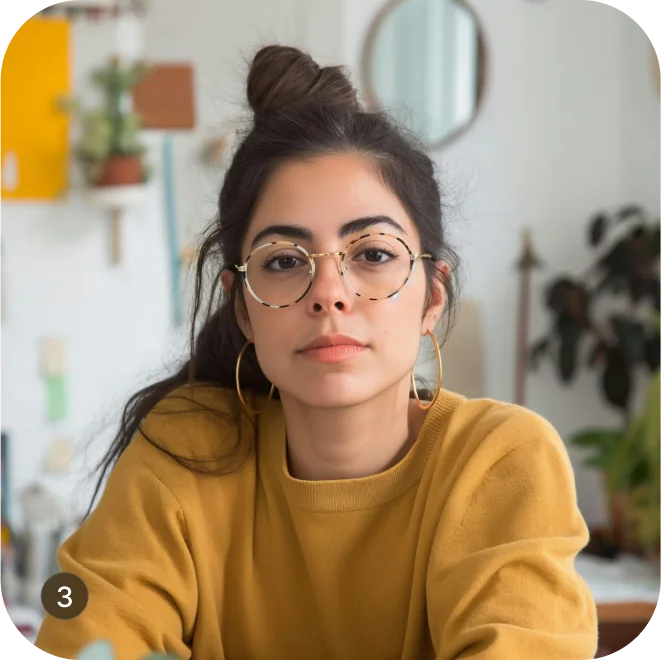
Avatar planning
Create character references that can later become avatars or talking photo sources.
Generated images can become campaign references, talking-photo inputs, avatar concepts, or visual storyboards.
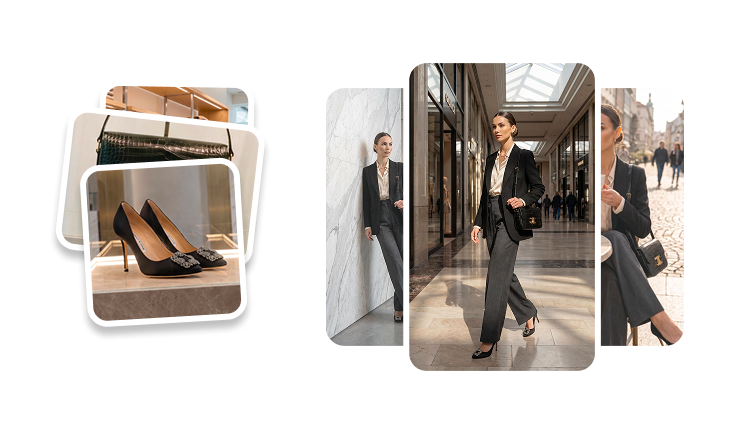
Creative controls
Use image generation to lock the subject, style, and next production step before making ads, avatars, or talking videos.
Define the person, product, scene, or character the image should focus on.
Choose realistic, cinematic, editorial, social, or character-led art direction.
Move the strongest image into talking photo, avatar, ad, or storyboard production.
You can create portraits, characters, product concepts, campaign images, thumbnails, and visual references from text prompts or source images.