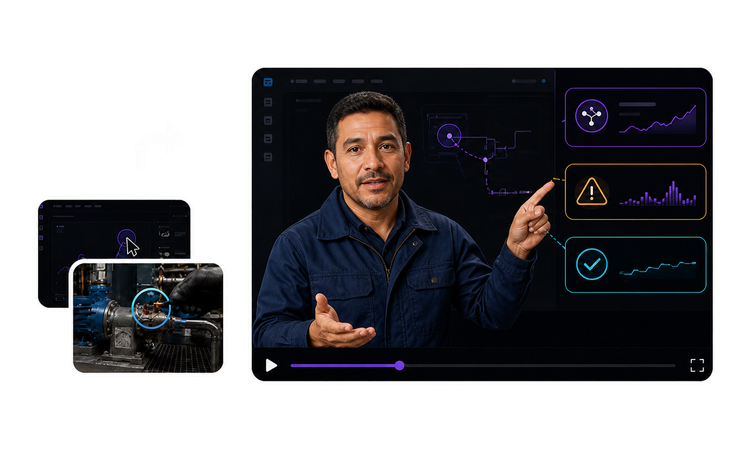
Training Video Software for L&D Teams: What Goes In and Who Signs Off

VisionStory groups its training video software for L&D teams around the five jobs internal video is actually asked to do, not one feature list every team has to translate into its own program. Each job runs on its own source material, answers to a different reviewer and moves on a different update cycle, so each one gets its own workflow. The shape is shared: approved material in, a reviewed file you release through your own systems out, and the same master reissued in any of 88 languages. Pick the card that matches the job in front of you.


Frequently asked questions

  • Start with the job, not the feature list. Four different product types get sold as a training video maker: screen recorders that capture what you do on screen, editors that assemble footage somebody filmed, subscription catalogs of stock lessons on general topics, and workflows that build a narrated, presenter-led module from documents you already own. The first three are reasonable buys when the topic is generic or the footage already exists. The fourth is the one that earns its place when the subject exists nowhere except your own drives and goes stale whenever a process, a tool or a rule moves. Once the category is settled, sort by job: source material, reviewer and update cadence vary far more across the five workflows below than any feature comparison suggests.