Learning teams are rarely short of things to teach. They are short of a way to get the thirtieth topic made at all, keep the eleventh one accurate after the process behind it quietly changed, and deliver both to five regions without booking a trainer in each. The points below are where a corporate learning video workflow usually breaks down, expert time, existing course material, re-versioning, access on the learner's own schedule and cost per course, and what happens at each one when modules are generated instead of filmed.
Refresh a module the week the process changes
A tool ships a new interface, a product release renames half the screens, and the module in your catalog now teaches a workflow that no longer exists. The fix is not an edit. It is a change request to the agency that produced the course, a quote to approve, a slot in their production queue behind somebody else's project, and weeks in which the outdated version keeps being assigned.
Generated modules re-version differently, because the source is a document you control. Correct the slides and the lines that describe the new step, regenerate only that section with the same on-screen instructor and voice, and the module is back in review the same week the change landed. Nobody has to reproduce a set or a delivery style, so the updated section still sits inside the course without announcing itself as a patch.
Capture expert knowledge before the calendar eats it
Most of what your workforce needs to learn lives with three or four people who are already overbooked. Putting a senior engineer or a regional manager in front of a camera means finding a half day in their calendar, then a second take because they froze, then an edit that sits unfinished for a month. Meanwhile the knowledge stays in a slide deck attached to an old email thread.
Moving the expert from performer to reviewer changes what is realistic. They supply the notes, the deck and the corrections; the module is generated around a consistent presenter and narration; their name goes on the accuracy sign-off instead of the recording schedule. A subject nobody would ever have booked studio time for becomes a module the team can assign, and the expert spends an hour on it rather than a day.
Make the deck you already teach from watchable
The live session works because you are in the room reading it. Recorded, the same sixty-slide deck becomes a cursor advancing through bullet points with a voice somewhere behind it. Nobody says it is bad; they say they will finish it later, and the tab stays open on a slide until the next meeting takes the screen. The material was never the problem, the format was.
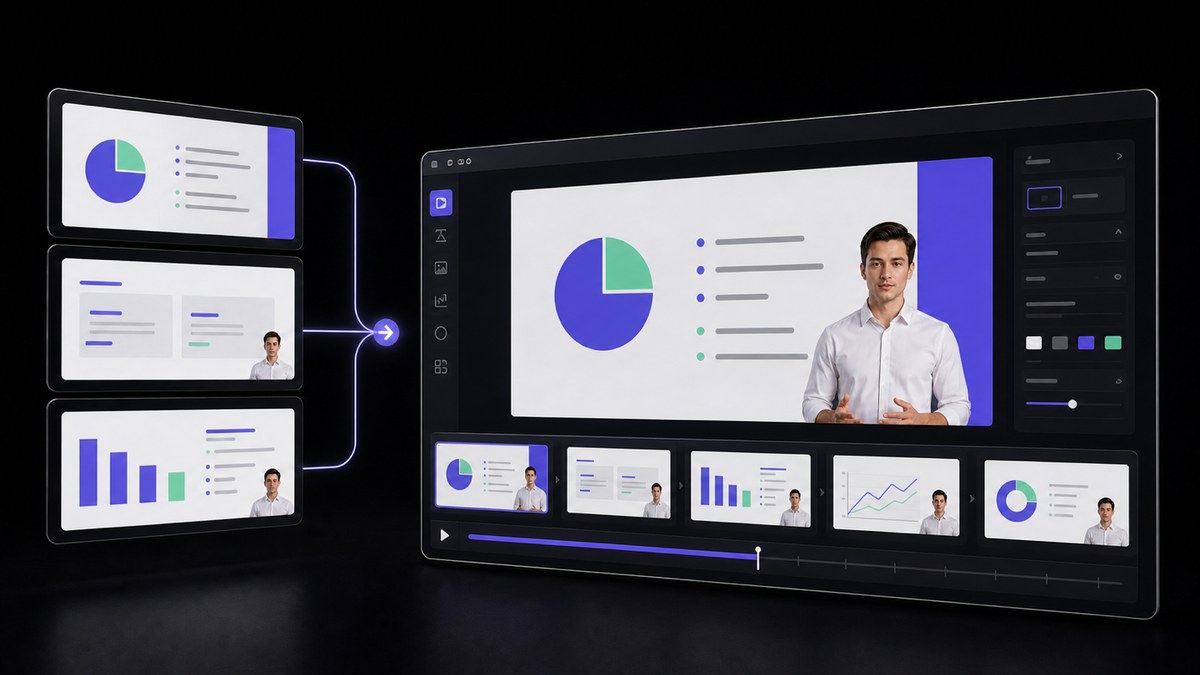
Rebuilding the same content as an avatar-led module changes what a learner actually sees. An on-screen instructor carries the explanation, captions carry the terminology, and the deck is cut into short segments that each answer one learning objective instead of one long file nobody finishes. The source content stays yours, reviewed and versioned; only the delivery format changed.
Put the module where the task is, not on the training calendar
The session ran on a Thursday in January, and the same request arrives in March from a team lead whose new hire has just been handed the process. What exists by then is a recording of a room with a whiteboard nobody can read, and the deck forwarded with a note telling people to ask if anything is unclear. The knowledge was delivered once, to whoever happened to be free that morning.
A module is a file, not an event, so it can be attached to the thing it explains: the checklist step, the ticket type, the tool that just changed. It arrives the week the work lands on someone's plate instead of the quarter the training calendar allowed for it. The course owner maintains one module rather than a queue of repeat sessions, and every later request is answered by the same reviewed version.
Cover the whole curriculum, not just the two flagship courses
Ask a learning team what is holding the catalog back and the honest answer is arithmetic. A crew, a studio day and an editor is a cost per course, so the budget covers the two courses leadership can see. The other thirty topics, the ones people actually search the intranet for on a Tuesday afternoon, stay as PDFs and a recorded call from last year that half the team cannot find.
Generating from material you already own changes what the thirty-first topic costs to add. Skills courses, leadership series and expert explainers are all built the same way, from the same source library and the same reviewed presenter. A subject that could never justify a production budget on its own now clears the bar, because the bar is an accurate source document and someone to sign off on it. The catalog grows because adding to it stopped being an event.






Users Love VisionStory
Discover why content creators and marketers trust VisionStory for their AI video needs. From powerful features to an effortless user experience, our community can’t stop raving about the results they achieve with VisionStory.