The announcement post is scheduled, the embargo has a time on it, and the build it describes is still taking commits. Product marketing works in that order more often than not, and it shapes each of the questions here: when the explainer can be started, what happens to it when a screen is renamed six months later, and whether one release can serve the field and the market at once.
Start before the build is final without redoing it
The date went into the launch calendar in week two, when the feature still had a placeholder name and two of the screens were wireframes. By the time the build is stable enough to film, there are eleven days left, three of which belong to legal review. Every product marketer in this position makes the same bet: shoot early and redo the parts that moved, or wait and hope the edit lands the night before.
Building the explainer out of written material removes the dependency on a finished build. The PRD, the positioning deck and the release notes exist weeks before the interface settles, and they are enough to produce a first cut with the presenter, the narration and the structure already in place. What is still in motion sits in named segments you regenerate once the build lands, so the last week is spent confirming what actually shipped rather than starting production. Your product manager still signs off on what is generally available and what is still in beta before anything goes out.
The deck exists, and nobody opens it
There is a launch deck. It is thirty-one slides, it took three weeks and four rounds of comments, and it is genuinely good. It also goes out as a PDF attachment to a mailing list, which means it has to survive an inbox, a download and a scroll bar before it says anything at all. The story you spent three weeks sequencing, the problem, the shift, the feature, the proof, is the part most readers never reach.
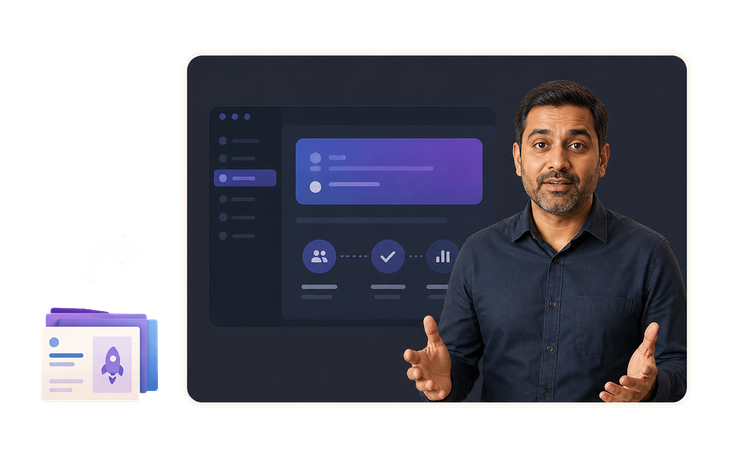
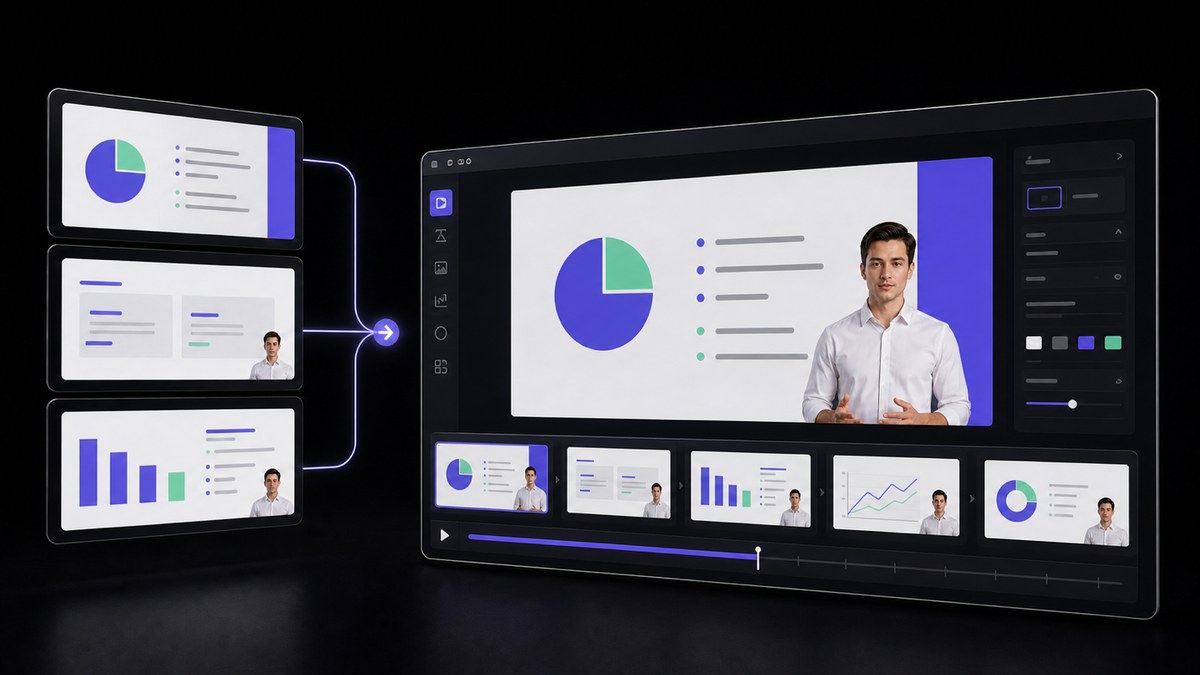
The same deck is the input here, not something to replace. Bring it in as it is and the section order you argued over stays intact, with a presenter narrating each section instead of a reader skimming it. The result runs a few minutes, plays inline in the announcement post and on the launch page, and gives someone who will never open a PDF the same sequence in the same order. Keep the deck for the sales team and the analyst briefing; the video is what carries it to everyone else.
Marketing assets age out faster than they get replaced
Someone links the explainer from last October in a support thread and a prospect watches it. The nav bar in it has four items; the product has six now. The button the narrator says to click was renamed in February, the pricing tier on screen was retired, and the settings page shown halfway through has been reorganized twice since. Nobody made a decision to leave it up. It is simply the video that is on the page, and taking it down means having nothing there.
An explainer assembled from segments has a different maintenance cost. The narration, the presenter and the supporting shots live in a structure you can open again, so a renamed feature or a reorganized screen means regenerating the segment that covers it and leaving the rest alone. That turns a quarterly refresh from a project into an afternoon. It also changes what you are willing to publish in the first place, because a video you can amend is a video you can put on the homepage before the interface has finished settling.
One release, two audiences, two edits from one source
The same release needs two videos, and they are being made by two people who have never compared notes. Enablement is cutting an internal walkthrough so the field knows what changed and what it replaces. You are writing the external announcement. Both are derived from the same PRD, both describe the same three capabilities, and by the time they are finished the internal one calls the feature by its engineering name and the external one has a different order of benefits.
Producing both from one source document keeps the substance identical and lets the framing differ on purpose. The internal cut can run longer, keep the caveats and name what is still in beta; the public one opens with the problem and stops before the roadmap. Because both come out of the same approved description, a correction made after review can be applied to both rather than to whichever one someone remembers. The audiences stay separate; the facts do not drift apart between them.
The same file has to hold up on a wall and in a browser
A product launch video does not live in one place. It autoplays in the hero section of the website, it plays behind a keynote on a stage screen wider than the room, it goes into the press kit, and three months later someone drops it into an investor update. The version that looked acceptable in a small embedded player is the version projected at ten feet, where soft text, compression blocks and a smeared product screenshot are the only thing anyone in the third row can see.
Native HD and 2K output means the master is produced once at a resolution the largest of those surfaces can take, and everything else is a downscale from it rather than an upscale toward it. Interface text stays legible, gradients stay clean, and the file survives the second and third re-encode it collects on the way to a partner site or a conference AV desk. It also survives reuse, since the same master is still usable when the video is pulled back out a year later for a retrospective or a funding deck.




Users Love VisionStory
Discover why content creators and marketers trust VisionStory for their AI video needs. From powerful features to an effortless user experience, our community can’t stop raving about the results they achieve with VisionStory.