Compress JPG Images
Prepare JPEG-specific settings without mixing in PNG transparency or format-conversion tasks.
Choose JPG images
JPG or JPEG files · File limit: 20 · 5 MB per file
Prepare JPEG-specific settings without mixing in PNG transparency or format-conversion tasks.
JPG or JPEG files · File limit: 20 · 5 MB per file
JPEG quality choices
Match JPEG compression settings to how the photograph will be viewed, shared, or uploaded.
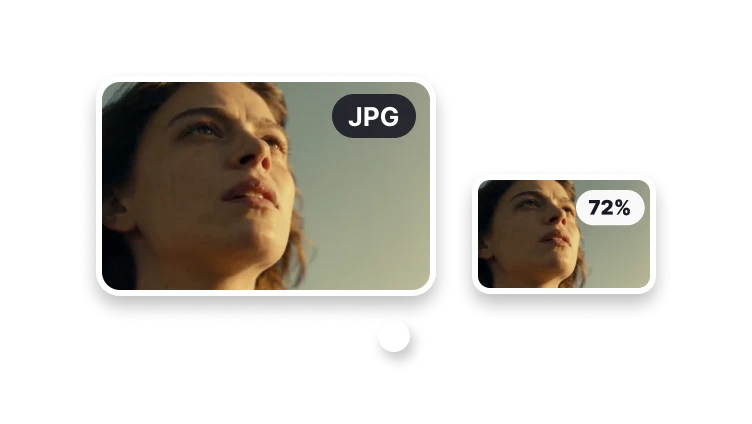
Use a higher setting when fine texture and gradients matter.
Favor a lighter file for email, forms, and quick delivery.
Prepare a JPEG that becomes clearer as it loads.
Reduce the file without turning it into another image type.
Start from the destination, then choose the JPEG tradeoff.
JPEG tradeoffs
JPEG photographs need a deliberate balance between visible detail and delivery weight. A quality preference and an exact upload ceiling are related but different constraints.
Compare fine texture, gradients, text, and edges at the final display size rather than trusting a preset name.
Use Reduce Image Size when acceptance depends on a byte ceiling; one JPEG quality value cannot guarantee it.
Use Reduce Image Size for a strict upload ceiling. Use Image Resizer when the requirement is width and height rather than file size.
Visual diagnosis
Raise the quality goal or reduce dimensions deliberately; avoid repeatedly recompressing the last lossy output.
A noisy high-resolution photograph can remain heavy even when another image reaches a lower size at the same setting.
Repeated lossy saves can add artifacts. Return to the original photograph when changing compression settings.
Check your result
Zoom into the same patch of hair, foliage, or fabric in both files. Look for block patterns or fine detail that has become smeared.
Check skies, shadows, and other gradual color transitions for banding. A small thumbnail can hide these artifacts.
View the JPG at its actual publishing size and check the upload limit. The smallest file is not always the best usable version.
It depends on the image and destination. Start with a moderate quality setting, inspect the real processed result in VisionStory, and adjust if visible artifacts are too strong.