Resize Images by Pixels or Percentage
Use resizing when the whole picture should remain visible at a different resolution.
Choose an image to resize
JPG, PNG, WebP or HEIC · File limit: 1 · 10 MB per file
Use resizing when the whole picture should remain visible at a different resolution.
JPG, PNG, WebP or HEIC · File limit: 1 · 10 MB per file
Dimension control
Change width and height while keeping the full composition visible and proportional.
Enter a precise width and height for the destination.
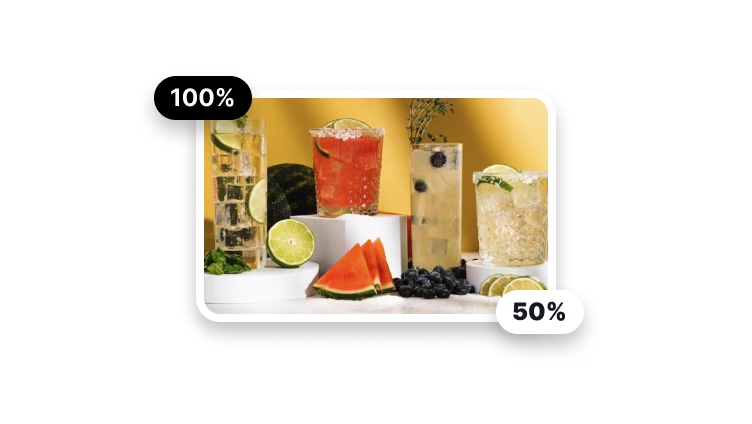
Make the image proportionally smaller or larger.
Lock the original proportions while changing one dimension.
Choose a familiar layout before refining the values.
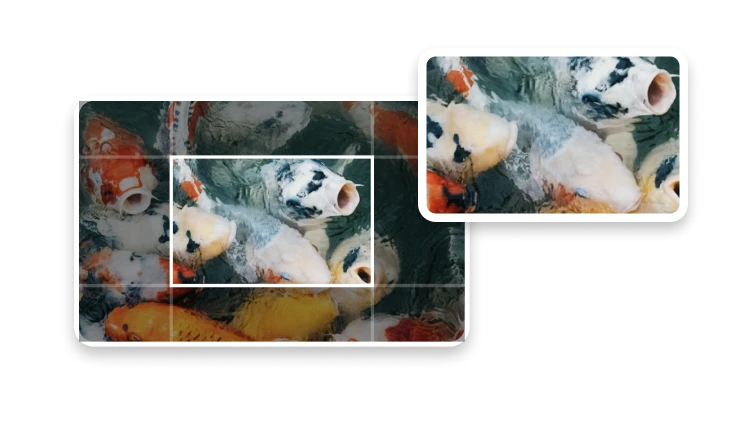
Resize when the full frame should remain; crop when the composition should change.
Dimension choice
This route changes width and height without intentionally removing outer content. Choose crop instead when the subject needs a new frame.
Enter required width and height when a CMS, slide, profile, or product slot names specific dimensions.
Scale the whole image when the new size is relative and no fixed destination dimension has been supplied.
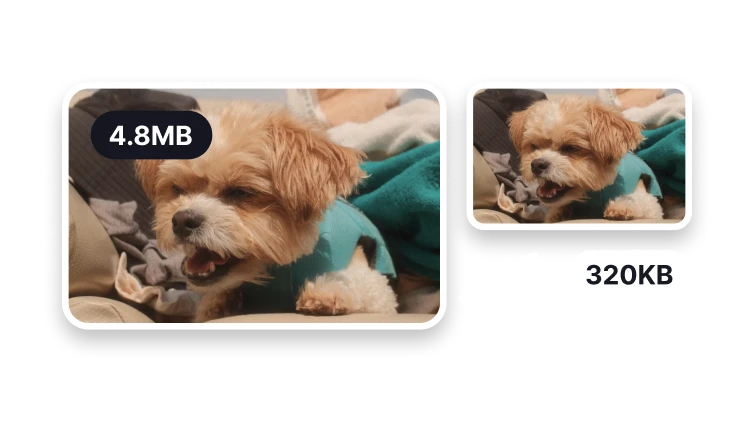
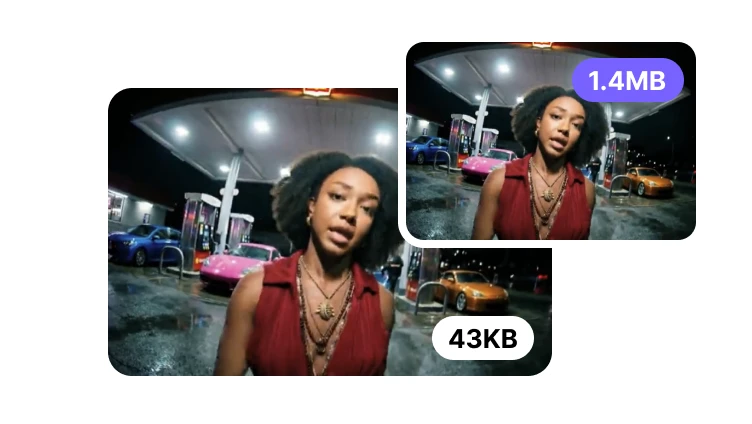
Choose Image Cropper when you need to remove outer areas. Use a compressor when the image dimensions are right but the file is too large.
Resize anatomy
Width and height define the pixel grid; aspect ratio defines its shape. A ratio lock can protect proportions but does not create missing source detail.
Let one dimension calculate the other unless a changed shape and its distortion are a deliberate requirement.
A larger grid is not proof of recovered texture; AI upscaling or restoration belongs to a different workflow.
Check the exported pixel dimensions and compare circles, faces, and logos for stretching. A larger image does not restore missing source detail.
Create in VisionStory
This page prepares a resize job but does not export it. VisionStory creates the file that should be inspected against the destination requirements.
The image may need to be chosen again when the next step opens the VisionStory workspace.
Check dimensions, proportions, visible detail, format, bytes, and the actual placement before replacing the source.
Approve the result only after pixel dimensions and aspect ratio are checked in the named player, editor, upload form, publishing system, or other intended destination.
Resizing changes the dimensions of the whole image. Cropping removes pixels outside a selected frame and changes the composition.