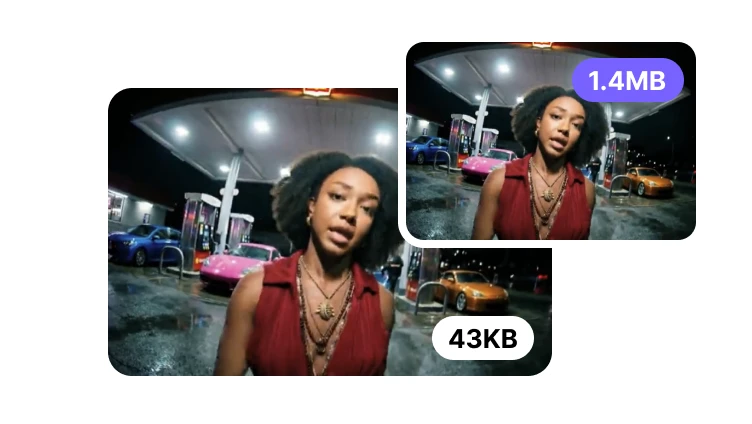
Reduce an Image to Your Target File Size
Prepare images for a form, marketplace, application, or attachment with a maximum file-size rule.
Choose images to reduce
JPG, PNG, or WebP · File limit: 1 · 10 MB per file
Prepare images for a form, marketplace, application, or attachment with a maximum file-size rule.
JPG, PNG, or WebP · File limit: 1 · 10 MB per file
Target file size
Set a practical KB or MB ceiling for forms, marketplaces, attachments, and account uploads.
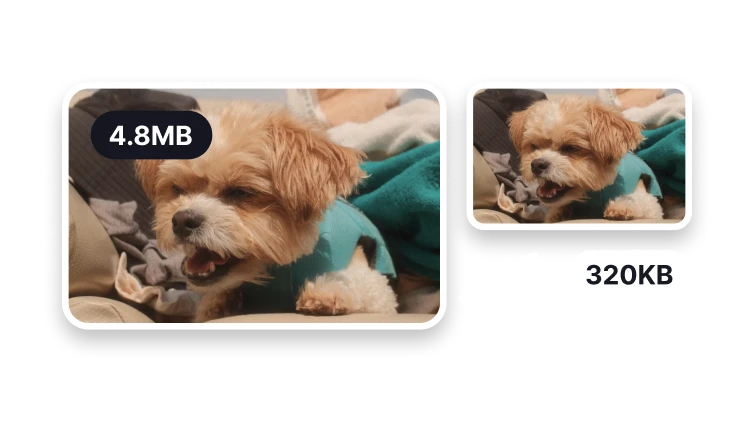
Prepare a compact image for portals with a low file limit.
Balance readable detail with a common upload ceiling.
Keep more visual detail for listings and content systems.
Confirm the final bytes before submitting the image.
A target is successful only when the downloaded file meets the destination rule.
Byte-limit planning
Use this route when a form, application, marketplace, or attachment rejects files above a stated size. Pixel dimensions alone do not answer that requirement.
Note the unit and ceiling, then leave room for systems that may display or calculate bytes differently.
Choose Image Resizer when width and height are mandatory and file bytes are only a secondary concern.
Use Image Resizer when the requirement specifies pixels. A smaller width or height does not by itself confirm that a byte limit has been met.
Check your result
Read the size of the downloaded file rather than a target entered before processing. Compare it with the limit shown by the receiving form.
Check dimensions and format as well as size. A file can meet a KB limit and still fail a minimum-resolution requirement.
Open the image at full size to inspect names, numbers, and small print. Do not trade away information needed by the recipient.
Target diagnosis
Decide whether lower resolution, a different quality level, or a deliberate format change is acceptable for the destination.
Upload systems may state both byte and dimension limits; satisfying one does not prove the other is satisfied.
If a target requires unacceptable blur or smaller dimensions than allowed, keep the original and ask the recipient about another accepted format or delivery method.
The processing tool can work toward a 100 KB ceiling, but the achievable result depends on format, dimensions, and image detail. Always check the reported output size.