Compress PNG Images Without Flattening Transparency
Prepare PNG-specific choices for logos, screenshots, interface assets, and transparent graphics.
Drop PNG images here
PNG (not APNG) · up to 20 files · 5 MB each
Prepare PNG-specific choices for logos, screenshots, interface assets, and transparent graphics.
PNG (not APNG) · up to 20 files · 5 MB each
Transparency-aware compression
Choose a PNG strategy that respects transparent edges, crisp text, and flat-color graphics.

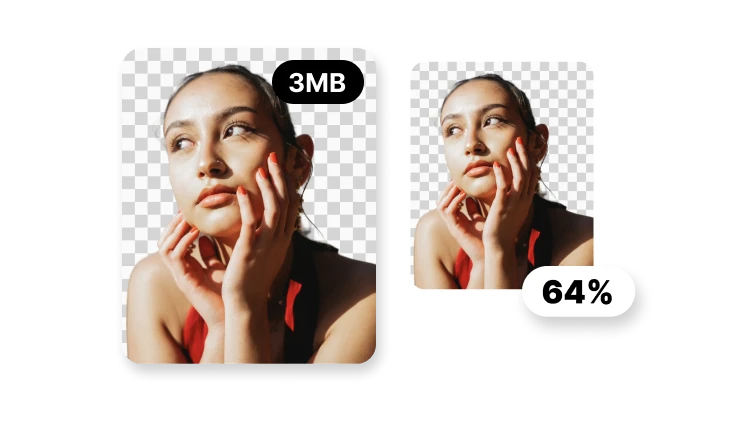
Preserve transparent and partially transparent pixels.
Optimize the encoding without intentionally changing pixel values.
Use fewer colors when logos or UI assets can tolerate it.
Animated PNG files stay outside this workflow.
The smallest PNG is not useful if transparency or clean edges are lost.
PNG anatomy
A PNG may combine opaque pixels, partial transparency, text, and flat-color regions. Those properties deserve separate inspection rather than a photographic compression preset.
Test antialiased edges on light and dark backgrounds so flattening or halos cannot hide in a single preview.
Palette changes can affect smooth tones and one-pixel details even when a distant thumbnail appears acceptable.
Read alpha transparency and palette behavior from the actual source and output; do not infer technical properties from the extension, preview, or control label alone.
PNG strategy
PNG graphics can need transparency, crisp edges, and stable colors. Decide whether decoded pixels must remain exact before considering a reduced color palette.
Use it when contractual colors, interface pixels, or transparent edge values must survive without decoded changes.
Flat artwork may tolerate fewer colors, while gradients, screenshots, and textured illustration can show visible banding.
Keep alpha transparency and palette behavior as the page's central decision, and route neighboring compression, conversion, timing, or editing needs to their dedicated tools.
PNG proof
Record source and output alpha state, dimensions, settings, bytes, and light-versus-dark edge previews.
When using a lossless label, compare decoded pixels and identify the production encoder, version, and date.
Record unsupported cases and failed checks alongside successful fixtures so alpha transparency and palette behavior remains reproducible rather than becoming a universal marketing claim.
The PNG workflow is designed around preserving alpha transparency. Verify the real processed output in VisionStory before replacing an original asset.