Convert WebP Images to JPG
Choose the output quality and decide what should replace transparency before conversion.
Choose WebP images
Static WebP files · File limit: 20 · 10 MB per file
Choose the output quality and decide what should replace transparency before conversion.
Static WebP files · File limit: 20 · 10 MB per file
Transparency decision
JPG cannot store alpha transparency, so make the background choice before conversion.
Start with a static image downloaded or prepared for the web.
Fill transparent pixels for documents, stores, and general use.
Use a darker fill when it matches the destination.
Choose a color that belongs in the final design.
A deliberate background prevents transparent areas from becoming an unwanted surprise.
Format consequence
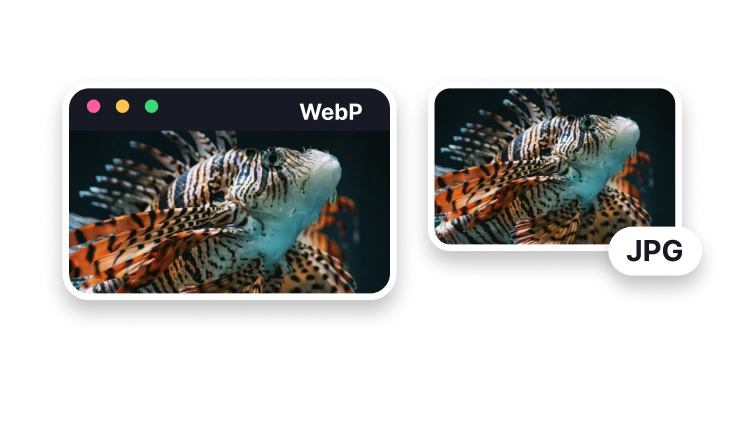
Use JPG when a destination rejects static WebP. Because JPEG has no alpha channel, transparent source pixels need an intentional fill color.
Keep WebP when it works; create JPG when a form, editor, recipient, or legacy system explicitly needs it.
Preview white, dark, or brand-aware fills around antialiased edges instead of assuming transparent pixels can survive.
Keep WebP or use another suitable format when you need animation or transparency. A single JPG cannot carry either feature.
Finish in VisionStory
Prepare your WebP conversion here, then continue to VisionStory. Inspect the background and edges of the downloaded JPG before using it.
The source may need to be chosen again when the next step opens the VisionStory workspace.
Check background color, edges, dimensions, bytes, static-frame behavior, and destination acceptance before publishing.
Approve the result only after alpha compositing and static output are checked in the named player, editor, upload form, publishing system, or other intended destination.
Conversion anatomy
A static WebP may include transparency; an animated WebP includes multiple frames. One JPG represents an opaque still image.
Partially transparent shadows and edges can form halos when the selected background differs from the eventual placement.
One JPG is a still image. Keep an animated WebP or choose an animation-capable format when the movement is part of what you want to share.
Check the JPG background and magnify soft edges around hair, shadows, and lettering. Compare colors and dimensions with the source.
Convert when an app, upload form, email workflow, or older device does not accept WebP but supports JPEG.