Remove Background Noise from Audio

Reduce background noise in voiceovers, interviews and podcast recordings with AI. Upload audio or MP4 files and select up to 20 recordings for cleanup.
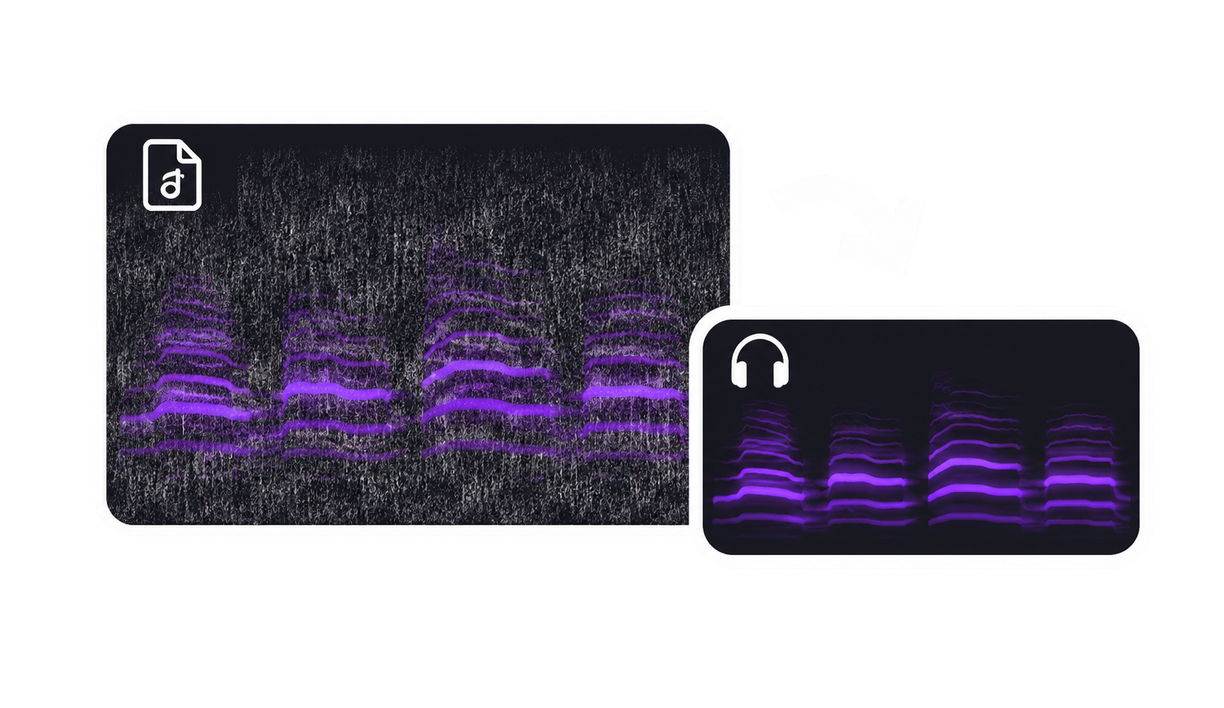
Audio noise remover showing a noisy recording and its cleaned version

Upload files to remove noise

Drag audio or MP4 files here. Select up to 20 at once.

MP3, WAV, M4A, AAC, OGG, FLAC, MP4 · 100 MB and 5 minutes per file · up to 20 files
Audio noise removal

Hear the difference noise removal makes

Compare original and denoised audio from the same recording. Listen to three real before-and-after noise reduction samples.

Before cleanup

Original recording

Hear the speech and background sound in the source.

0:00 / 0:00
After cleanup

Noise removed

Hear the cleaned version of the same recording.

0:00 / 0:00

Works with your recordings

Clean up speech in audio and video

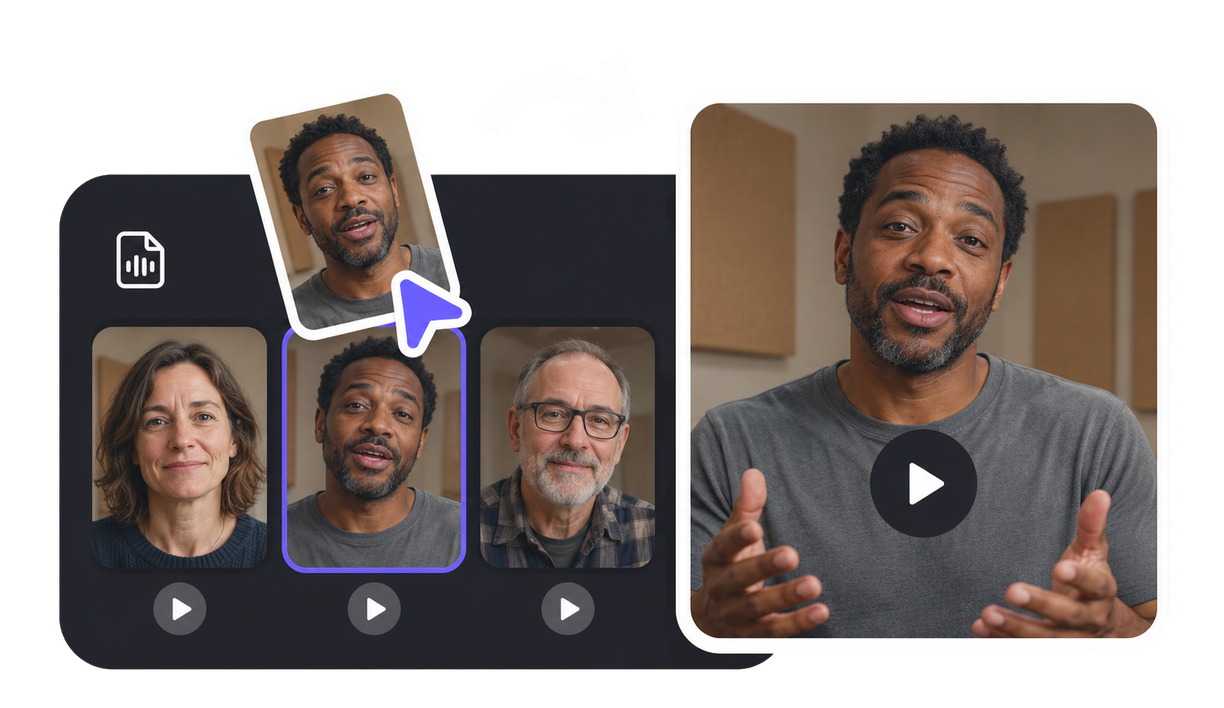
Use the recording you already have. Add an audio file or MP4 video, then choose the takes you want to clean.

Audio recordings

Use the audio noise remover for voiceovers, interviews and podcast recordings.

  • MP3
  • WAV
  • M4A
  • AAC
  • OGG
  • FLAC

MP4 video recordings

Remove background noise from an MP4 recording without extracting its audio first.

  • MP4

Remove noise from multiple recordings

Select the recordings to include. Each file is cleaned separately.

  • Up to 20 files
  • 100 MB per file
  • 5 minutes per file

How to remove background noise from audio

Prepare the originals here, then finish the noise-removal task in VisionStory.

1

Upload and listen

Choose audio or MP4 files. Check their original sound, duration and file size before selecting a batch.

2

Remove background noise

Continue to the noise remover with your selected sources. Review the credit cost and start processing when you are ready.

3

Review and save

Compare each cleaned result with its source, then download the recordings you want to use.

Frequently asked questions

  • Upload your recording, preview the original and select it for cleanup. Continue to the VisionStory audio noise remover with your chosen files. Sign in, review the credit cost and start noise removal, then compare the cleaned audio with the source before downloading.