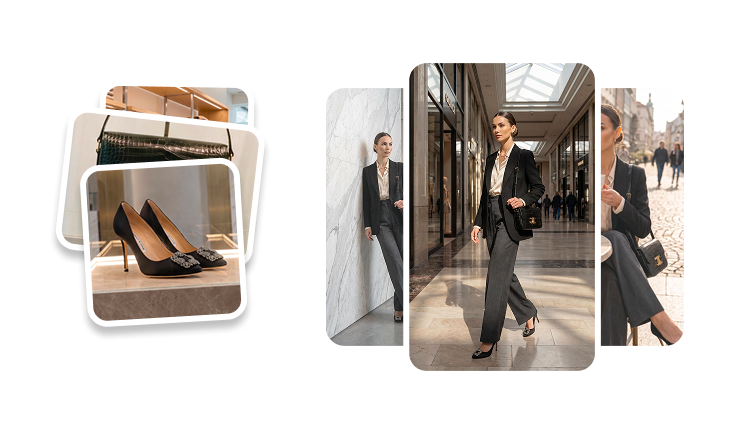
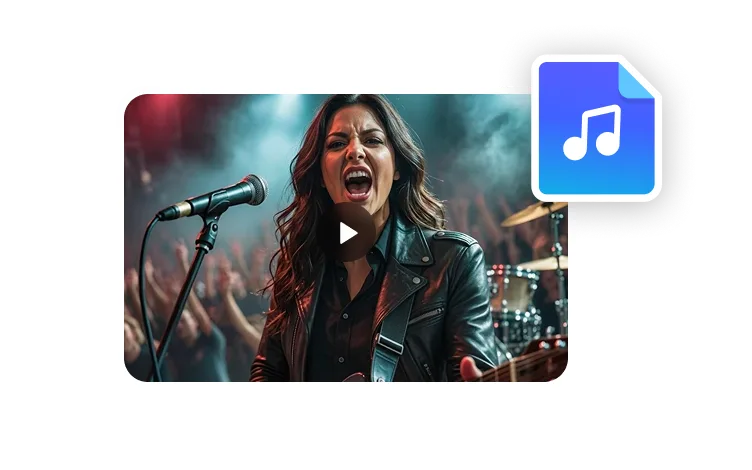
Upscale Image
Improve image clarity before you turn visuals into thumbnails, avatar assets, campaign creative, or video scenes.
Try it now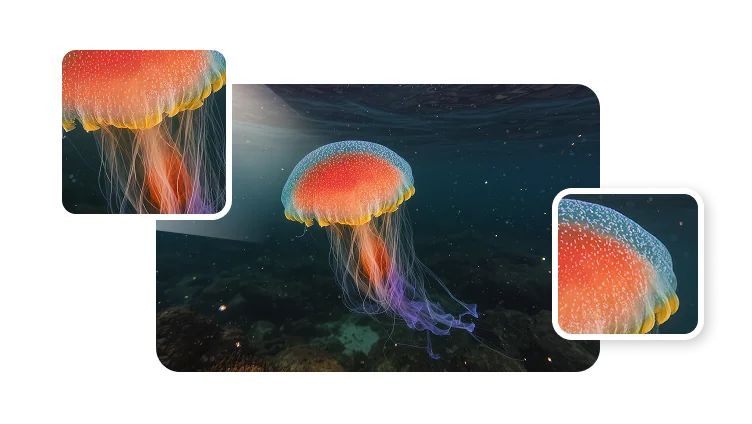
Improve image clarity before you turn visuals into thumbnails, avatar assets, campaign creative, or video scenes.
Try it nowStart from a lower-resolution source image, enhance the detail, then reuse the sharper output in your next creative workflow.
Use image upscaling when a source image needs to survive cropping, layout changes, social compression, or later video production.
Improve face detail and image clarity before using a portrait in avatar concepts, profile visuals, or creator thumbnails.
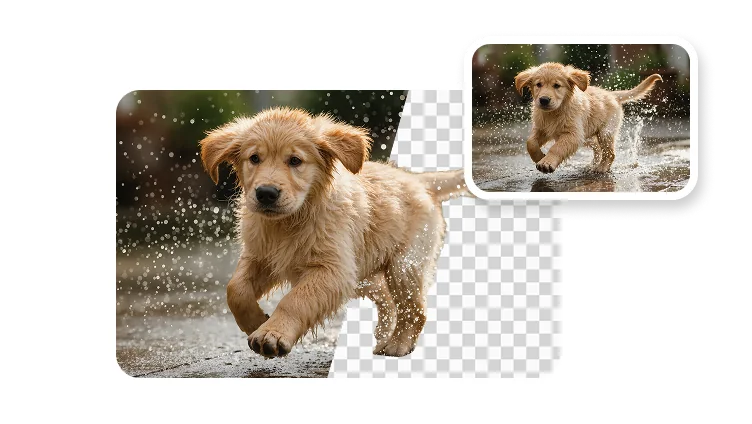
Start with a sharper image before removing backgrounds, building layouts, or preparing branded campaign assets.
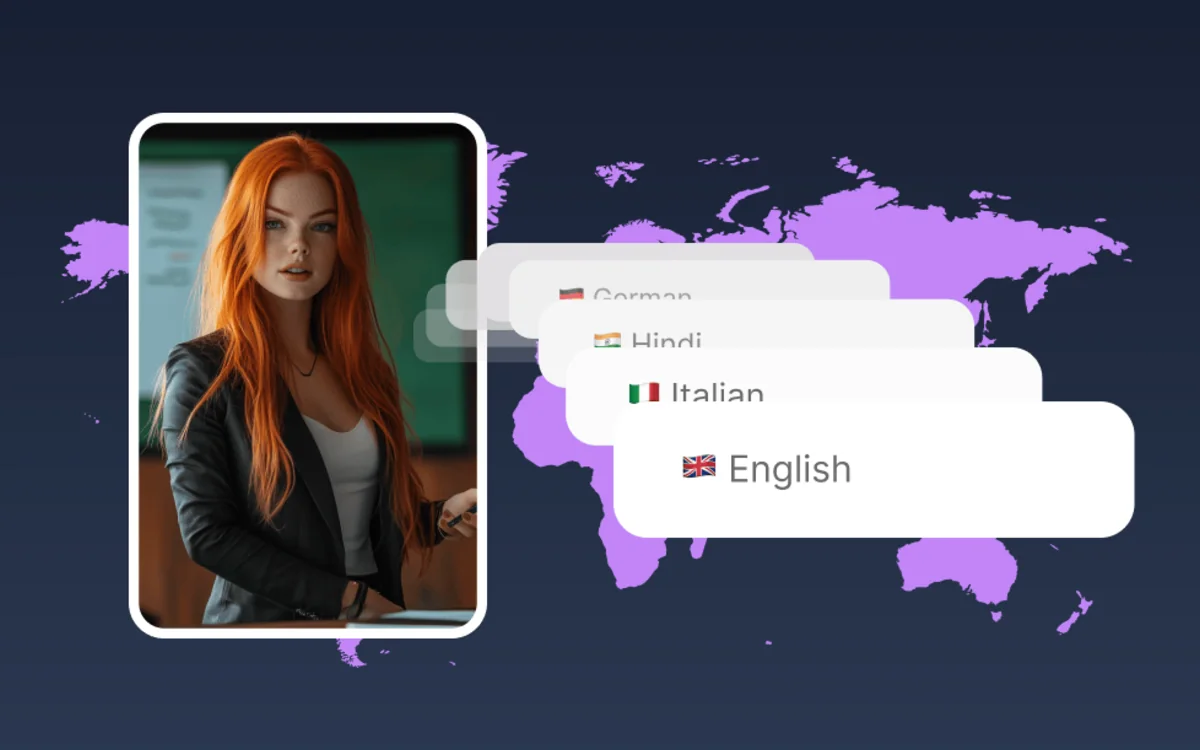
Prepare images that hold up better in ads, landing pages, presentation decks, thumbnails, and social posts.
Image enhancement
Upscaling helps turn small or compressed images into cleaner assets that are easier to crop, reuse, and publish.
Improve visible details in portraits, products, and creative references.
Use sharper assets across vertical, square, and widescreen placements.
Repurpose the same source image across thumbnails, ads, pages, and videos.
Production flow
Use image upscaling early so every later edit starts from a cleaner source.
Start with a portrait, product shot, thumbnail draft, or campaign image that needs more clarity.
Enhance resolution and visible detail so the asset looks cleaner in larger placements.
Crop, remove the background, add branding, or prepare the image for an avatar or video scene.
Use the sharper image in thumbnails, ads, presentations, landing pages, or video workflows.
An AI image upscaler increases image resolution and improves visible detail so the image can be reused in larger or more polished creative formats.