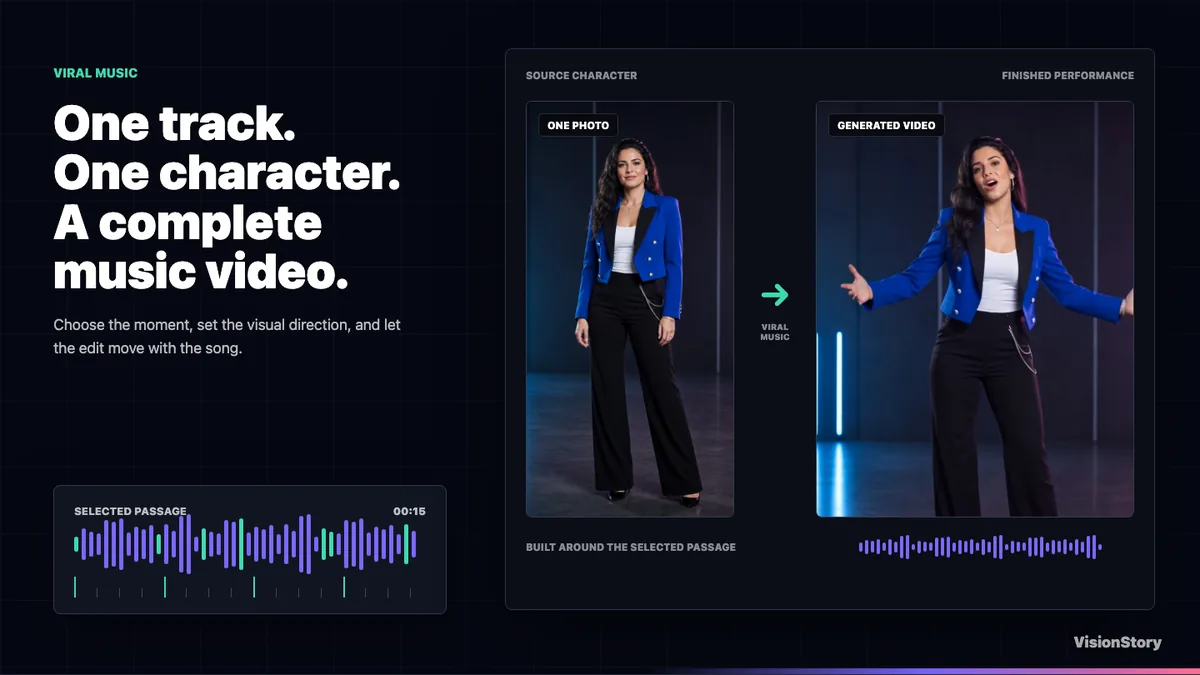
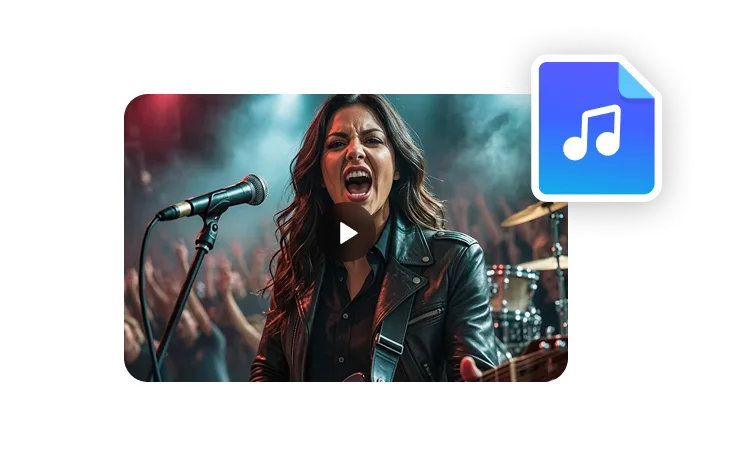
Turn your song and two avatars into an AI duet music video with singing lip sync. Review the storyboard and refine individual shots to make the performance your own.
Paid feature · Storyboard and video charged separately
BUILT FOR TWO VOICES
Every voice gets its own spotlight.
VisionStory analyzes who is singing and when, then matches the vocal parts to your two performers. Review the solo and shared shots in the storyboard.
Example vocal timeline
Singer A
Singer B
Singer A
Singer B
Singer A
Singer B
Both singers
Singer A → Performer A
Singer B → Performer B
Both singers together
01
Find the rhythm
Detect beats, phrasing, and vocal entrances to shape a performance around your song.
02
Identify each singer’s parts
Analyze the song to identify each singer’s sections and moments when both voices overlap.
03
Match voices to performers
AI matches the vocal parts to your two performers, building the video around solo passages and moments when both singers are heard.
EXPRESSIVE SINGING. NATURAL LIP SYNC.
Singing in Sync. Every Emotion Alive.
From tender ballads to powerful rock and laid-back grooves, bring your duet to life with singing lip sync, expressive faces, and movement shaped around your song.
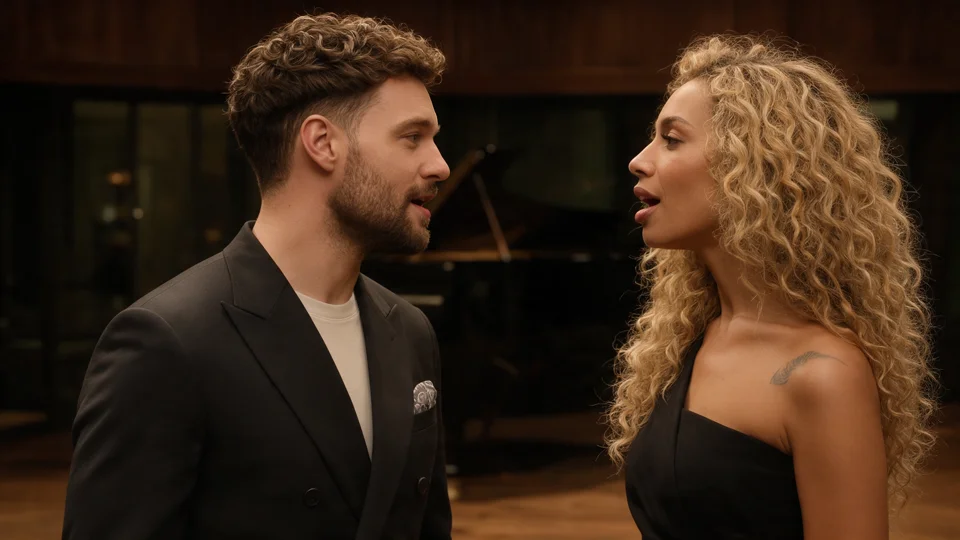
Soft expressions, subtle gestures, and intimate close-ups bring warmth to your duet.
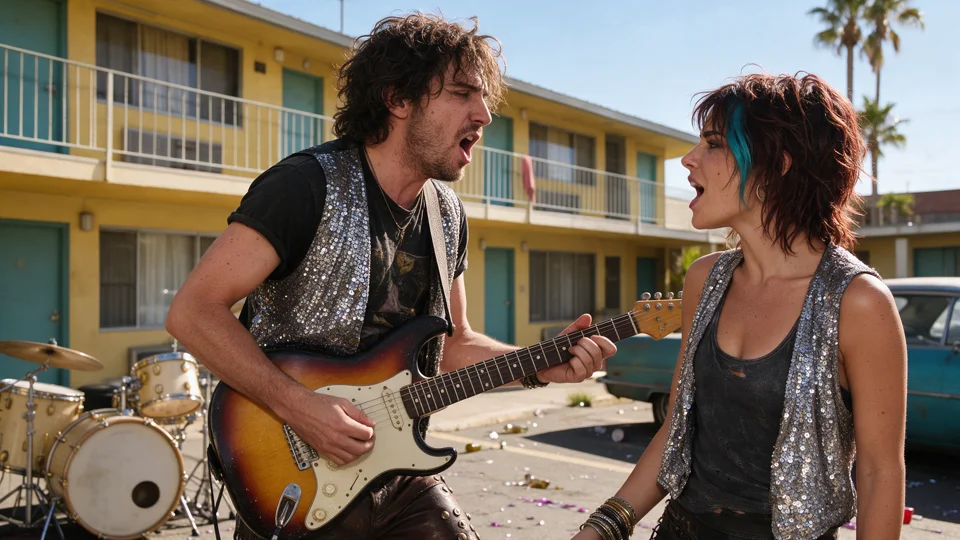
Powerful Rock
Bold expressions, dynamic movement, and cinematic shots bring energy to your rock duet.
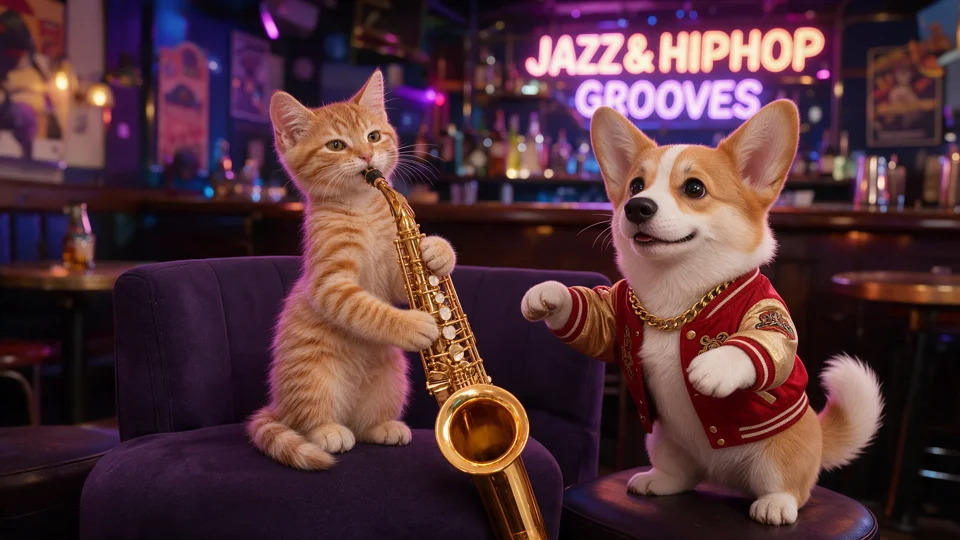
Hip-Hop & Jazz Grooves
From crisp rap phrasing to smooth jazz vocals, natural gestures and expressive faces stay in step with the groove.
Two Singers. One Emotionally Connected Performance.
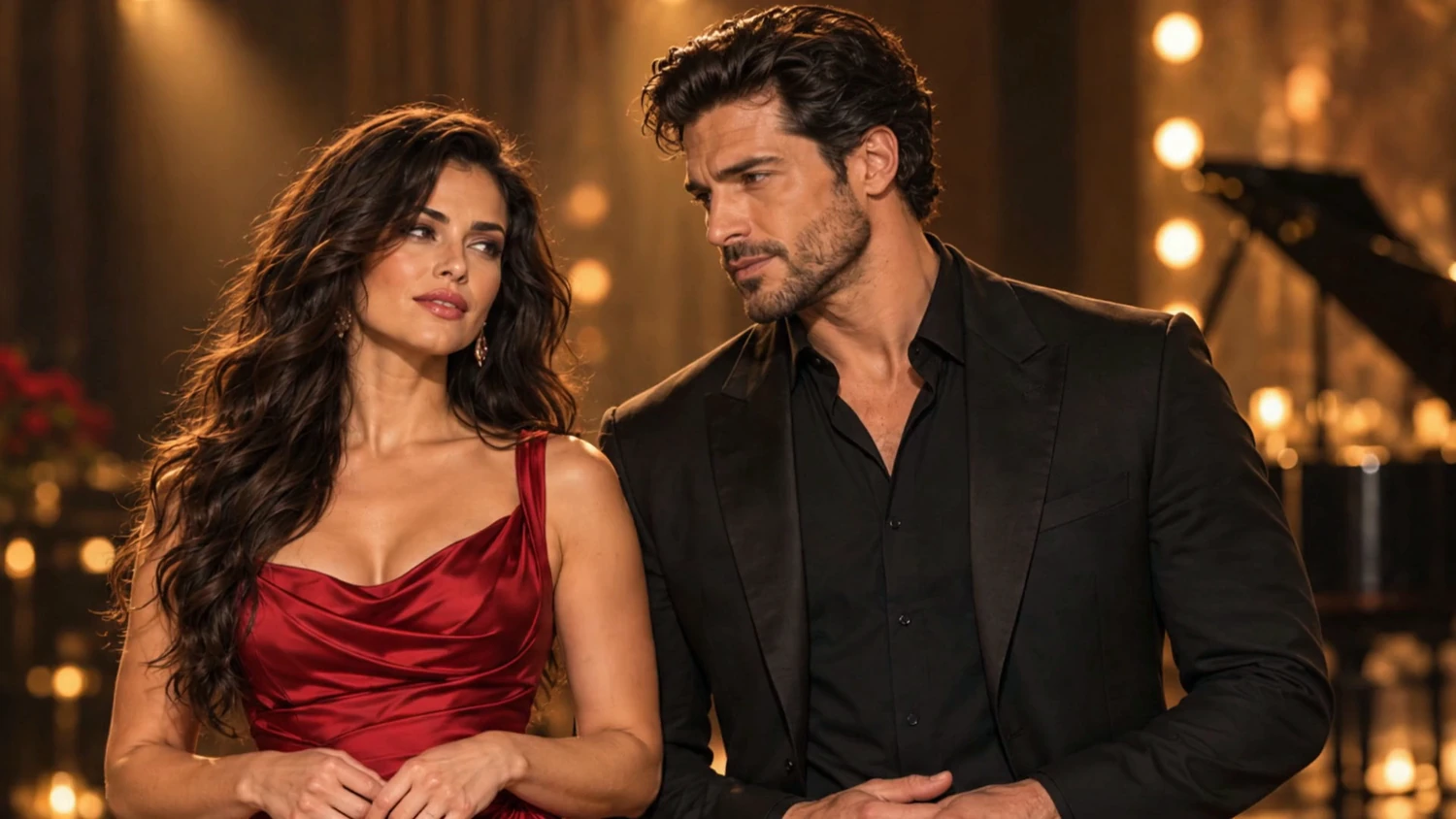
Each performer follows their own vocal part, while expressions and gestures align with the song’s mood and rhythm, from intimate verses to shared moments.
Bring your song and two performers together in a duet music video. Review the storyboard, then generate and refine your performance.
01
Add your song and performers
Upload a finished song with two singers and add your performers’ photos. Choose the section of the song you want to use.
02
Prepare and review your storyboard
Generate the storyboard, check solo and shared shots, and adjust scene images or prompts before creating the video.
03
Generate and refine your music video
Review the video-generation cost, create your duet, and regenerate individual clips when you want a different result.
CREATIVE CONTROL, SHOT BY SHOT
Review Your Storyboard. Refine Each Shot.
Review your storyboard before generating the video. Adjust shot timing, replace scene images, and edit video prompts. Regenerate individual images or clips as you refine the result.
01
Refine shot timing
Adjust shot boundaries to fine-tune the pacing of your music video.
02
Replace a storyboard image
Choose a different image for a shot to change its framing or visual direction.
03
Regenerate scene images
Regenerate an image for any scene to explore a different look without starting your entire video again.
04
Fine-tune video prompts
Edit each shot’s video prompt to direct movement, camera work, and performance details, then regenerate that shot.
An AI duet music video generator turns a song containing two voices and images of two performers into a music video. VisionStory animates the performers, synchronizes their singing, and creates shots around the vocal exchange.
Open Viral Music and select Duet. Add a song with both singers and your performers’ photos. Prepare the storyboard, review the solo and shared shots, then generate and refine your music video.
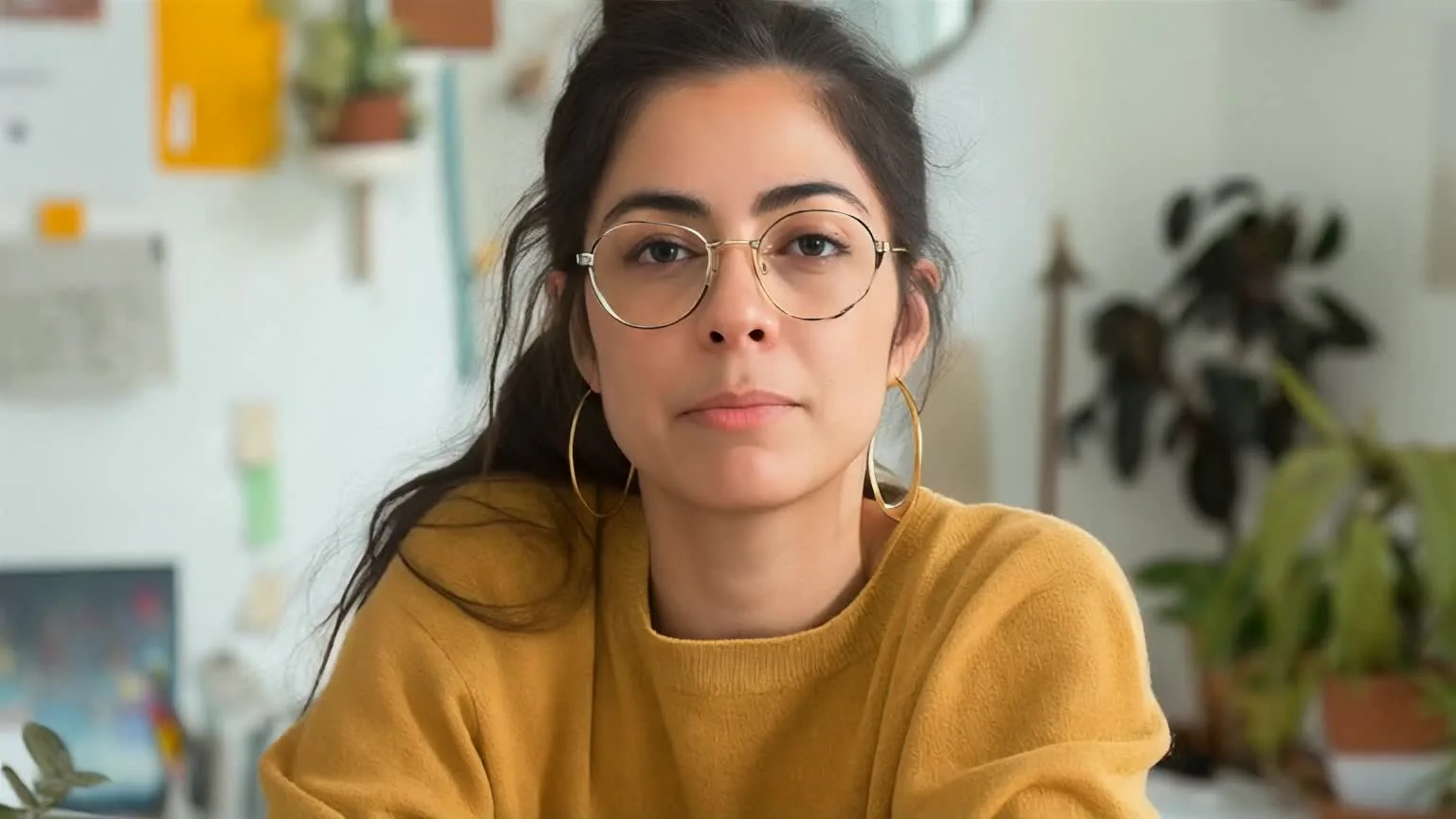
Use a photo of both performers or two separate portraits. Choose clear images with visible faces and mouths.
The voices and accompaniment come from your song. Use a finished duet recording containing both singers. Your images supply the performers’ appearance.
Yes. Use a Suno track that already contains both vocal parts. Upload the exported audio, or paste a supported public song link in Viral Music, then add your performers’ photos.
Yes. Review the storyboard and choose solo close-ups or shared shots. You can replace scene images and edit video prompts before generating, then regenerate individual images or video clips as you refine the result.
Duet is a paid feature. Storyboard preparation and video generation are charged separately in credits, with an estimate shown before each stage. Regenerating images or video clips can use additional credits, so review the displayed cost before confirming.
Choose a continuous passage from 15 seconds to 10 minutes. Review the selected section so it includes the vocal exchange you want to show.
Featured AI tools
Choose the workflow that matches your starting point
Start with a script, a song, or an existing clip—then follow the AI video workflow built for that source.
 Singer A → Performer A
 Singer B → Performer B