A proposal video is not a shorter proposal. The document still carries the terms, it is still what gets marked up, forwarded to procurement and eventually signed. What the video carries is the part of the sale that used to live only in the room: why this scope, why this number, why now. Five points in a live cycle where that distinction is worth an hour of your time, and one or two where it honestly is not.
Reach the person who was never on a single call
Your champion has been in six calls with you. The person who signs is not one of them. What reaches the finance lead is a PDF forwarded on a Thursday afternoon with three lines of context typed by someone paraphrasing you from memory, into an inbox where it sits beside four other vendors' PDFs that look roughly the same. The strongest part of your case, the reasoning behind the number, never travels with the file.
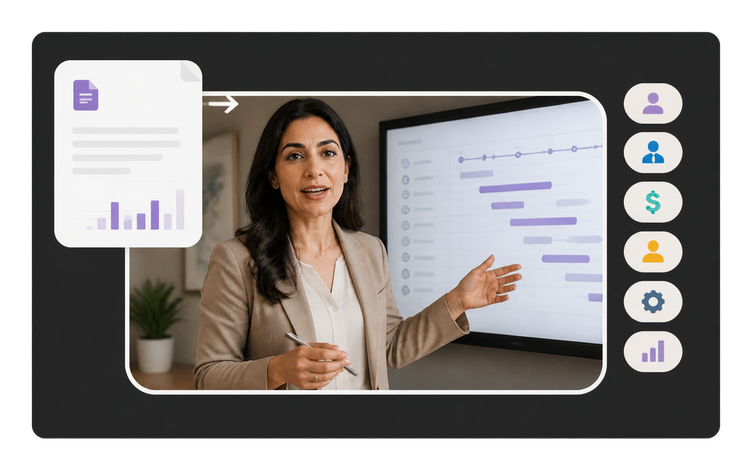
A video attached beside the document travels intact. The finance lead opens it at the pricing table and wants to know what the number is anchored to. The security reviewer skips ahead to the one clause that could land on their sign-off. The person whose signature actually closes this will read perhaps two pages of anything. Each of them gets your reasoning in the words you chose, at the pace you chose, rather than your champion performing your pitch second-hand. The proposal stays the document that gets marked up and signed. The video is what keeps those three separate readings from each being a summary of a summary.
Give the follow-up something to open
Day nine after sending. No reply. You have already sent the polite nudge, the case study and the article that was vaguely relevant, and the next message in the sequence is the one where you start sounding like you are chasing a payment rather than closing a deal. Meanwhile nothing has actually changed inside the account: the same three people still have the same unanswered question, and none of them wants to schedule another hour to ask it.
A follow-up that carries something to watch changes what the message is for. Instead of asking for a status update, you are handing over the two minutes that answer the objection raised on the last call, or the revised scope after they asked for phase one only. Because a first cut is built from documents you already have, sending a fresh one is a short job rather than a production. Whether it lands still depends on the deal, and no video rescues a proposal the buyer has quietly moved on from.
Say their own words back to them
In discovery the operations lead told you their team closes the month by hand and it costs them two days every cycle. That sentence is the whole reason this deal exists. By the time it reaches the proposal it has been compressed into a bullet under Business Challenges, phrased in your company's vocabulary, sitting above a features table that could have been written before you ever met them. The buyer reads it and recognizes nothing of the conversation.
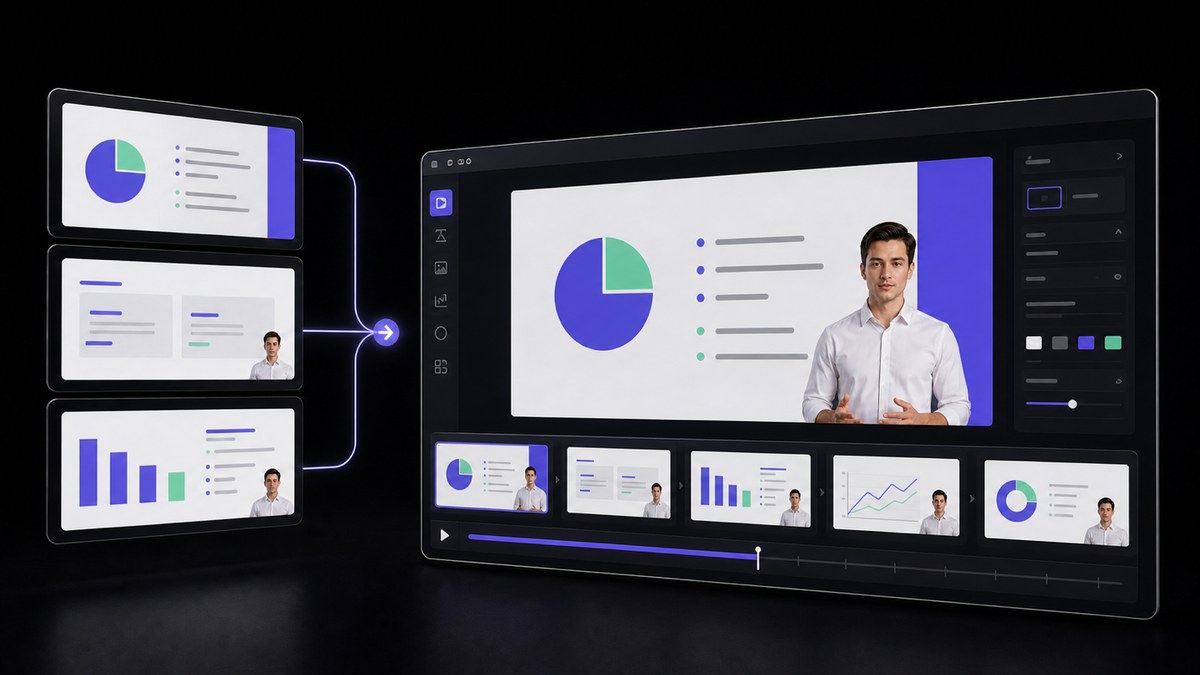
Spoken narration is where their own words fit. The opening line can be the sentence they said, quoted back before anything about your product appears, and every section after it can be tied to something they raised rather than to a capability you happen to have. You write that script, because only you were in the room and only you know which phrasing is safe to repeat. The workflow turns it into a presenter-led walkthrough; it does not know what the buyer said.
Explain it once instead of in five separate meetings
Getting the same explanation to five stakeholders currently costs five calendar slots, and they are not in the same five weeks. Legal has questions in week two, security surfaces in week three, and the divisional head who was on holiday asks in week four for the overview everyone else already got. Each retelling drifts a little: a number rounded differently, a caveat dropped because the call was running long, a scope line remembered as broader than it was.
One recorded walkthrough fixes a single version of the story. Everyone who joins the evaluation late watches the same scope, the same timeline and the same numbers, in the same order, whenever they get to it. The live meetings you do book then start from questions rather than from the overview, which is a better use of the hour you fought to get. It does not remove the meeting where price is negotiated, and it should not.
Survive the conference room screen
The video you sent to one inbox does not stay in one inbox. Somewhere in week three it is played in a conference room, projected on a wall-sized screen for a committee deciding between you and two other vendors, with the lights on and nobody in the room having met you. On that screen a soft, over-compressed file reads as a company that did not take the meeting seriously, before a word of your scope is heard.
Native HD and 2K output is not a vanity setting in a deal review. Pricing tables, architecture diagrams and timeline slides have to stay legible from the back of the room, and a presenter shown at that size is judged the way a person in the room would be. The same master also survives being reused, cut into a shorter recap or brought back into the renewal conversation a year later, without the generational softness that comes from re-exporting a small file.



Users Love VisionStory
Discover why content creators and marketers trust VisionStory for their AI video needs. From powerful features to an effortless user experience, our community can’t stop raving about the results they achieve with VisionStory.