Remove Unwanted Objects from Photos with AI
Select a photo and choose the type of distraction you want to remove.
Upload a photoJPG, PNG or WebP · max 20 MB
Select a photo and choose the type of distraction you want to remove.
Choose the cleanup target
Start with the distraction, then continue to VisionStory for AI removal and background reconstruction.
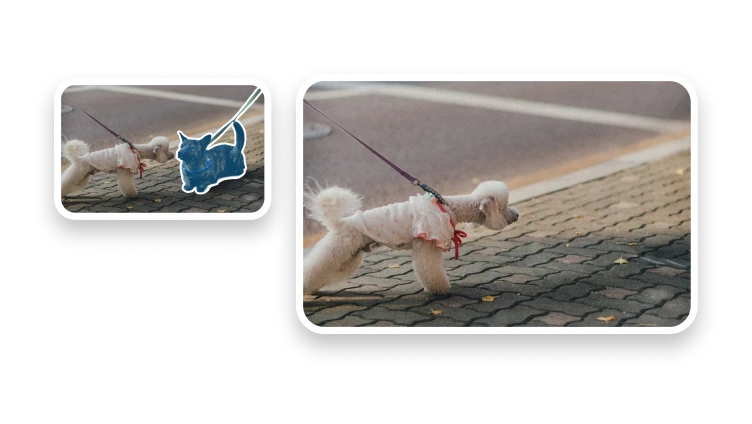
Target furniture, wires, signs, bins, or an isolated distraction.
Remove an unwanted passerby while keeping the main subject.
Target text or a logo only when you have permission to edit it.
Use surrounding context to reconstruct the background behind the target.
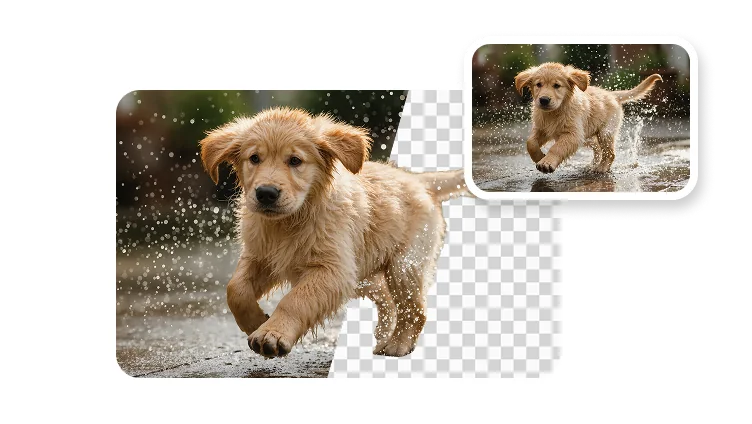
Object removal repairs one unwanted part of the scene; background removal isolates the entire subject.
Cleanup diagnosis
A tighter or broader mask may help, but repeated generation is not proof that hidden background has been recovered.
When the object hides important structure, use a different source, crop, or manual editor rather than claiming perfect reconstruction.
When authorized masking and reconstructed detail cannot be confirmed, retain the best source, state the limitation, and choose a workflow with an explicit product contract.
Cleanup boundary
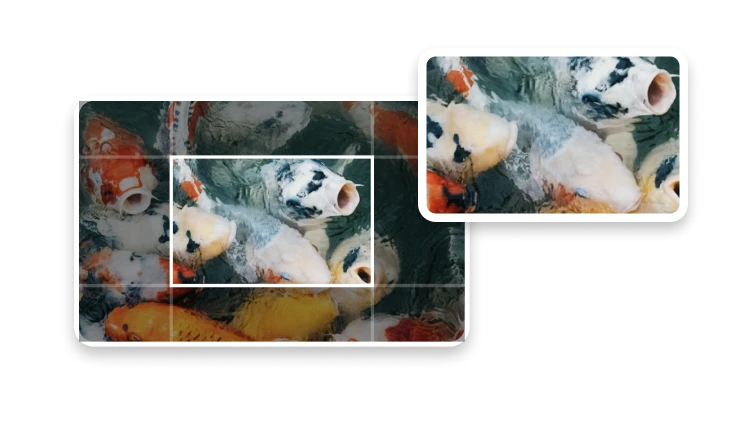
Object removal targets a selected region and generates replacement pixels. Background removal isolates the subject; cropping removes an outer area without reconstruction.
Use it for clutter, a photobomber, or a temporary object in an image you own or may edit.
Do not remove watermarks, signatures, required labels, safety details, or evidence to misrepresent what occurred.
Keep authorized masking and reconstructed detail as the page's central decision, and route neighboring compression, conversion, timing, or editing needs to their dedicated tools.
Responsible proof
Log dimensions, selection method, retries, output properties, product version, test date, and human review notes.
Explain edge, texture, perspective, or lighting failures instead of publishing only curated success images.
Record unsupported cases and failed checks alongside successful fixtures so authorized masking and reconstructed detail remains reproducible rather than becoming a universal marketing claim.
It removes a selected object, person, or text region and uses AI to reconstruct the part of the background that was hidden behind it.